Quickstart
30 FS-100 Portable DTE Recorder
Manual Recording
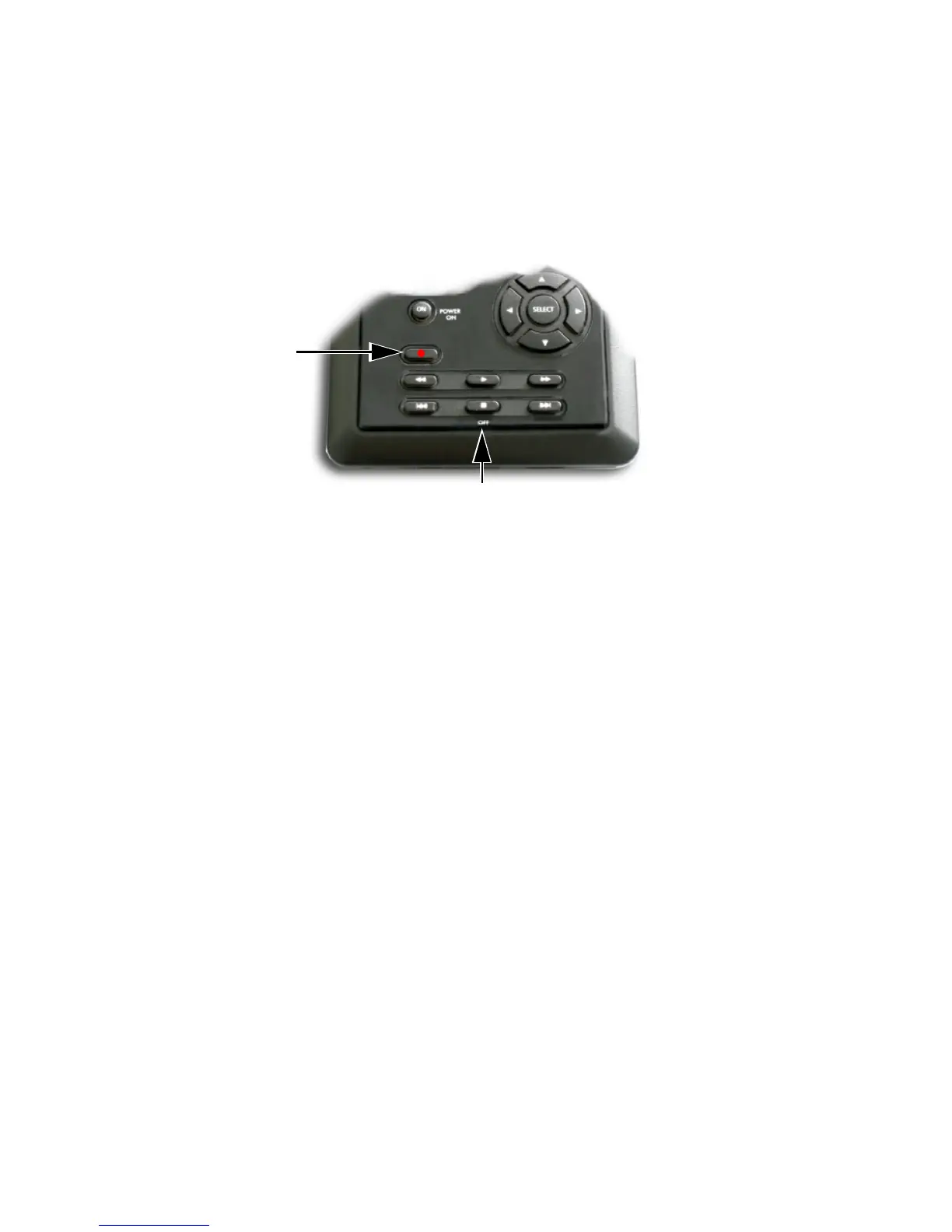
Step 1: Set the video camera to Camera or Cam mode.
Step 2: Verify that an image appears in the viewfinder.
Step 3: On the FS-100, press Record
once.
This sets the FS-100 to
Record-Pause mode.
Step 4: On the FS-100, press Record
button a second time. The
FS-100 begins to record. The timecode value is displayed
on the screen.
Step 5: Press
Stop (OFF) once to return the FS-100 to
Record-Pause mode.
Step 6: Press
Record and the FS-100 begins to record again on
the same clip.
Step 7: Press
Stop (OFF) twice to stop the recording.
Step 8: Press
Record twice to begin recording a new clip.
Creating a New File without Dropping Frames
When in record mode, it is possible to break the recording into a
separate, new file without dropping frames.
Press
Record and the FS-100 automatically creates a new clip.
Record
Stop (OFF)



 To Next Page