FS-100 Functions
62 FS-100 Portable DTE Recorder
Functions Screen
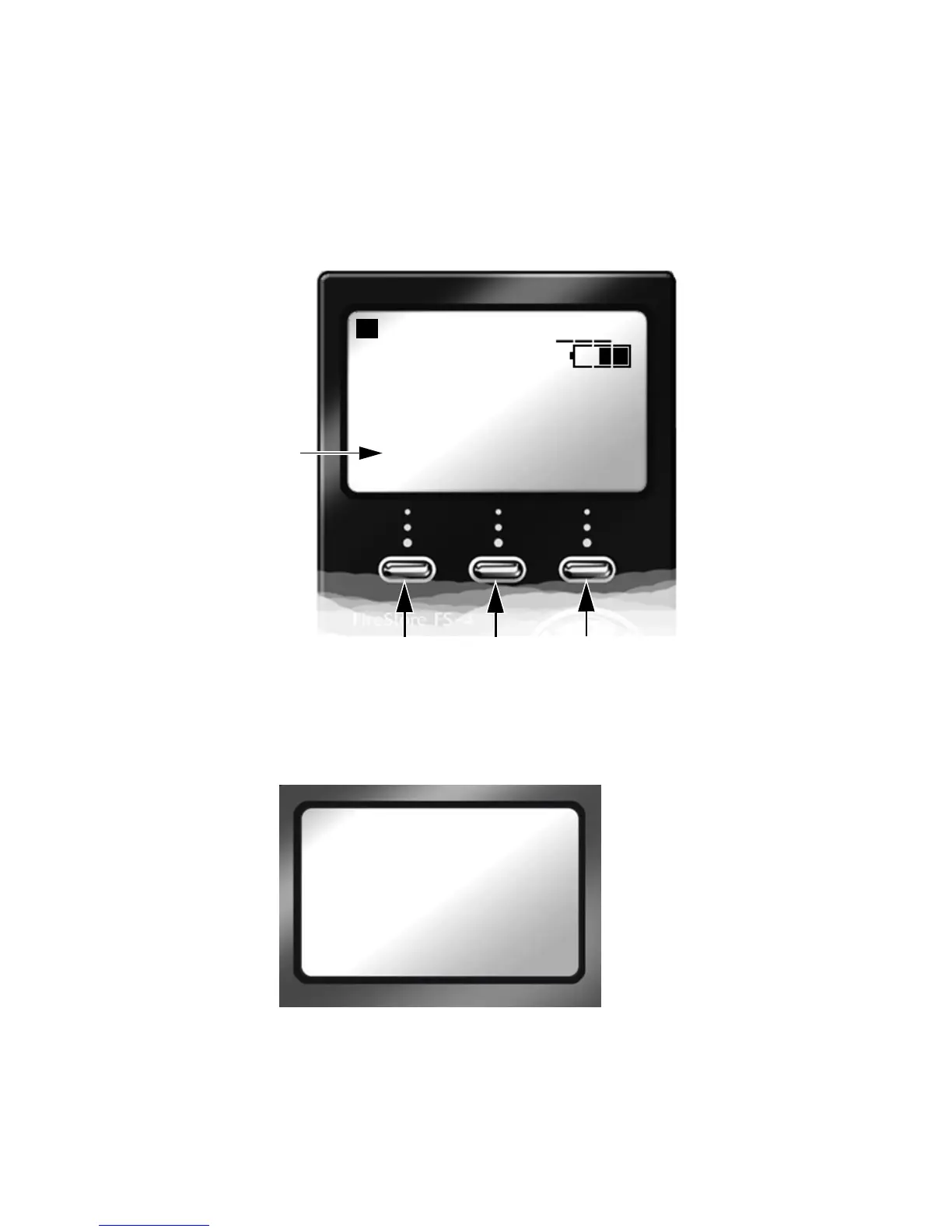
The Functions buttons FA, FB, and FC provide convenient Home
screen shortcuts by acting as toggle switches for specific system
settings. The Home screen below is an example of the information
displayed.
Function settings are user-assignable and available in the Functions
screen. Changing a setting with a Function button has the same effect
as manually changing the setting.
• There are three groups of functions FA, FB, and FC displayed
via the Functions screen.
• The function groups are independent of each other.
• In each group only one selection is active at a time.
STOP 1-
COUNTER
00 : 00 : 20 : 15
DISK 1 168 min
R1
DISP DD
Reel receiving
clips.
Function Keys
FA FB FC
Function Groups
FUNCTIONS
-FA SYNC
FA AV / C
FA TAPELESS
FA REELS



 To Next Page