Quickstart
24 FS-100 Portable DTE Recorder
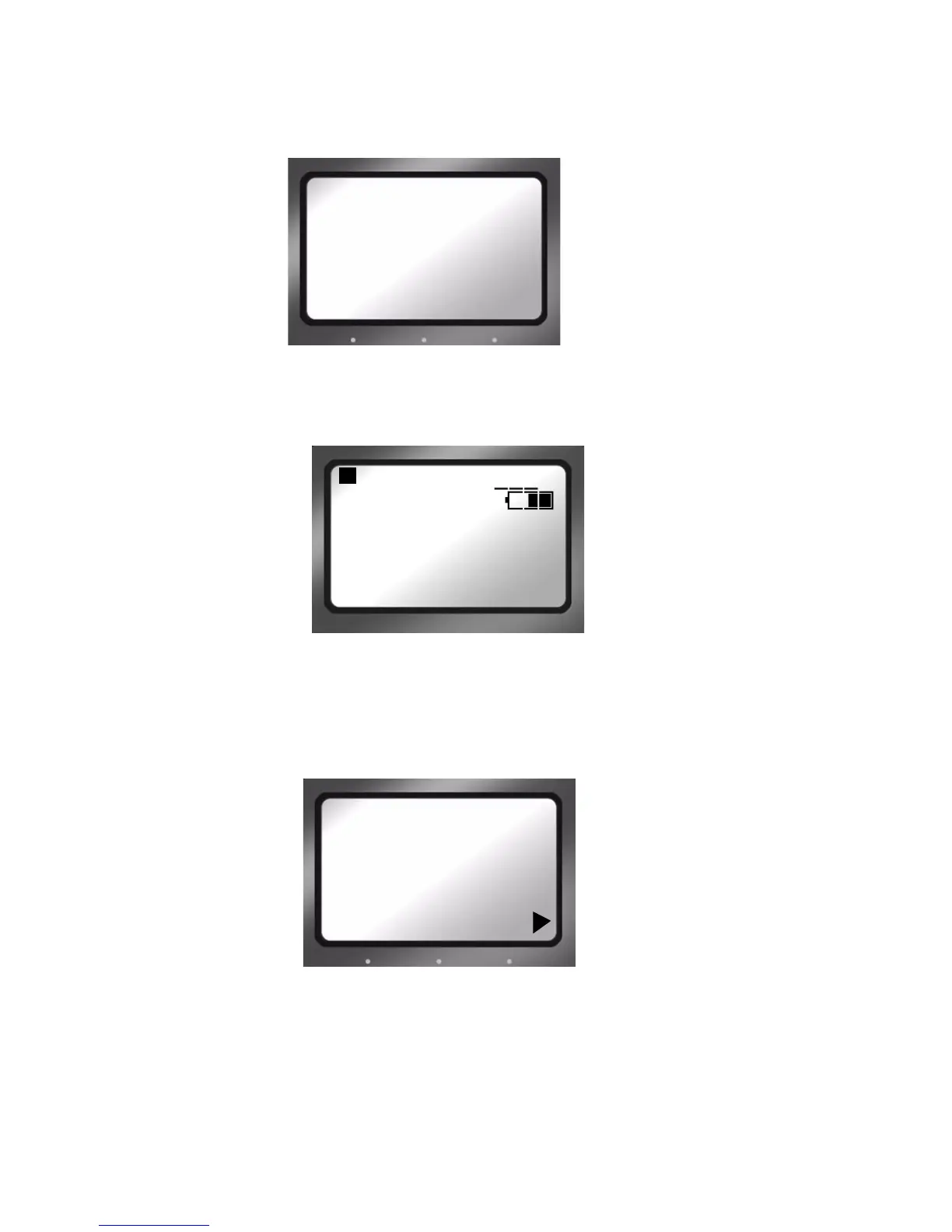
Step 2: The Welcome screen appears and displays while the
The home screen appears when the FS-100 initializes.
Step 3: The
Home screen appears when the FS-100 first powers up. For
more details about this screen, Home Screen on page 39.
Select HDD Recorder Mode
Step 1: Press the Right navigation button two times until the HDD Mode
display appears.
Step 2: Use the
Down navigation button to highlight the recorder mode,
DVCPROHD REC, DVCPRO50 REC, or DVCPRO/DV REC.
Step 3: Press the
Select button on the navigation buttons.
Step 4: Press the
Left button to return to the menu title.
Step 5: Press the
Right button once and advance to the FORMAT screen.
FIRESTORE
FS-100
PORTABLE
DTE RECORDER
STOP 1-
COUNTER
00:00:14:02
DISK 1 168 min
REEL
SYNC DISP LOCK
HDD MODE
-DVCPROHD REC
DVCPRO50 REC
DVCPRO/DV REC
DD DRIVE


 To Next Page
 Loading...


