102
MR-8HD/CD Owner’s Manual (Song management)
<Note>:
You cannot make recording or
editing to a protected song. If you want to
make recording or editing to a protected
song, you must release the protection first.
<Note>:
When you set the protection to
"On", all the recording-related keys, such
as the [
REC SELECT
] and [
BOUNCE
] keys,
are turned off.
6) Press the [STOP] key to exit the menu mode.
<Tips>
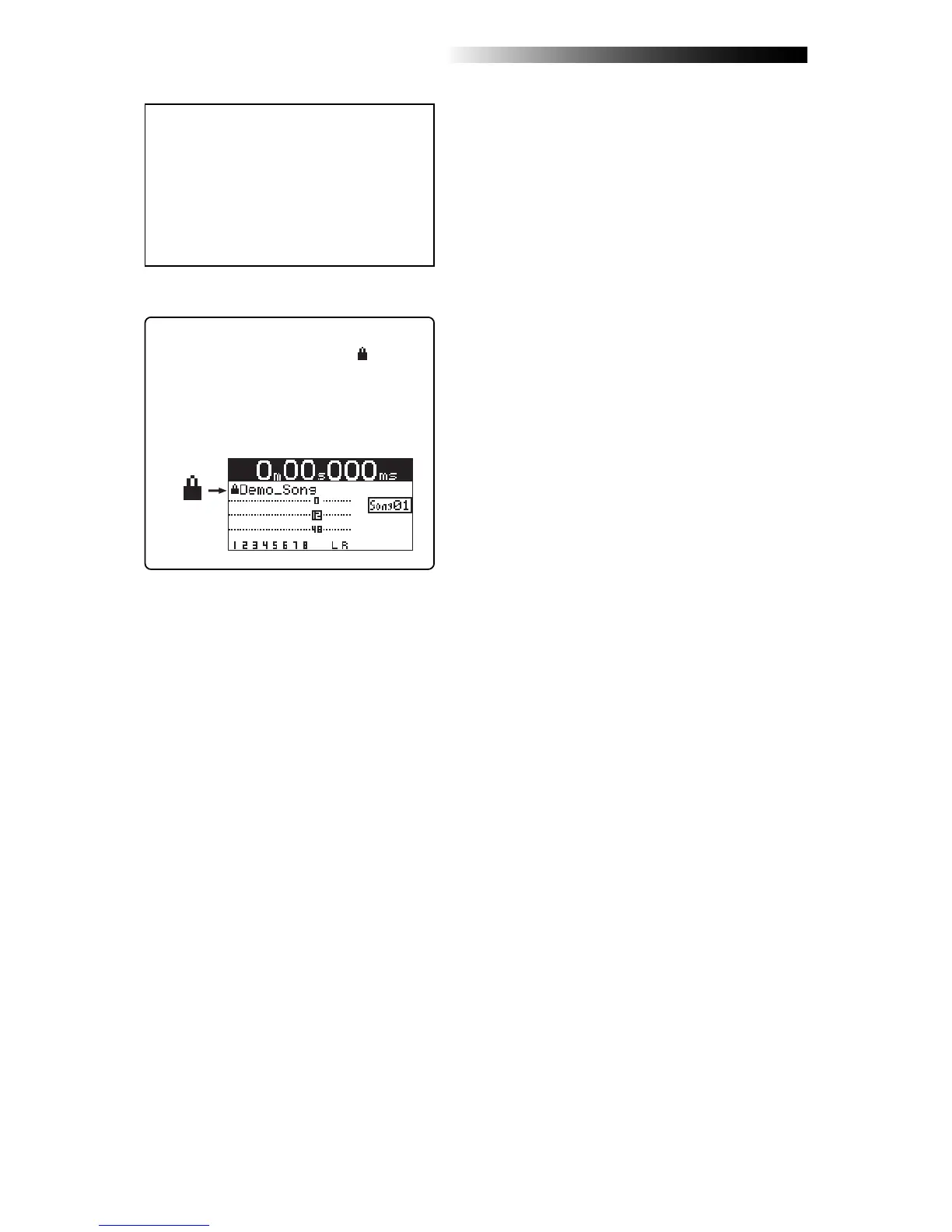
When the protected song is loaded, “ ” is shown
in the upper left corner of the Home screen (in-
dicated by the arrow in the screen example be-
low).
When this icon is shown, you cannot make re-
cording or edit the song.



 To Next Page