60
MR-8HD/CD Owner’s Manual (Using effects)
Selecting an effect type
The MR-8HD/CD has the original built-in reverb/delay processor featuring the newly-developed
algorithm. You can apply the reverb or delay to playback signals of tracks 1 through 4 during
mixdown and track bouncing.
Details of each effect type
ROOM
HALL
PLATE
DELAY
Simulates reverberation in a medium-sized
room. When you select "ROOM", you can
adjust the reverb time using the [REVERB/
DELAY TIME] control.
Simulates reverberation in a hall with moder-
ate early reflection.
When you select "HALL", you can adjust the
reverb time using the [REVERB/DELAY
TIME] control.
Simulates a plate reverb with a wide fre-
quency range.
When you select "PLATE", you can adjust the
reverb time using the [REVERB/DELAY
TIME] control.
Adds delay effects. You can select the de-
sired delay types using the "Delay Type" item
of the System menu in the menu mode (you
can easily access to the "Delay Type" setting
screen by a long press of the [DELAY] key).
Three delay types are available: Mono, L-R
and Diff. See below for details.
When you select "ROOM", you can adjust
the delay time using the [REVERB/DELAY
TIME] control.
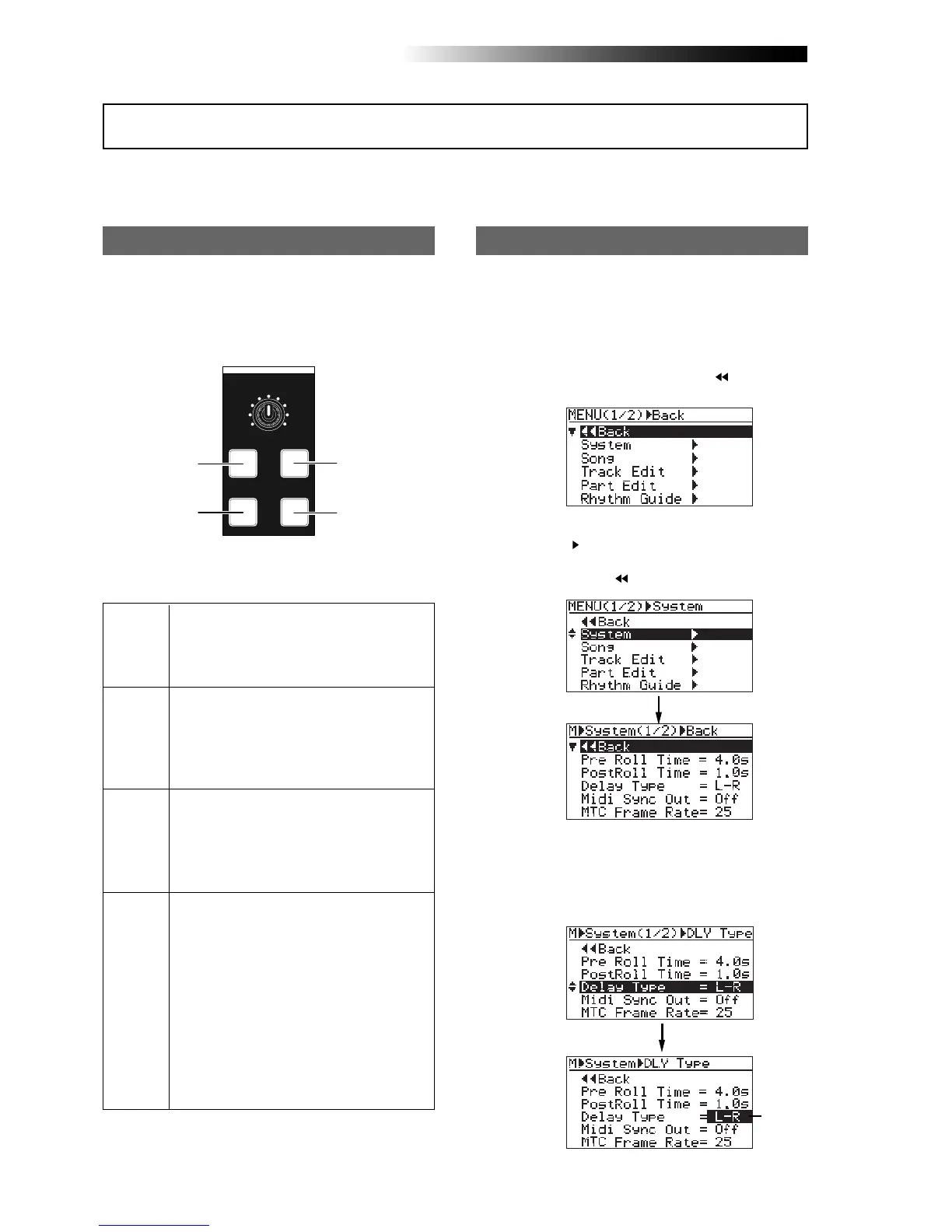
2) Rotate the [MENU/ENTER] knob to select
"System ", and press the [MENU/ENTER] knob.
The display now shows the system menu
screen, where "
Back" is highlighted.
You can select an effect type from among three
reverb options (ROOM, HALL and PLATE) and
a delay (DELAY) by using the keys in the [EF-
FECT] section shown below.
1) While the recorder is stopped, press the
[MENU/ENTER] knob to enter the menu mode.
The display now shows the first page of the
menu selection screen, where "
Back" is
highlighted initially.
When you use the delay effect, you can select
a delay type.
3) Rotate the [MENU/ENTER] knob to select
"Delay Type" and press the [MENU/ENTER] knob.
The current delay type starts flashing and you
can now select from among three options
shown below ("L-R" is initially selected).
MIN MAX
EFFECT
REVERB / DELAY TIME
HALL
ROOM
PLATE DELAY
HALL
DELAY
ROOM
PLATE
Selecting a delay type
Using the reverb or delay
Flashing



 To Next Page