32
MR-8HD/CD Owner’s Manual (Basic operations)
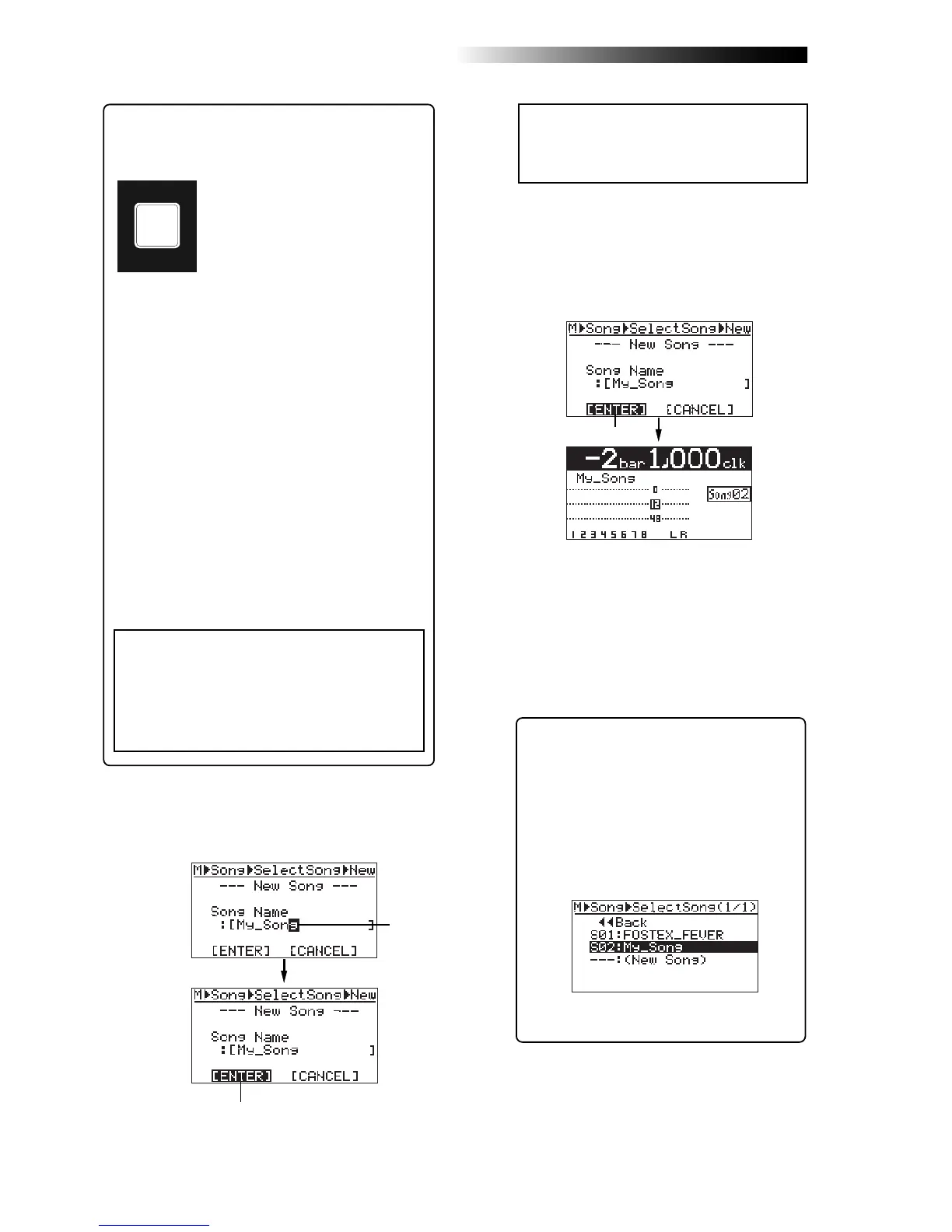
6) After completing song name entry, press the
[MENU/ENTER] knob.
The cursor moves to “[ENTER]” at the bottom
of the screen.
7) While “[ENTER]” is flashing, press the
[MENU/ENTER] knob.
The display now shows the home screen of the
newly created song (My_Song).
As shown in the lower screen example, the song
name (My_Song) and the song number
(Song02) are shown.
<Note>:
If you want to cancel creating a song,
rotate the [
MENU/ENTER
] knob to move the
cursor to "
[CANCEL]
" and press the [
MENU/
ENTER
] knob.
Now, in addition to the demo song, a new
song on which no audio is recorded is cre-
ated by the procedure above.
It is a good idea to create more than one
song before you start recording.
After creating a song or songs for recording,
connect the sound source to the MR-8HD/
CD (see the next page) and start recording.
<Character entry keys>
Some keys on the MR-8HD/CD top
panel act as character entry keys in
the menu mode. For example, the
[PLAY MODE] key (shown at the left)
can be used for entering S, T, U, s, t,
u and 7. Each press of a character
entry key switches the character to
be entered among those assigned to
the key.
<Character entry example>
The following procedure example shows how to en-
ter "My_Song" as a song name.
1. Use the [NATURAL] key to enter "M".
2. Use the [LOCATE B/OUT] key to enter "y".
3. Use the [STORE] key to enter "_".
4. Use the [PLAY MODE] key to enter "S".
5. Use the [NATURAL] key to enter "o".
6. Rotate the [MENU/ENTER] knob to move the
cursor right.
7. Use the [NATURAL] key to enter "n".
8. Use the [7/8>STEREO WAV FILE] key to
enter "g".
PLAY MODE
STU7
<Note>:
After creating a new song, by ex-
ecuting procedure steps 1 through 3, the
following song selection screen appears.
This screen is used for loading the desired
song from the list, as well as creating a new
song.
For example, by rotating the [
MENU/ENTER
]
knob to highlight “
S01: FOSTEX_FEVER
” and
pressing the [
MENU/ENTER
] knob, you can
load the demo song.
For details about how to select the desired
song, see "Song management" on page 97.
<How to enter characters>
<Notes on cursor movement>
Pressing a different character entry key automati-
cally moves the cursor right.
If two successive characters are assigned to the
same character entry key, rotate the [
MENU/ENTER
]
knob after selecting the first character to move
the cursor right.
Flashing
Flashing
Flashing



 To Next Page