17
3 : SETUP GUIDE
TO CONNECT & SET UP AN EXTERNAL FOOTSWITCH...
Footswitches are less versatile but sometimes all you need is an on-o stomp! Any type of external
switch may be used—momentary or latching, make or break—as long as its contacts make and break the
connection between tip and sleeve on a regular 1/4”guitar cable. (You do not need a TRS for a foot switch.)
Calibration is not necessary, but you do need to set the TYPE as desired:
Press the SETUP button, followed by the #2 footswitch to select the I/O menu.
Press the PAGE button until you reach the PEDAL page.
Set your the pedal TYPE:
When a latching (aka toggle) switch is connected, set TYPE to “LATCHING”.
When a momentary switch (such as a sustain pedal) is connected, you have two options:
Set TYPE to “MOMENTARY” and the FX8 will recognize alternate stomps
as ON and OFF, creating a “virtual” latching footswitch.
Set TYPE to “CONTINUOUS” if you want the switch to turn on
when you press, and o when you release it.
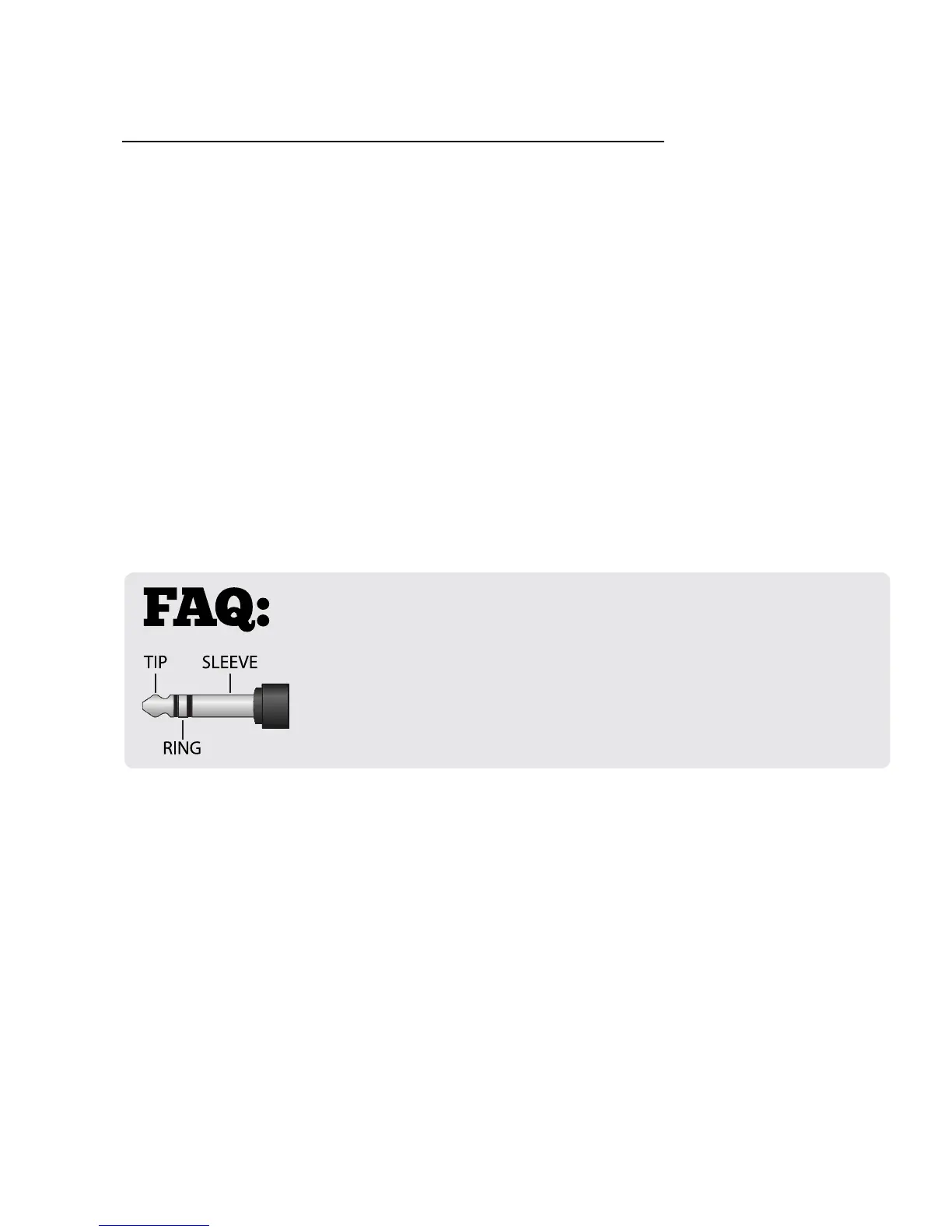
WHAT IS TRS? “TRS” stands for TIP-RING-SLEEVE and describes the
conguration of a 1/4" endplug or jack with three connectors. Normal
guitar cables are TS (Tip-Sleeve) since they lack the ring required for a third
connection. Switching some amps requires only a tip-sleeve cable, and the FX8
works just ne in these cases, but as always, contact your amp manufacturer to
be sure that the amp’s switching is based on shorting the tip to the sleeve.



 To Next Page