27
5 : CREATING PRESETS
SAVING CHANGES
After editing a preset, you will undoubtedly want to save the results.
Every preset in the FX8 can be modied. There are no permanent “factory” presets.
TO STORE A PRESET…
Press STORE to show the STORE screen.
Press ENTER to display “OVERWRITE PRESET?”
Press ENTER again to conrm, or EXIT to cancel.
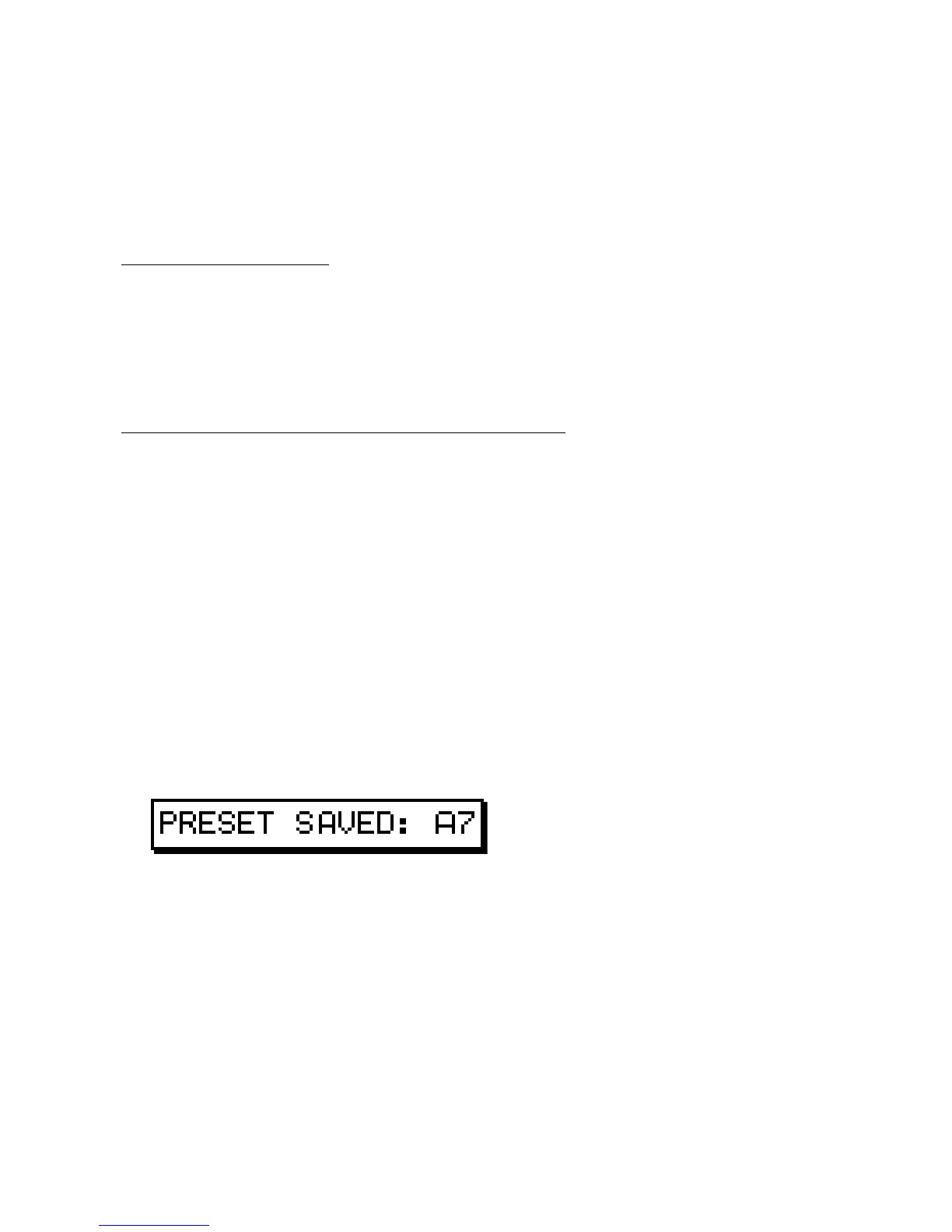
The message “PRESET SAVED!” is shown when saving is complete.
TO CHANGE THE PRESET NAME OR LOCATION…
The FX8 has 128 preset memory locations grouped in sixteen lettered banks (A–P). Each bank contains
eight presets. You can save any preset to any location at any time. You can edit the name of any preset while
storing.
Press STORE to show the STORE screen.
Use the NAV knob to select LOCATION or NAME.
Turn the VALUE knob to move the cursor.
The A knob selects upper case letters.
The B knob selects lower case letters.
The C knob selects numbers and symbols.
The NAV knob moves the cursor position.
You can use up to 24 characters in a preset name.
Press ENTER to Store, then press ENTER again to conrm.
The message “PRESET SAVED!” is displayed and the new location (if any) is loaded.



 To Next Page