47
10 : MODIFIERS
OVERVIEW
Modiers allow sound parameters to be remote-controlled or automated in real time. For example, you might
use an expression pedal to operate a wah, whammy or volume, or use an LFO controller (Low Frequency
Oscillator) to sweep a lter. MIDI can also control sound changes, as in the example of using a Control Change
message (CC#) to toggle the HOLD switch of a delay.
Modiers are easy to use, but also provide incredible depth of power for those who like to push limits.
CREATING A MODIFIER
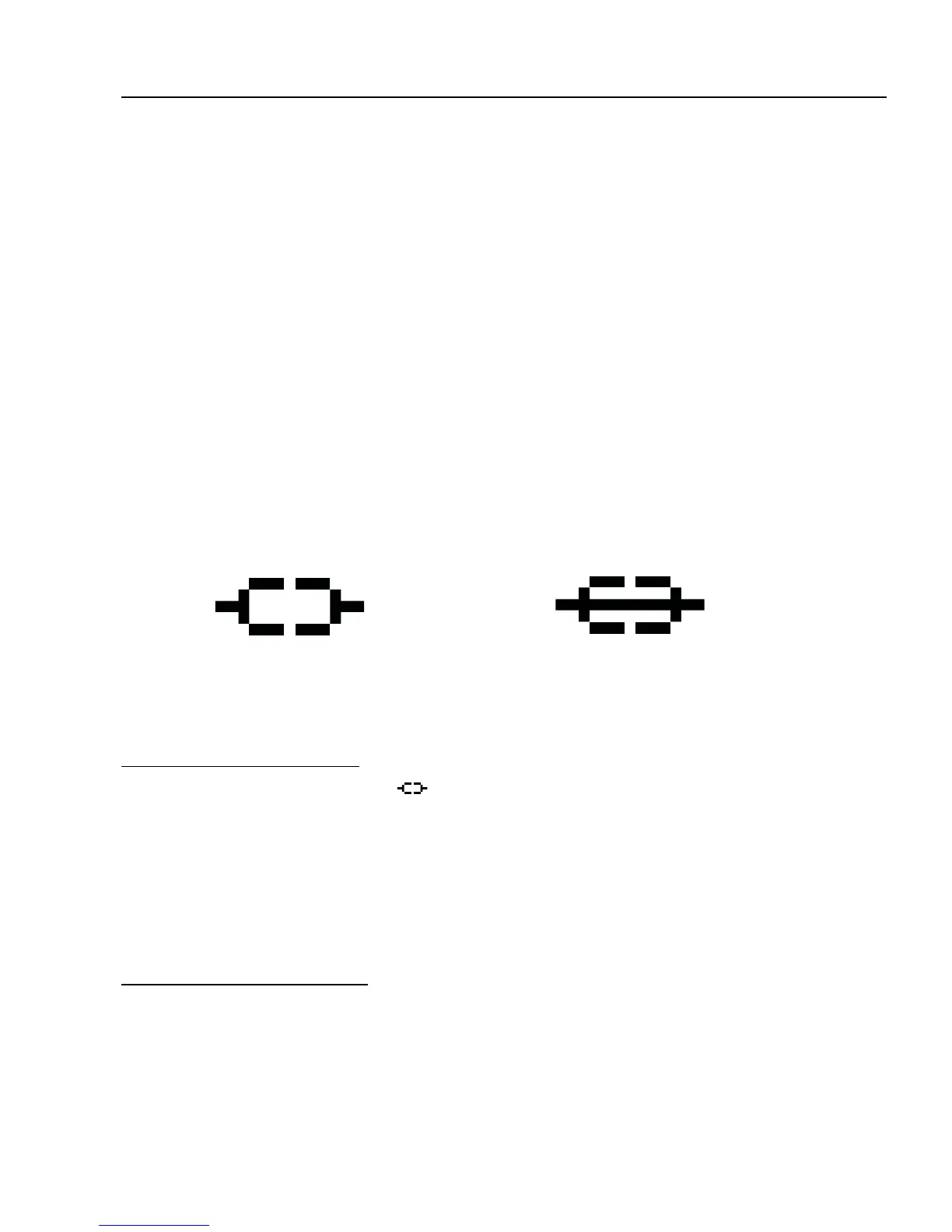
The process of creating a modier begins at the parameter you want to control. Parameters that can be
controlled are marked with a special symbol (below, left). Look for it beneath a knob or to the right of a text
parameter. If a modier is already present, the symbol will have a line through it (below, right).
TO CREATE A MODIFIER...
Select any controllable parameter ( ) (Just wiggle its knob or use the NAV knob to select it.)
Press the ENTER button to show the MODIFIER screen.
Select a
SOURCE to control the parameter. (“EXT1” is PEDAL1 by default. We’ll cover other SOURCES
later).
Set
MIN and MAX to the lowest and highest values you want to hear.
STORE the preset.
TO REMOVE A MODIFIER…
To remove a modier, just change its SOURCE to “NONE” and store the preset.
This symbol indicates a
parameter which can have a
modier attached to it.
This symbol indicates a
parameter with a modier
already attached to it.
10 : MODIFIERS



 To Next Page