72
15 : ADDITIONAL TOPICS
GLOBAL VOLUME PEDAL SETUP
The FX8 makes it easy to set up a global volume pedal WITHOUT inserting a VOLUME block in your presets.
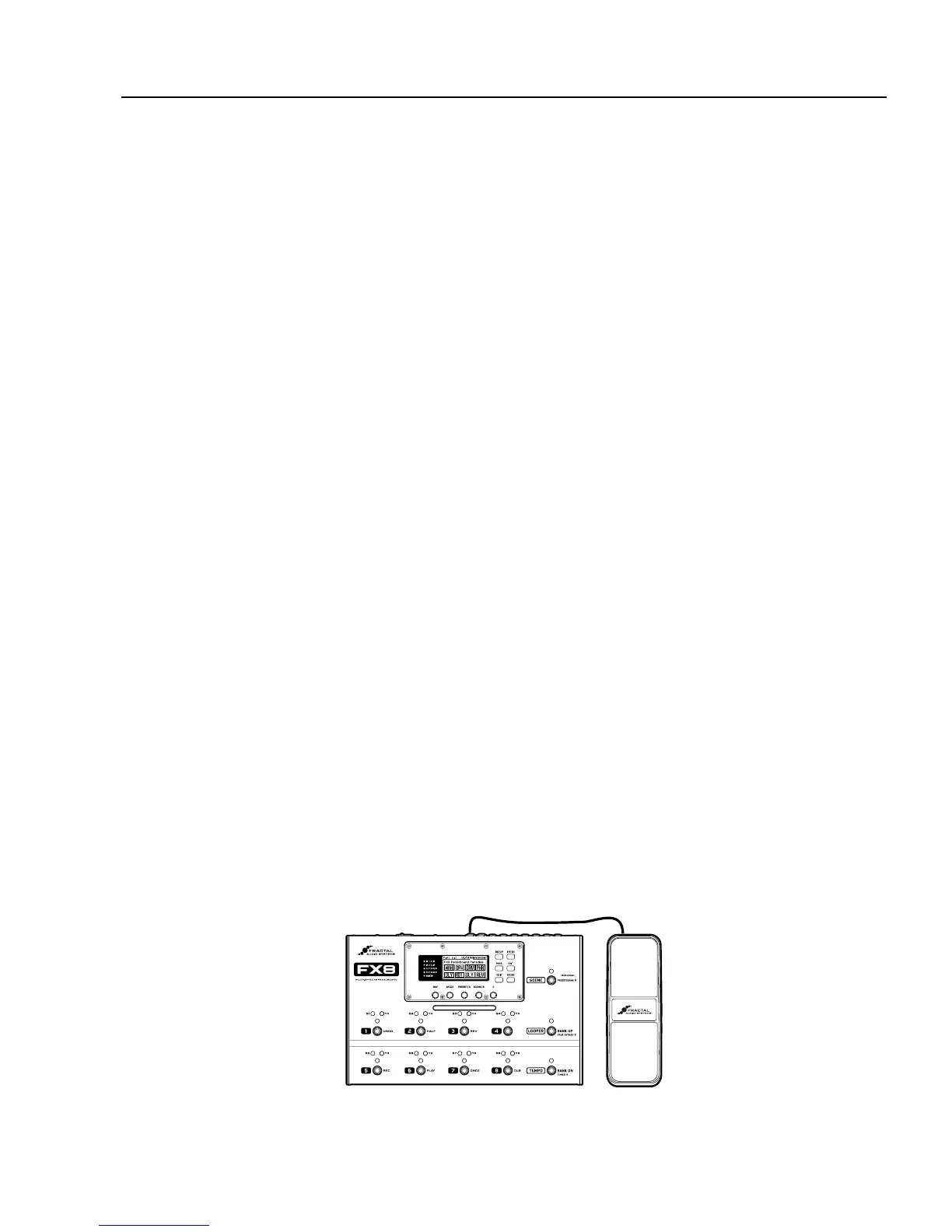
Connect and calibrate an expression pedal (such as the Fractal EV-1).
CONNECT Using a TRS cable, connect to either the PEDAL1 or PEDAL 2 jack of the FX8.
Open the
PEDAL page of the I/O menu. (Press SETUP, press Footswitch 2, press PAGE to get to PEDAL).
Select
PEDAL 1 CAL or PEDAL 2 CAL (depending on where your pedal is connected.
Press the ENTER button and follow the on-screen instructions to calibrate.
Select the volume function of your choice:
Open the
CTRL page of the I/O menu. (Press SETUP, press Footswitch 2, press PAGE to get to CTRL).
At the top of the
CTRL menu, NAV to the entry for the volume you want to control:
IN 1 PRE VOLUME This is like adjusting your guitar’s volume.
The level to all eects and your amp will be aected when you make changes.
OUT 1 PRE VOLUME This places volume at the end of the PRE eects chain. The signal level into any
PRE eects like DRIVE or COMPRESSOR is not aected, but the level into your preamp is aected.
IN 2 POST VOLUME Here, the volume pedal presumably has no eect on any drive pedals or preamp
gain, and since it comes before POST eects, their tails ring out when you pull the pedal back.
OUT 2 POST VOLUME This controls the level of EVERYTHING you hear. Eects, amp, tails, etc.
Change the value for the desired entry to PEDAL 1 or PEDAL 2, depending on which jack you’re using.
YOU ARE FINISHED! Press EXIT to return to Stompbox Mode and test the pedal.
The Fractal Audio Systems EV-1 expression/volume pedal is ideally suited for the FX8.
15 : ADDITIONAL TOPICS



 To Next Page