31
6 : PRESET CONFIGURATION
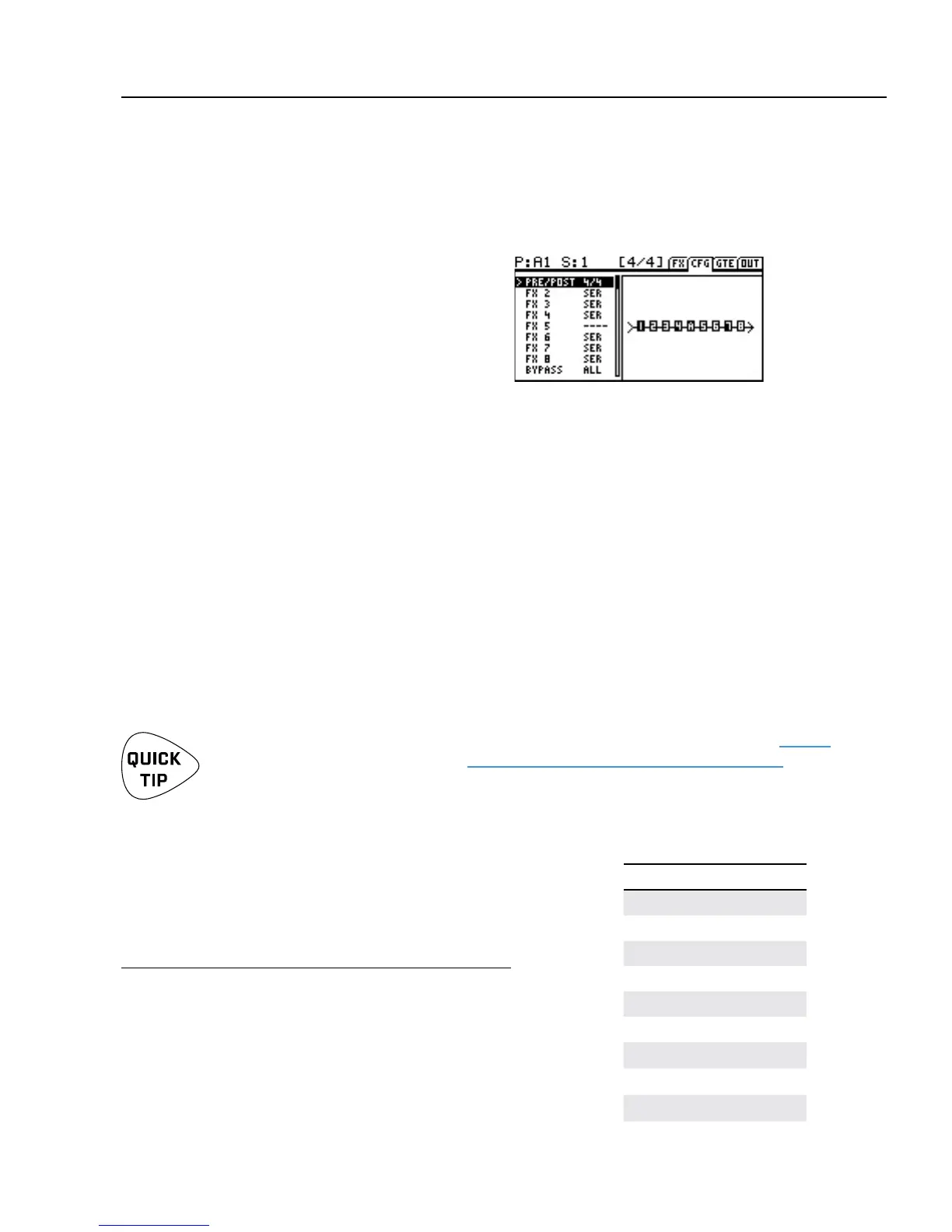
The Conguration or “Cong” page contains controls
to set up the current preset or scene. Press PAGE
once from stompbox mode to show the “CFG” tab.
Some options on the Cong Page aect the entire preset:
How the eight eects are divided into PRE and POST chains.
Whether each eect is in SERIES or PARALLEL with the eect before it.
Whether True Bypass works on PRE, POST, or ALL ins and outs.
Other options on the Cong Page aect only the current scene:
The state of Relay 1 (TIP-to-sleeve, RING-to-sleeve, or BOTH tip- and ring-to-sleeve).
The state of Relay 2 (TIP-to-sleeve, RING-to-sleeve, or BOTH tip- and ring-to-sleeve).
A MIDI Program Change message (number and channel) sent to MIDI OUT when the scene is loaded.
The FX8 has independent PRE and POST eect chains. This makes
it possible for the unit to work simultaneously between your
guitar and your amp, and in your amp’s eects loop.
TO EDIT THE PRE/POST CONFIGURATION:
Press PAGE once from Stompbox Mode
to display the Cong page.
The PRE/POST setting for the current preset is shown as
two numbers separated by a slash. Make changes with the
VALUE knob. A setting of “8/0” positions all eects as PRE.
“0/8” positions all eects as post. “4/4” provides 4 PRE eects
and 4 POST eects. The table at right shows all options.
OVERVIEW
CONFIGURE PRE AND POST
PRE/POST OPTIONS
8 Pre 0 Post
7 Pre 1 Post
6 Pre 2 Post
5 Pre 3 Post
4 Pre 4 Post
3 Pre 5 Post
2 Pre 6 Post
1 Pre 7 Post
0 Pre 8 Post
If you are not familiar with the concept of PRE and POST eects, see the diagrams on page 2
or look for the relevant answers under “Frequently Asked Questions” on page 75.
If you’re using only PRE eects, set this to “8/0”.
If you’re using only POST eects, set this to “0/8”.
6 : PRESET CONFIGURATION



 To Next Page