30
5 : CREATING PRESETS
FX8-EDIT
Every function and parameter of the FX8 can be conveniently operated from the front panel of the
unit. Another way to edit presets and parameters is to use FX8-Edit. If you are at all accustomed to
working with audio software or plug-ins, you will probably enjoy FX8-Edit.
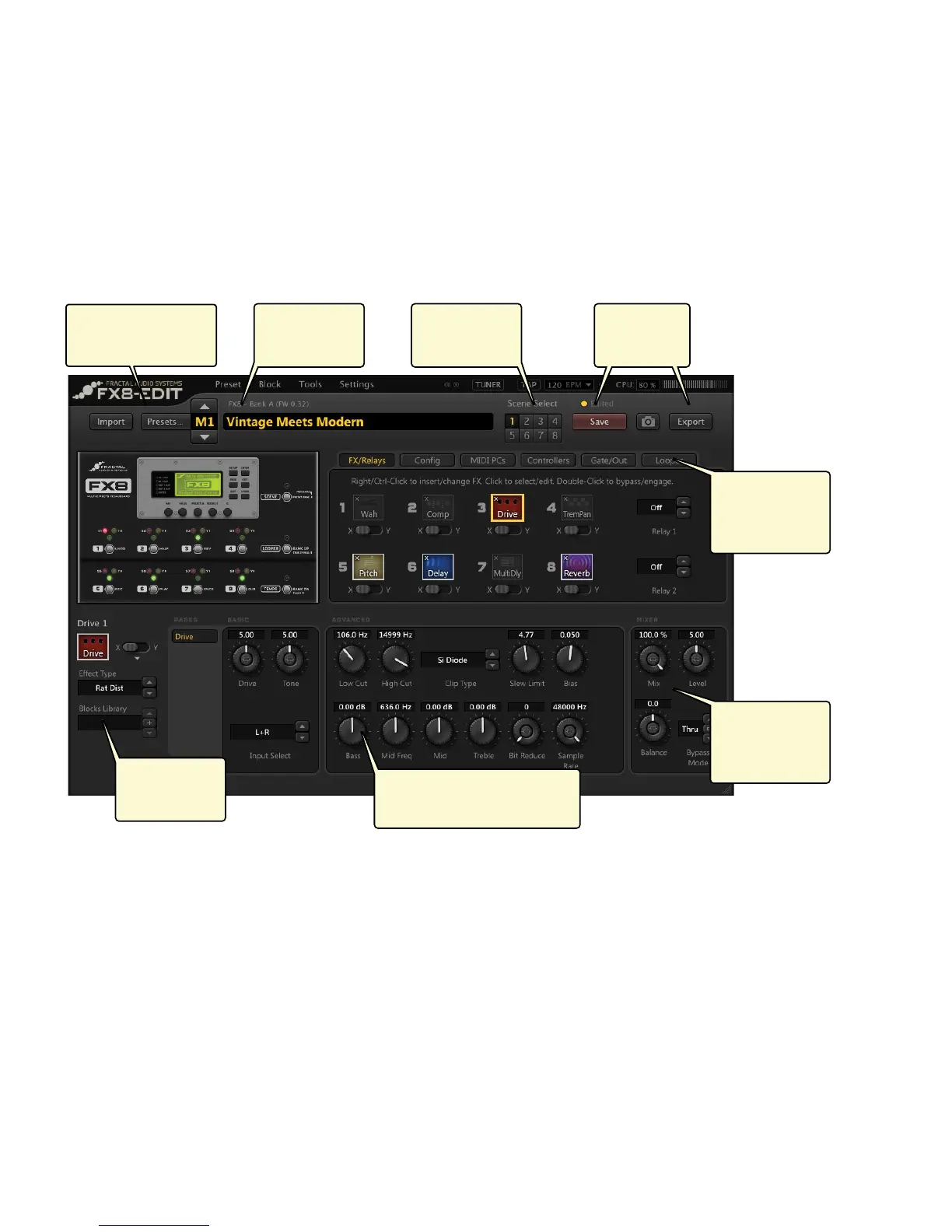
Here’s a quick look at some of its features:
FX8-Edit also includes a manager which allows you to reorganize presets in the unit.
Find FX8-Edit at http://www.fractalaudio.com
Open presets directly
from the FX8 in
just a few clicks.
Edit names with
your computer
keyboard.
Enjoy extra scene
features like
COPY/PASTE.
View and edit dozens of
parameters on a single screen.
Dedicated tabs
for FX, Looper,
Controllers,
MIDI and more
Dedicated area
for block MIX
and LEVEL
parameters.
Block Library
stores and recalls
eect settings.
Save presets to
the FX8 or to
your computer.



 To Next Page