Setup
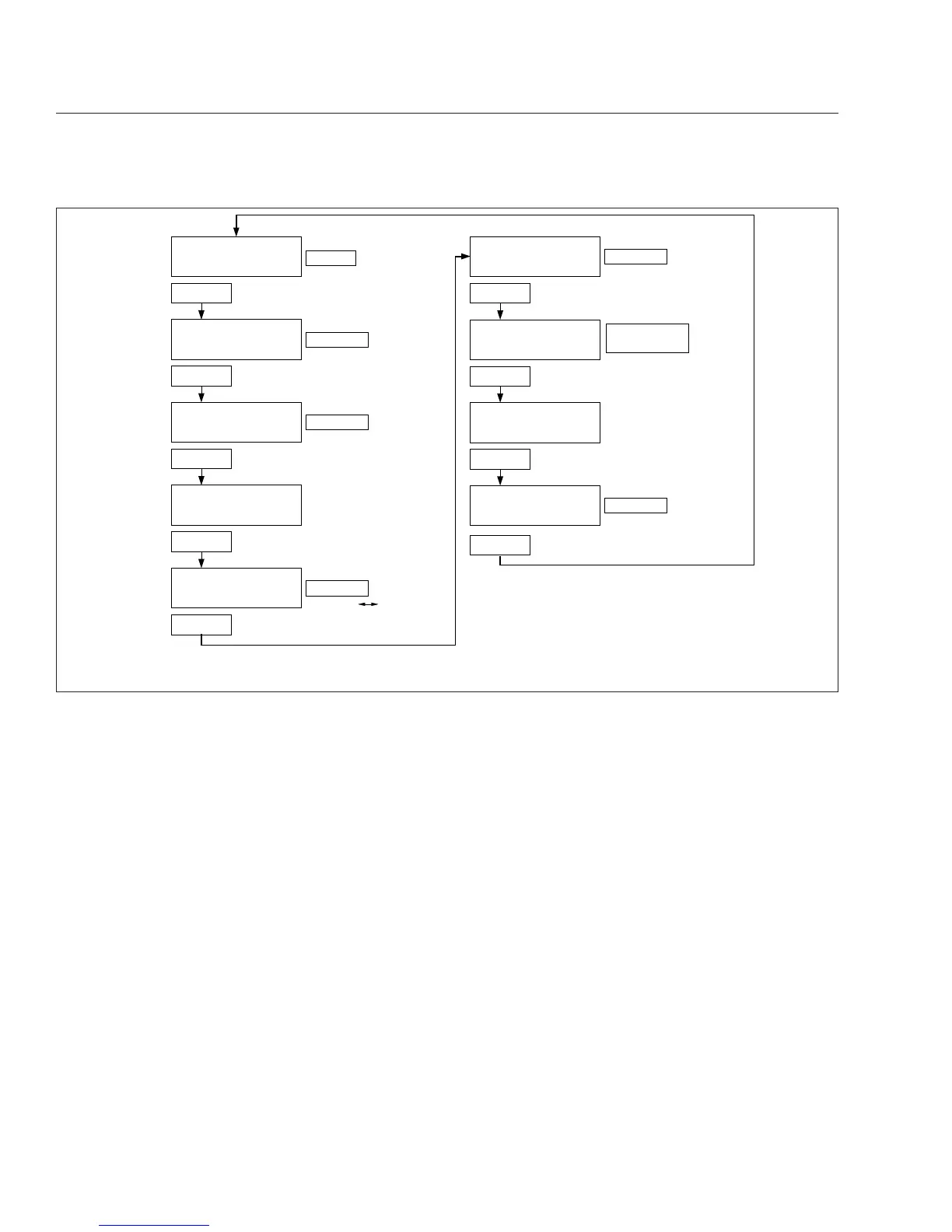
The setup menu allows the driver to manage ICU
parameters. The setup screen submenu allows the
driver to enable and change service intervals. See
Fig. 4.12.
If service intervals are enabled and service distance
or time has been exceeded, the text SERVICE
HOUR/MI (KM) will display at start-up to indicate ve-
hicle service is required.
For each parameter, press and hold the mode/reset
switch to navigate to the parameter change screen.
In each change screen, tap the mode/reset switch to
toggle between options.
Use the last screen in the setup menu, RESET EE,
to reset the parameters the ICU learns back to the
default settings. Press and hold the mode/reset
switch to reset the following learned parameters:
•
automated transmission display
•
seat belt switch learning
•
engine oil level
•
other electronic devices that have been re-
moved from the vehicle (e.g. Qualcomm)
ICU4M
Functions
ICU4M settings and the driver message center are
controlled with the + and – switches and the MY
INFO switch, mounted on the dash. See
Fig. 4.13.
Tap the MY INFO switch to drill down from each
main screen to the submenus contained within it.
Use the + and – switches to scroll through screens
and select options. Tap the MY INFO switch again to
exit each change screen.
With the parking brake off, only the odometer and
alert messages can be displayed. Park the vehicle
and set the parking brake to access the parked
screens and menus.
01/30/2012 f040754
123456.7
TRIP MI
12.3 VOLTS
Tap
123456.7
MI
12.3 VOLTS
Tap
123456.7
TRIP HOURS
12.3 VOLTS
ALrt
n
123456.7
HOURS
ENGINE
oiL
*Lo
SEtUP
**MI **HOURS
**no
To reset trip miles
Press & Hold
To reset trip hours
Press & Hold
Display service
interval screens
Press & Hold
Press & Hold
Tap
To toggle ON
*Lo = Oil Level Low
HI = Oil Level High
Blank = Oil Level OK
− − = No Message
**MI = Miles Interval Mode
**HOURS = Hours Interval Mode
**no = Service Interval Inactive
dIAG
MI HOURS
n
Display diagnostics
Press & Hold
n = Number of Active Fault Codes
MI = Miles Interval Mode
HOURS = Hours Interval Mode
°t
ENGINE
Tap
Tap
Tap
Tap
Tap
Tap
12.3 VOLTS
56°F
OFF
Odometer
To display total
engine miles/hours
Note: The engine oil level screen displays for Mercedes-Benz engines only (if equipped and enabled).
Fig. 4.10, ICU3 Parked Screens
Instruments
4.13











 To Next Page