When a shift request is made by the driver, an up or
down arrow is also displayed, depending on the shift
direction.
For more information about specific models of auto-
mated transmissions, see
Chapter 15.
Driving Screens
The following screens are available when the parking
brake is off (when the vehicle is mobile).
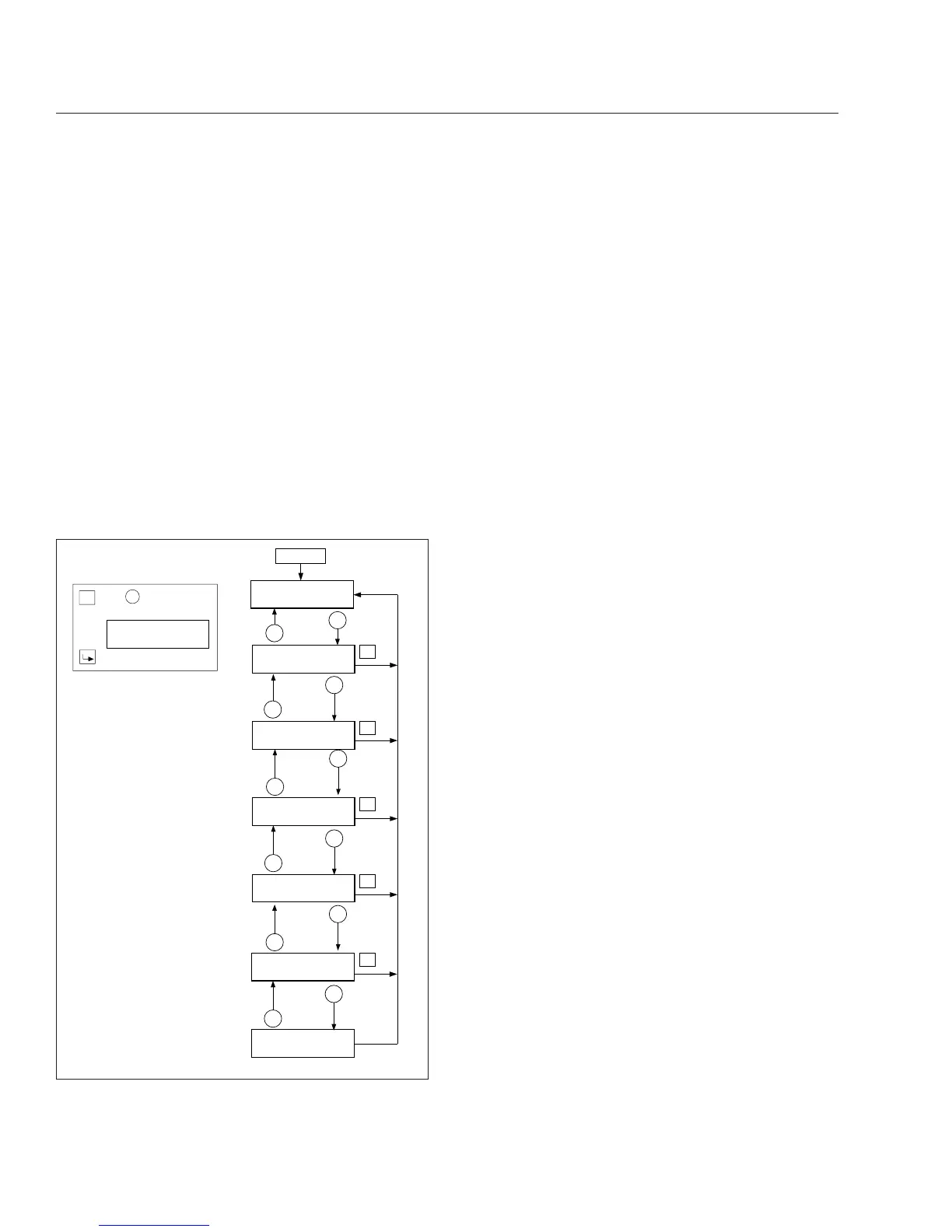
Tap the MY INFO switch to drill down from each
main screen to the submenus contained within it.
Use the + and – switches to scroll through screens
and select options. Tap the MY INFO switch again to
exit each change screen. See
Fig. 4.15.
i.
Fasten seat belt (rpm<100)
ii.
Fuel economy (rpm>100)
iii.
Odometer
iv.
Trip distance/hours
v.
Trip advisory
vi.
Leg distance/hours
vii.
Leg advisory
viii.
Fuel used/average MPG (KM/L)
ix.
Outside air temperature
Favorite Screen
The driver can set a favorite driving screen using the
MY INFO switch. Press and hold the lower half of the
MY INFO switch for just over one second to set the
current screen as the favorite screen. A chirp will
sound to verify the screen has been set.
Tap the lower half of the MY INFO switch to access
the favorite screen. Tap the MY INFO switch again to
leave the favorite screen.
NOTE: Only driving screens can be set as the
favorite screen.
Parked Screens/Menus
Tap the MY INFO switch to drill down from each
main screen to the submenus contained within it.
Use the + and – switches to scroll through screens
and select options. Tap the MY INFO switch again to
exit each change screen. Press and hold the +
switch or the upper half of the MY INFO switch to
reset the counters for trip and fuel information.
The following screens are available when the parking
brake is on (when the vehicle is parked). See
Fig. 4.16.
i.
Odometer
ii.
Trip information including trip miles/hours, idle
hours, average speed, leg miles/hours
iii.
Fuel information including fuel used, fuel
economy, idle/PTO fuel usage
iv.
Engine information including engine miles/hours,
engine/PTO gallons, oil level
v.
Diagnostic information
vi.
Service information including mileage or time to
next service
vii.
Setup information
R
R
R
R
R
+
+
+
+
+
+
−
−
−
−
−
−
−0%III +
10.5 MPG 23456.7 MI
TRIP MILES 123456.7
TRIP HR 1234:56
TRIP ADVISORIES
123 ROLL 456 BRK
LEG MILES 123456.7
LEG HR 1234:56
LEG ADVISORIES
123 ROLL 456 BRK
FUEL USED 12345.6
AVG MPG 12:34
OUTSIDE AIR
TEMPERATURE 56F
01/30/2012 f545600a
R
=
H
o
l
dto
r
e
s
et.
P
U
S
H
+
KEY
T
O
C
O
N
F
I
R
M
C
LEA
R
C
onf
i
r
mat
i
on
sc
r
een
w
ill
d
i
s
p
l
a
y
r
i
ght afte
r
the f
i
r
s
tho
l
d.
+
My Info
Odometer
Fig. 4.15, ICU4M Driving Screens
Instruments
4.17











 To Next Page