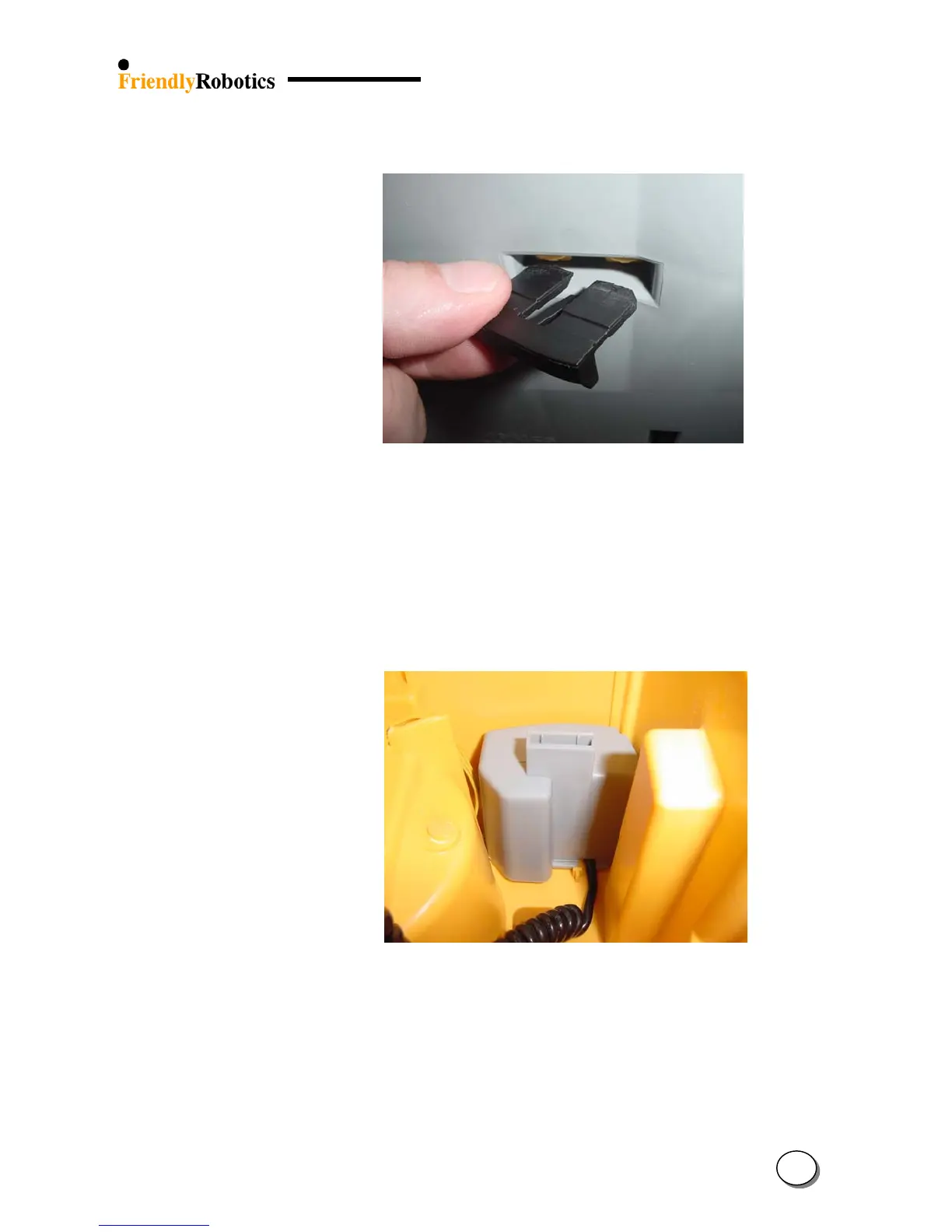
Figure 4.2.2.6
Fitting a locker
inside its cavity
J. Insert the locker with the two large legs sliding down the side yellow legs of the cover.
K. Turn the Robomow back on its wheels.
L. Insert the 5A and 1A fuses into their right locations (see Figure 4.2.1.1)
M. Connect the lamp cable.
N. Insert the Manual Controller and its holder (See Section 4.1.3)
O. Connect the charging cable (3 pins yellow cable) and the manual controller plug.
Figure 4.2.2.7
Fuse cover in
its place
P. Replace the fuse cover.
Q. Complete the General Test as outlined in section 5.1.
4
14








 To Next Page