A. Insure the cutting height and ground clearance settings are on the highest setting.
B. Enter Mowing Motors in the ‘Service’ menu.
C. Press the GO button for testing the motors.
D. Press the GO button again to confirm activation of the motors for the test - the mowing
motors will run.
E. The manual controller will display ‘Test passed’ or ‘Failed +fault code’
G. If the manual controller display shows ‘Failed’, note the code number and refer to Section
5.6, Diagnostic Fault Codes. Follow the appropriate procedure from the Troubleshooting
Guide for further instructions.
5.4.6 Thermistors
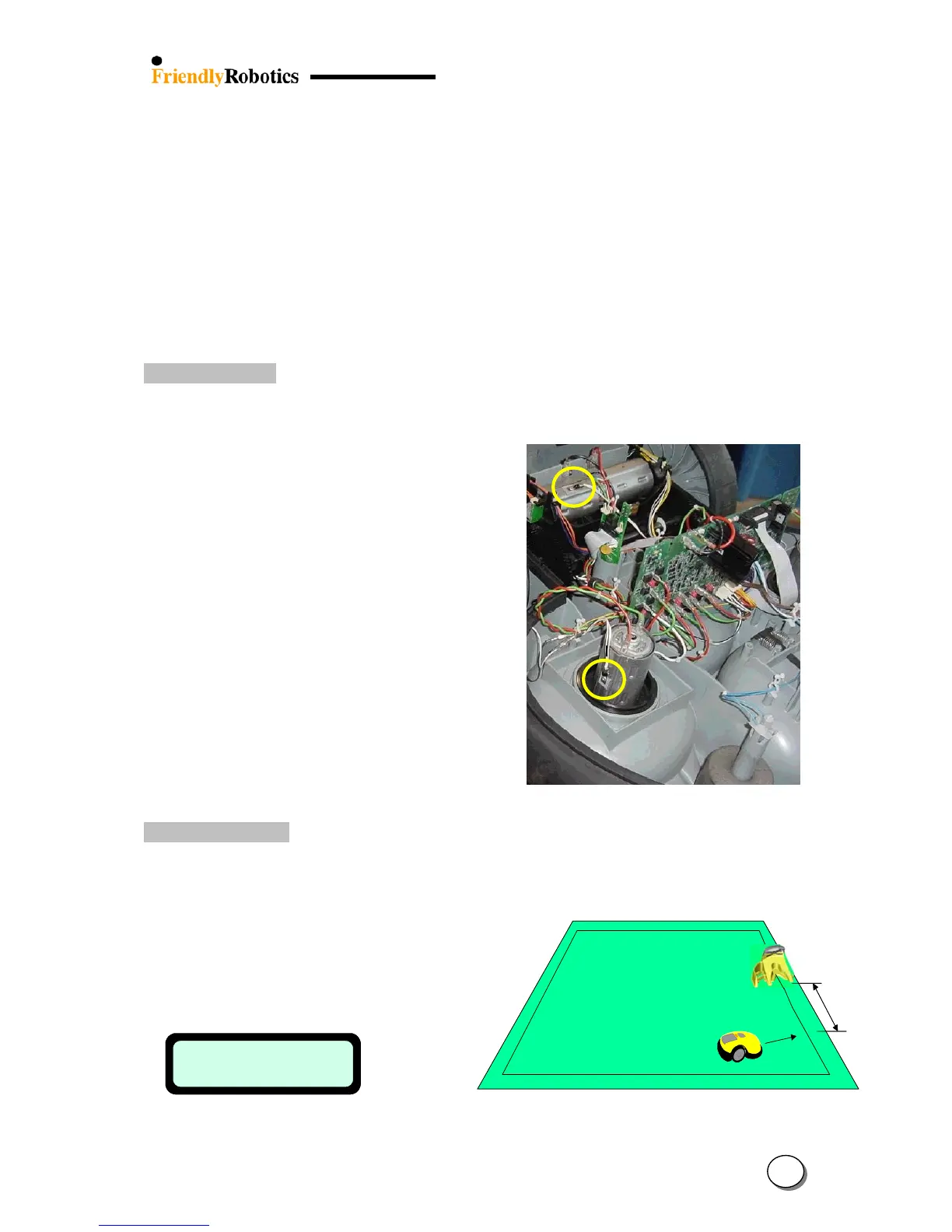
This test checks the operation of the thermistors (there are two thermistors measuring the
temperature of the right drive and mowing motors).
A. Insure the cutting height and
ground clearance settings are
on the highest setting.
B. Select Thermistors in the
‘Service’ menu.
C. Press the GO button for testing
the thermistors.
D. The manual controller will display ‘Test passed’
or ‘Test failed’
E. If the manual controller display shows
‘Test failed’, check the
connection of the thermistors
to the main board and also check
for wiring damage.
5.4.7 Docking Tests
This test checks the detection of the Charging Station by the Robomow.
Position the mower few meters (10 feet) before the Charging Station and follow the
instruction below:
Mini mum
10 feet
(3m)
Mini mum
10 feet
(3m)
Confirm the Docking Board is switched on.
Insert the manual controller to its cradle in the mower.
Choose the ‘Tests’ menu under the ‘Service’
Dock detection
Press GO to test
Dock detection
Press GO to test
Choose ‘Docking tests’ and press GO;
the following is displayed:
5
12








 To Next Page