5.4.1 Wire Sensors
The test is used to check the operation of the wire sensors. ‘Wire sensors’ is a diagnostic
process that tests the operation of the four wire sensors on the mower. It has two levels of
testing, basic and advanced. Under the basic testing it is a ‘pass-fail’ test with a fault code
listed for the failure message. The advanced testing shows the physical reading of each of the
four wire sensors, which on occasion may be helpful, is troubleshooting. Typically, the basic
test is sufficient.
A. Place the mower inside the perimeter wire area and turn the perimeter switch on.
B. Select Wire Sensors in the ‘Service’ menu (RL500: Diagnostics>Wire sensors).
passed
C. Perform the test as follows:
Press the GO button
Wait…
advanced
Wire sensors
Press GO to test
* See note below
Test passed
o
Failed 401
advanced
failed
D. If the manual controller display shows ‘Failed’, note the code number and refer to Section
5.6, Diagnostic Fault Codes. Follow the appropriate procedure from the Troubleshooting
Guide for further instructions.
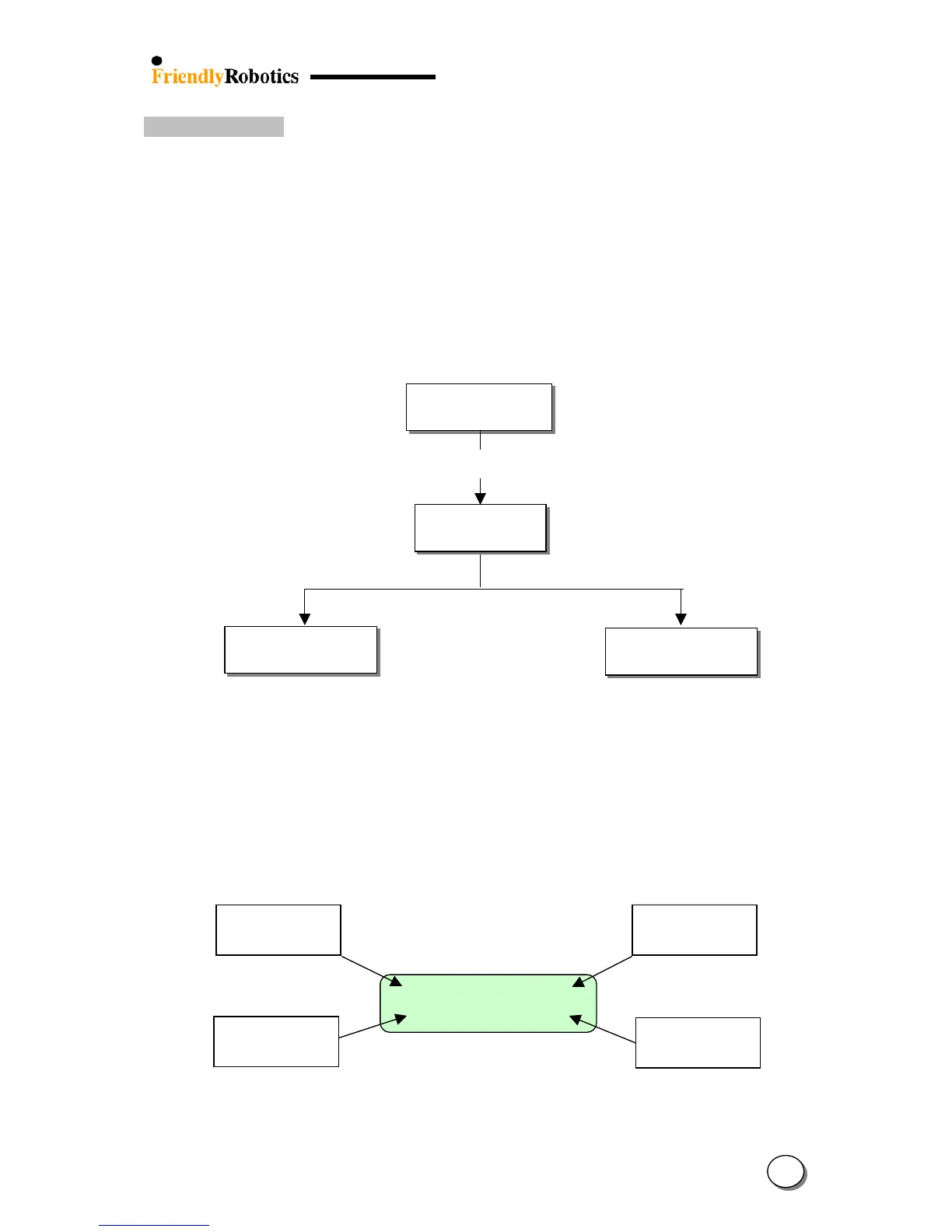
* Note: Pressing the GO button twice will display the readings of the four wire sensors
simultaneously on the manual controller. There is +/- sign before each of the
readings; the phase sign should be changed between ‘+’ to ‘-‘ every 4 to 6 seconds
on average. If it is changed in higher frequency it is points on problem in the Main
Board.
+118 -110
-106 +98
Front ri
ht wire
sensor reading
Front ri
ht wire
sensor reading
Front ri
ht wire
sensor reading
Rear ri
ht wire
sensor reading
Note: If tested on a smaller yard or on a wired workbench, this test will fail due the yard
being too small. In this case test in advanced mode only to see the wire raw reading and to
make sure none of them isn’t zero or very low comparing to the others.
5
9








 To Next Page