5.4.2 Rain Sensor
This test checks the rain sensor reading.
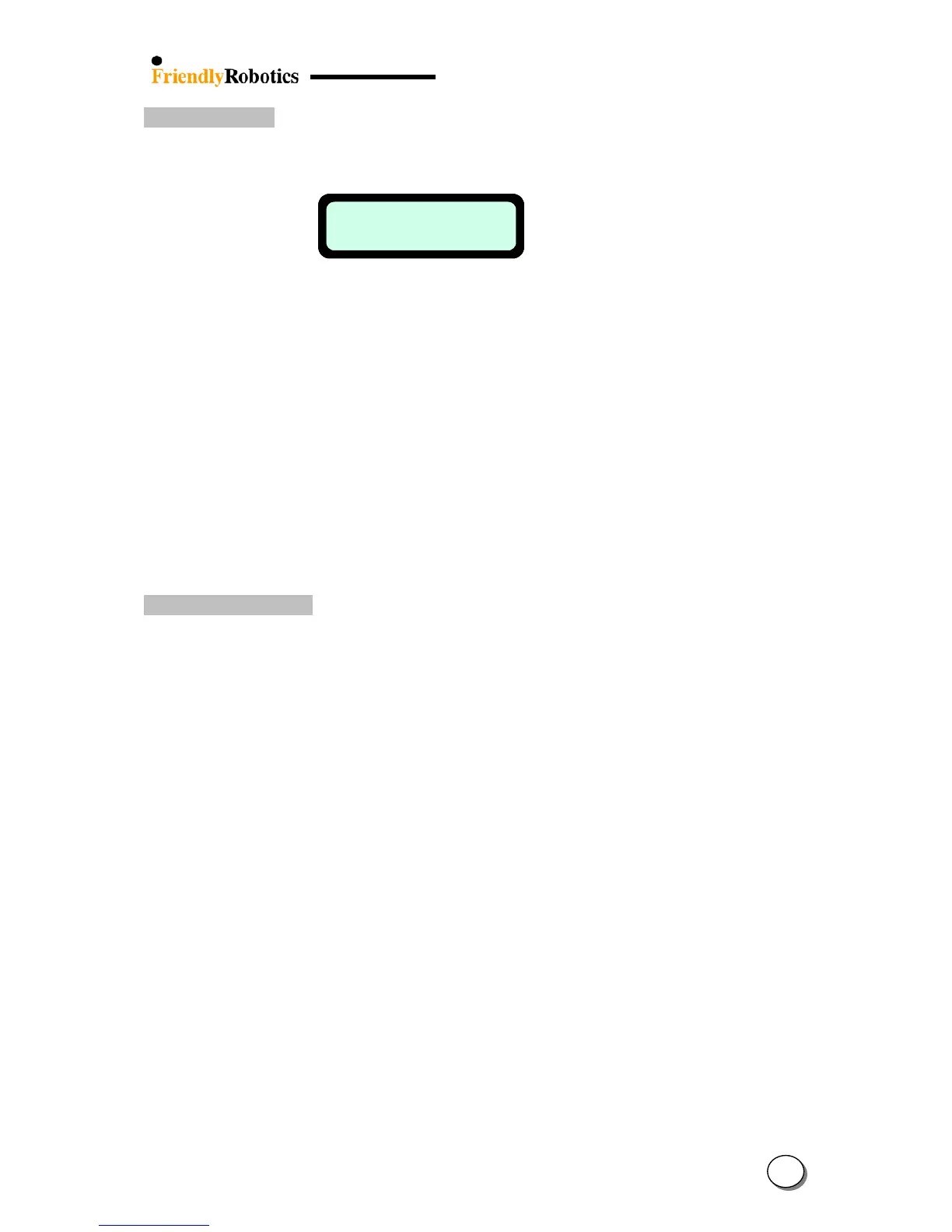
As pressing the GO button to perform the test, the following is displayed:
Rain sensor
10 07 02
Rain sensor
10 07 02
• The left number indicates the actual reading of the rain sensor, which is updated every 5
seconds.
• The middle number indicates the sensitivity of the rain sensor in which the mower will
detect rain below the threshold set. This threshold can be set by the user under the ‘User
Preferences’ menu.
• The right number indicates the rain sensor status when 0 means that rain sensor's existence
is unknown, 1 means that rain sensor does not exist and 2 means that rain sensor exists.
Note: Under the ‘User preferences’ ‘Rain sensor’ menu, there are another two options
allowed:
- Changing the rain detection sensitivity (the default detection is below 7).
- Turning the rain sensor to off to enable operation in rain and wet grass conditions.
5.4.3 Direction Keeper
Checks the operation of the Direction Keeper (Electric compass).
A. Select Direction Keeper in the ‘Service’ menu.
B. Press the GO button for testing the direction keeper
C. The manual controller will display ‘Test passed’ or ‘Failed +fault code’
E. If the manual controller display shows ‘Failed’, note the code number and refer to Section
5.6, Diagnostic Fault Codes. Follow the appropriate procedure from the Troubleshooting
Guide for further instructions.
5
10








 To Next Page