EasyManua.ls Logo

Friendly Robotics robomower RL800 - Important Information

Default Icon
213 pages
Print Icon
To Next Page IconTo Next Page
To Previous Page IconTo Previous Page
Loading...
3
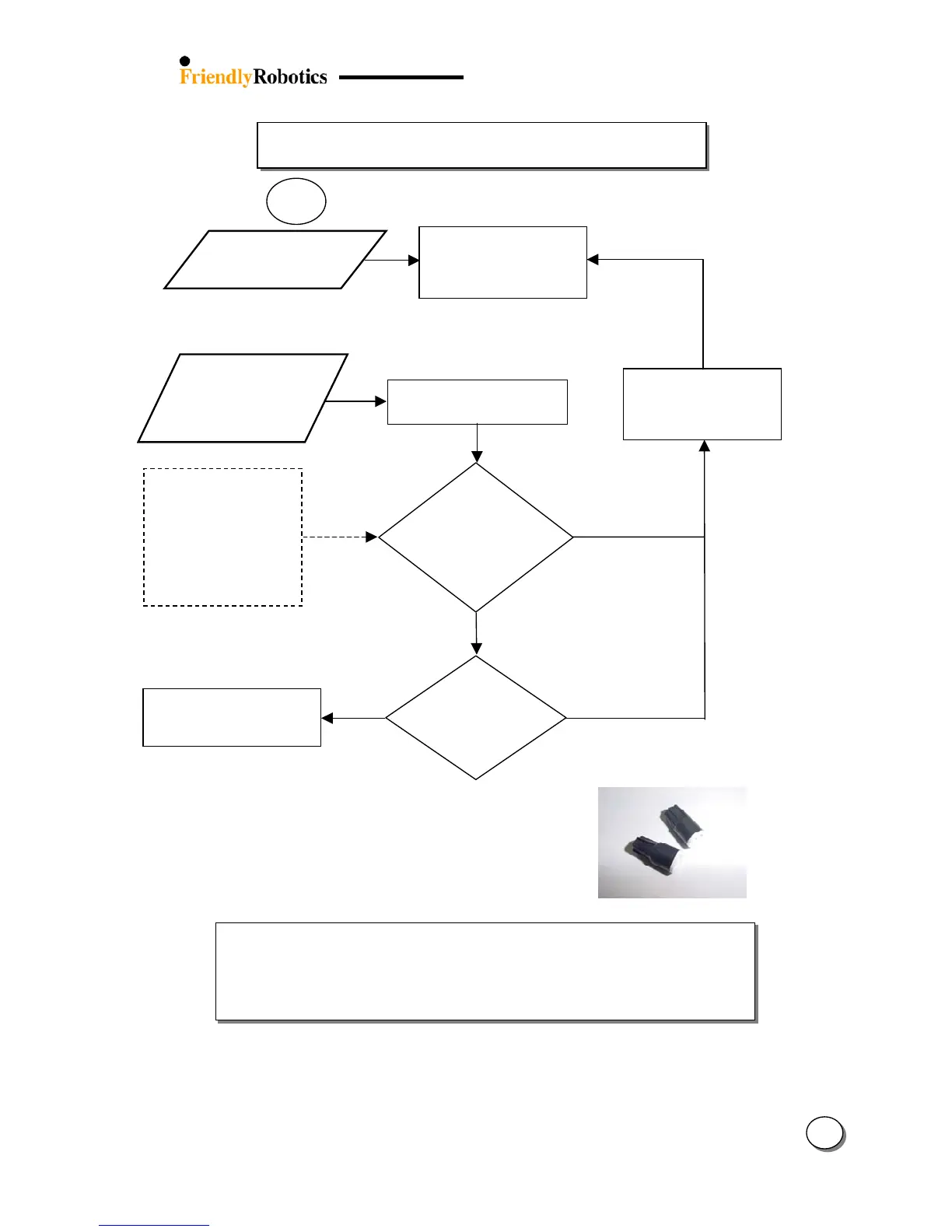
3.2.1 Setup Problems (con.)
9
‘Replace battery’
indicator is
blinkin
g
Install new C-cell batteries
in the Perimeter Switch
(alkaline batteries are
recommended)
Y
ES
NO
‘Replace battery’
indicator is
blinking with
relatively new
batteries
Turn-on the Perimeter Switch
by pressing the ‘ON’ button
If so, this confirms the
wire is too long for a
single perimeter zone
(A max perimeter wire
length of 1000 feet /
300m is recommended).
Areas requiring longer
len
g
ths should be broken
into se
p
arate zones.
Does the ‘Cut
wire’ indicator
flash once as
the P. Switch is
turned on?
Separate plot installation
increases the P. Switch
total operation time
(shorter wire)
3.2.1.2
Is it a multiple
plot
installation?
Y
ES
NO
Divide the plot into 2 plots
Confirm good contact of all
Wire Connectors
If the Perimeter Wire needs to be spliced:
Use the connectors supplied in the box.
It is waterproof and gives a reliable electrical connection.
Important Information!
Twisted cables, or a screw terminal, insulated with insulation tape
is not a satisfactory splice. Soil moisture will cause the conductors
to oxidize and after a while result in broken circuit.

Table of Contents

Related product manuals