ES
10
NO
Important!
The Perimeter Switch
must be mounted
vertically in order to
maintain its’ water
resistance and
preferably in a dry and
sheltered location
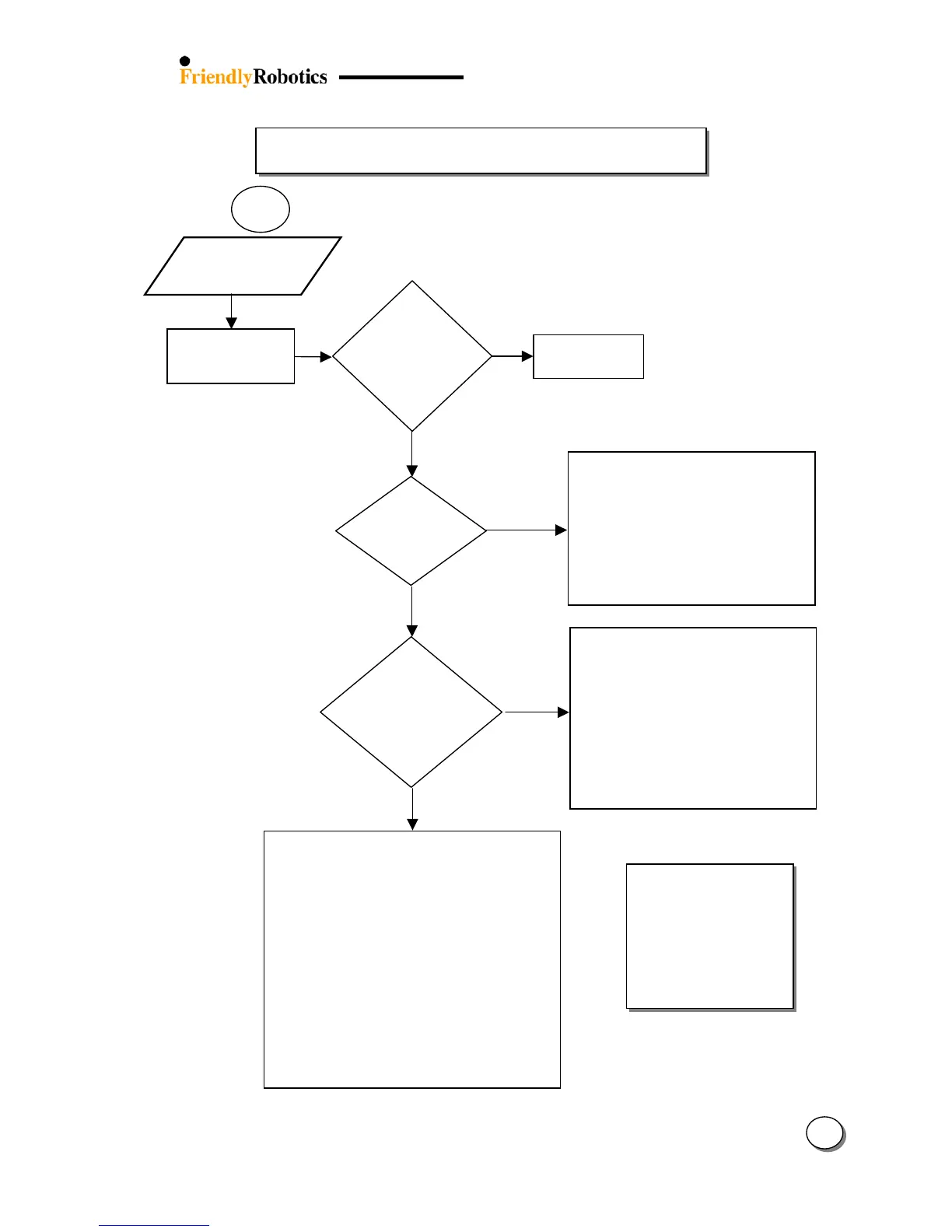
Perimeter switch
is OK
Open the perimeter switch:
Verify batteries are in place and at the
right polarity
Confirm the battery holder is not broken
Confirm the batteries are not corroded
Verify the batteries cable (Black & Red)
is connected
Replace batteries
Replace perimeter switch
What kind
of perimeter
switch is it?
Is the mower
char
ed when
placed in the
Docking
Station?
Confirm power supply is plugged into the main
power receptacle
Turn power on to the main receptacle
Check for power of this main receptacle by
plugging in another appliance
Disassemble the Docking Station Cover by
unscrewing the screws and check the connection
of the power cable (Black & White) to the
connector and for the right polarity.
Look for a damaged or cut cable from the power
supply to the Docking Station (the Black cable)
Disconnect the power supply cable from the
Docking Board and confirm voltage at the end of
the cable (The Docking Station side - Black &
White wire) is around 30V or above. Replace the
power supply if needed.
Replace the Docking Board
Confirm the ‘Cut wire’ LED is not blinkin
(if it is blinking refer to Chapter 3 -
flowchart 1.1 – ‘Wire disc.’ and flowchart
11.1 – ‘No wire signal’)
Press the GO button when the mower is
in the Docking Station and check if the
and the buzzer sound
is heard.
If the Docking Board is faulty the mower
will stop with ‘No wire signal’ or ‘Check
P. Switch’ message
Replace the Docking Board
Perimeter
Switch does not
operate / dead
3.2.1.3
Press the ‘on’
button of the
perimeter switch
Is the buzzer
heard and
the
‘on’LED
blinking?








 To Next Page