2
1
2. Menu Items
The menu items section gives an explanation and description of the options and messages
displayed on the LCD Display.
Use this section to navigate around the menu and find the required option. Following is the
layout of the menu as a whole. In section 2.2 you will find detailed explanations for each of the
menu items.
2.1 Menu Items Table
Note: the menus appeared in this manual are for RL1000 (S.W version 4.1-06). The ‘Docking
options’ menu will not appear in other RL models.
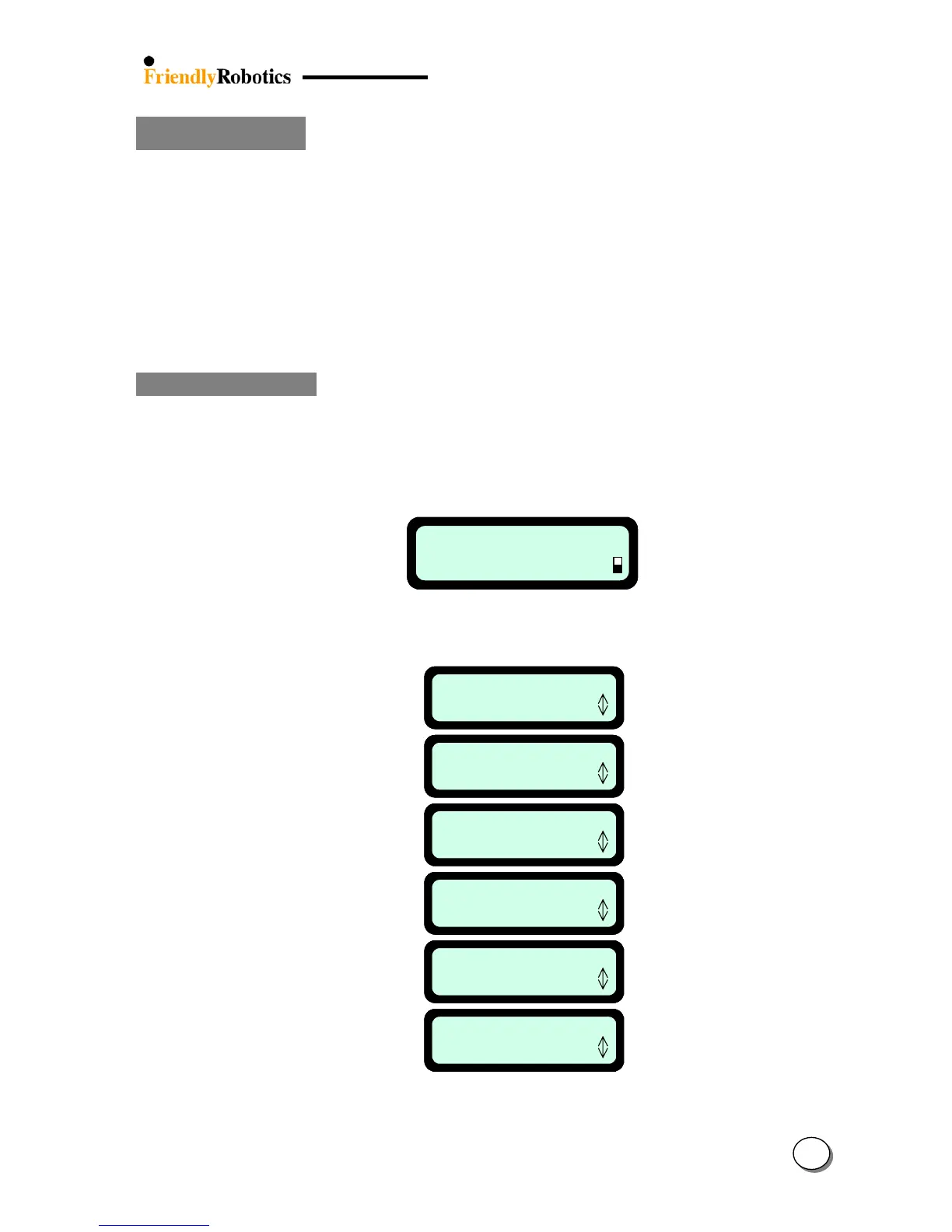
When the Manual Controller is out of its place the following display is appeared:
Manual
User Options
Manual
User Options
As pressing the ‘GO’ button when the Manual Controller in user’s hand, the following menu
items (under ‘User Options’) are available:
Information
Press GO
User Preferences
Press GO
Child Guard
Press GO
Docking options
Press GO
Service
Press GO
Safety Tests
Press GO
1.0
2.0
3.0
4.0
5.0
6.0
Information
Press GO
User Preferences
Press GO
Child Guard
Press GO
Docking options
Press GO
Service
Press GO
Safety Tests
Press GO
Information
Press GO
User Preferences
Press GO
Child Guard
Press GO
Docking options
Press GO
Service
Press GO
Safety Tests
Press GO
1.0
2.0
3.0
4.0
5.0
6.0








 To Next Page