EasyManua.ls Logo

Friendly Robotics robomower RL800 - Page 35

Default Icon
213 pages
Print Icon
To Next Page IconTo Next Page
To Previous Page IconTo Previous Page
Loading...
2
2
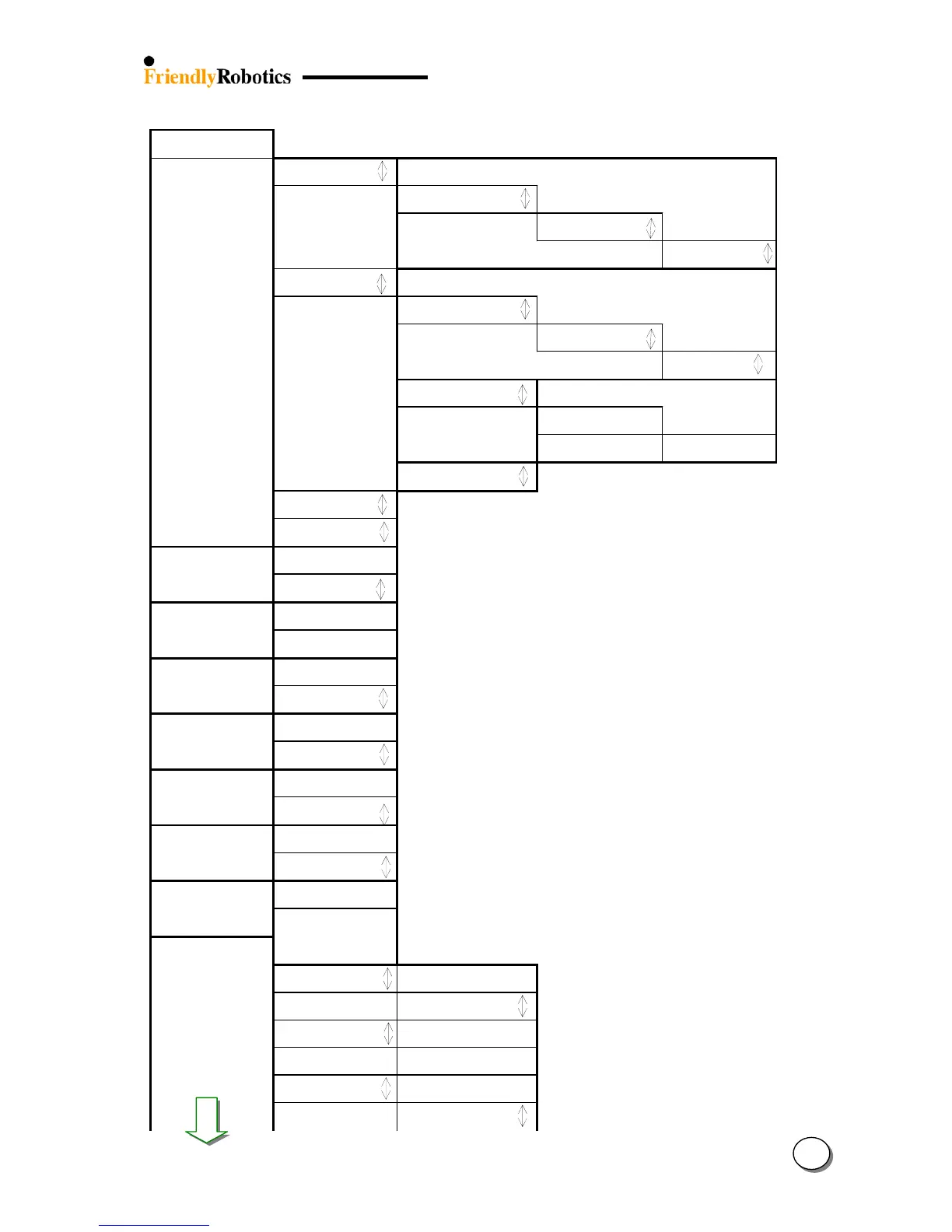
1.0 User Preferences:
1.1
Zones setup
Press GO
Dock zone
Press GO
Work time
Press GO
Dock zone: MAX
Press GO
Dock zone: MAX
Confirm
Zone B
Press GO
1.1.1 Work time
Press GO
Zone B: MAX
Press GO
Zone B: MAX
Confirm
1.1.2 Learn Edge
Press GO
Learning Edge
Pres GO to learn
Learning Edge
STOP to set
1.1.3 Set default edge
Press GO to set
Zone C
Press GO
Zone D
Press GO
1.2 sound on
Press GO
Sound on
Confirm
1.3 Wire position
Press GO
Wire position
Press GO to test
1.4 language
Press GO
English
Confirm
1.5 Wide scan of
f
Press GO
Wide scan off
Confirm
1.6 Fast edge on
Press GO
Fast edge on
Confirm
1.7 Enable Dock on
Press GO
Enable dock on
Confirm
1.8
Blades replaced
Press GO
Clear reminder
Press GO
1.9 Rain sensors
Press GO
Rain sensors on
Press GO
Rain sensors on
Confirm
Readings
Press GO
Readings
10
Set Sensitivity
Press GO
7
Confirm

Table of Contents

Related product manuals