Service Bulletin #RL0536-01
Technical Service Bulletin
Date:
Sep. 20, 2005
Part Number:
SPP0019B
Product Model:
All
Serial Range:
All
Main Board (SPP0019B) Replacement Instructions
The following instructions are in addition to the standard procedure defined in the Service Guide.
Remove the faulty Main Board with its Flash and follow the instructions in the table below.
Note: Please refer to the Main Board Part Number as appeared on a white
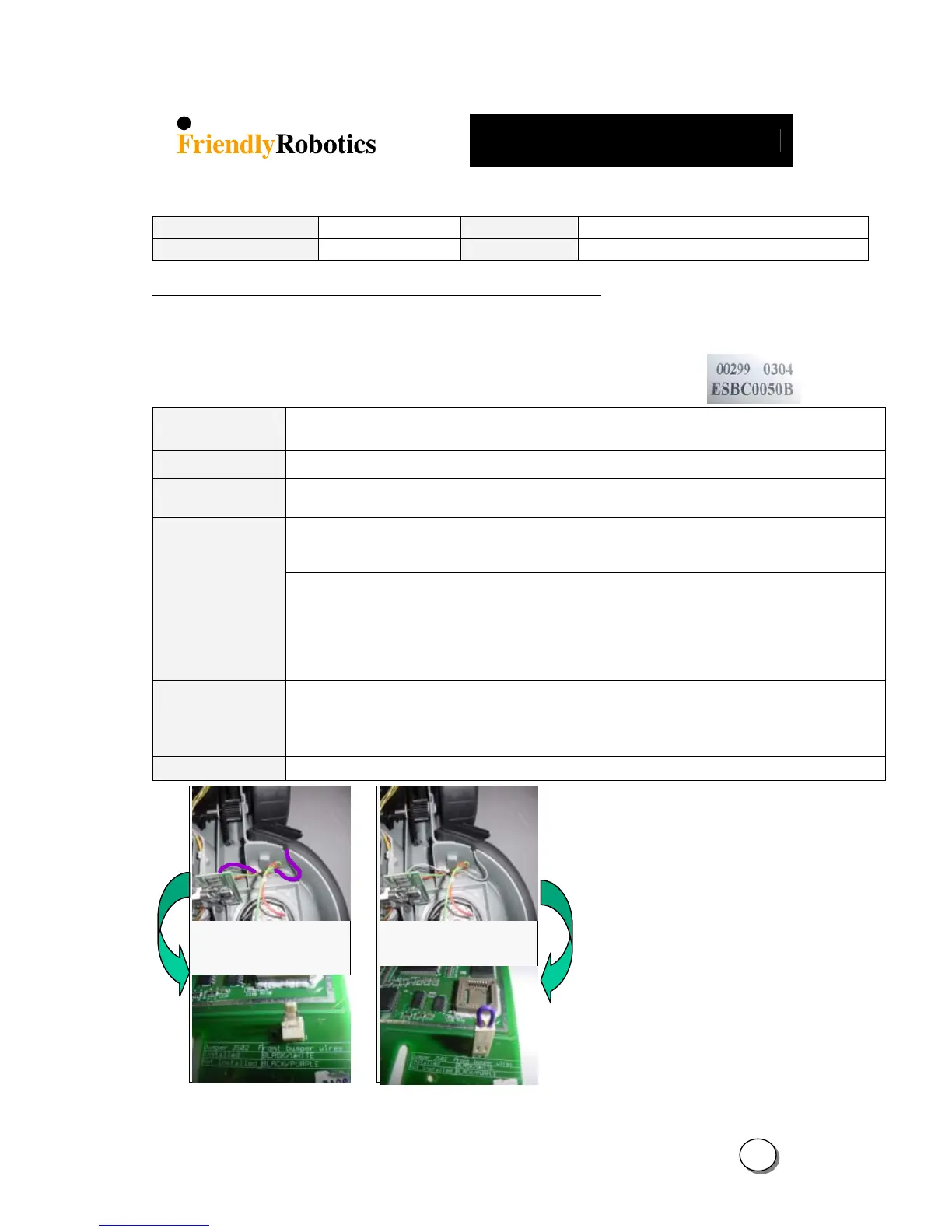
label placed on the board (the P/N in the right picture is ESBC050B).
Main Board
Use ESBC050B (S.W version 2.5-06/3.19-06/3.2-06/4.1-06)
If the faulty Main Board has the required flash, remove it and insert into the new Main Board
S.W version
ESBC050B – S/W version marked with 06 (2.5/3.19/3.2/4.1)
Drive wheels setting
Confirm the Drive Wheels are set to the proper wheels size. Setting the wheels size is done by choosing
the ‘Small wheels’ option in the ‘Settings’ menu under ‘Service’.
There are two types of front bumpers: Two separated springs (bumper cable is Black & white) and one
spring (bumper cable is Black & purple). A Jumper is connected to the spare part board (See Figure 01)
to support the Front Bumper with the two springs.
Front Bumper
Jumper (J502)
ESBC050B – If the cable attached to the front bumper is white - Leave the jumper on the board
Otherwise the Robomow will warn about ‘Bumper disconnected’
- If the cable attached to the front bumper is purple - Remove the Jumper.
An important safety note! - If the Jumper is not removed Robomow will function properly, but
will not warn in case of failure (disconnection).
Thermistors
If Robomow has Thermistors this issue is not relevant.
When there are no Thermistors in the Robomower, one of the following MUST be done:
1. Assemble Thermistors to improve the protection on the Power Systems.
2. Set the ‘Thermistors’ parameter to ‘off’ in the ‘Setting’ options under the ‘Service’ menu.
Operating Manual
When replacing the Main Board and the S.W version to ‘06, provide the user with a new Manual
Installed jumper for
white bumper cable
Not installed for
purple bumper cable
Installed jumper for
white bumper cable
Not installed for
purple bumper cable
IMPORTANT!
After completing the Main Board
replacement, perform ‘Factory defaults’
under the ‘Service’>’Settings’ menu
(section 5.5.6 in the Service Guide) and
perform the following steps under the
‘Service’> ’Calibration’ menu:
- ‘Learn wire sensors’ (section 5.3.1)
- ‘Edge Calibration’ (section 5.3.2)
- ‘Set country’ (section 5.3.3)
- ‘D.K Calibration’ (section 5.3.4)
Complete the General Test as outlined
in section 5.1.
7
2








 To Next Page