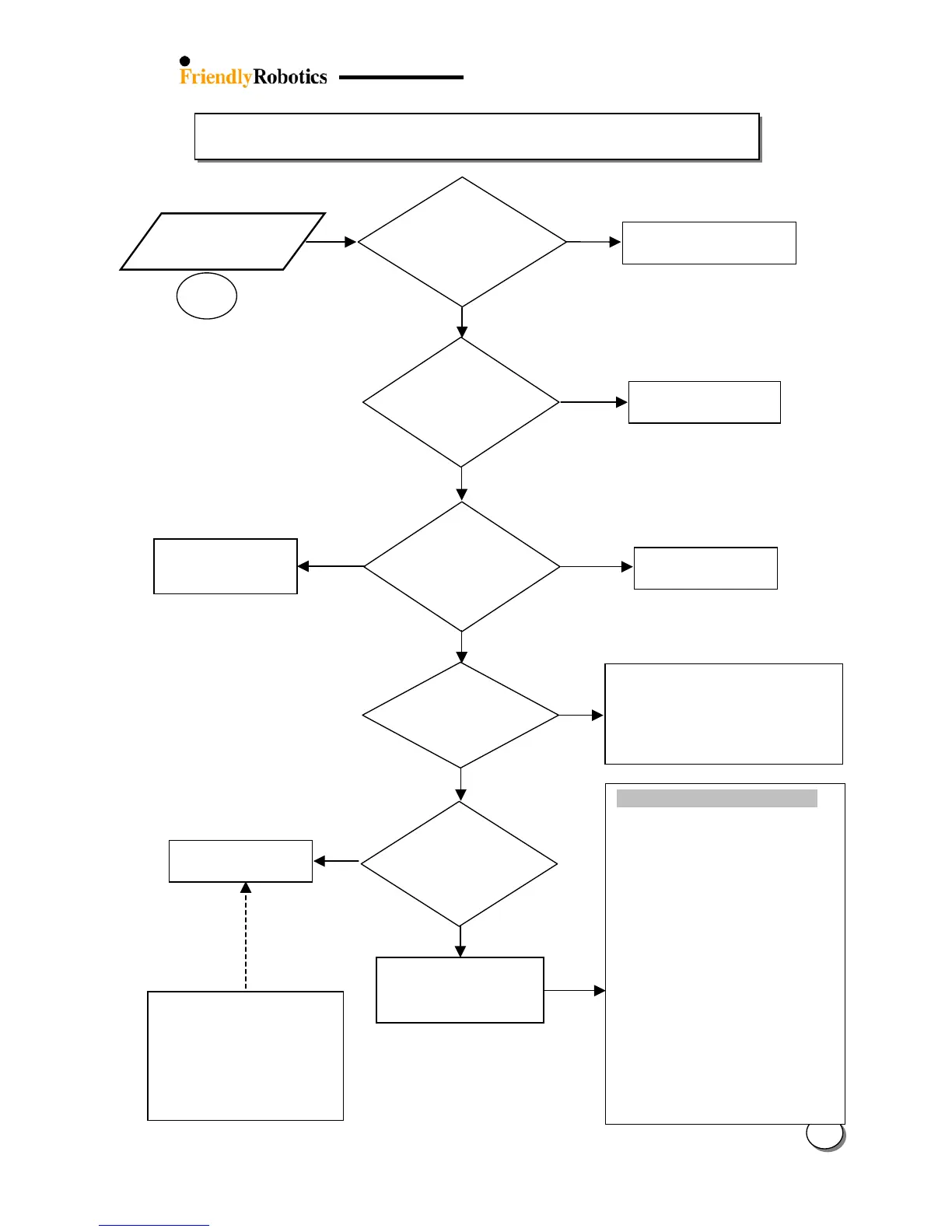
he time is ok. Confirm user
follows Charging Policy.
Wait until the lawn has dried out.
Set the cutting height and the ground
clearance to the highest positions.
Ensure the grass is cut 2 times per
week in peak
season and once
a week when growth is less vigorous.
The following issues reduce the
battery run time:
Improper battery maintenance
(does not follow the charging
policy)
More than 300 operation hours
(The battery is coming to the
end of its natural life)
Did the user
properly
maintain the
battery?
C h a r g i n g P o l i c y
Between uses:
The battery should always be kept in
charging between uses during the
mowing season.
Mower should be operated only after
‘Fully charged’ or ‘Ready’ message is
displayed.
During winter:
Fully charged the battery, remove and
store in a dry location.
Check the parameters under ‘Battery
maintenance’ menu in the ‘Service’ (for
more details see section 2.2 paragraph
5.14).
The battery warranty is valid only when
following the charging policy.
In any case where the customer did not
follow this policy the claim would be not
accepted.
Replace Power Pack
(UNT0009A)
Refer to section 3.1 for
error messages
explanation
Set lon








 To Next Page