EasyManua.ls Logo

Fronius Agilo 75.0-3 - User Manual

Fronius Agilo 75.0-3
114 pages
Print Icon
To Next Page IconTo Next Page
Loading...
/ Perfect Charging / Perfect Welding / Solar Energy
42,0426,0163,EN 005-03122014
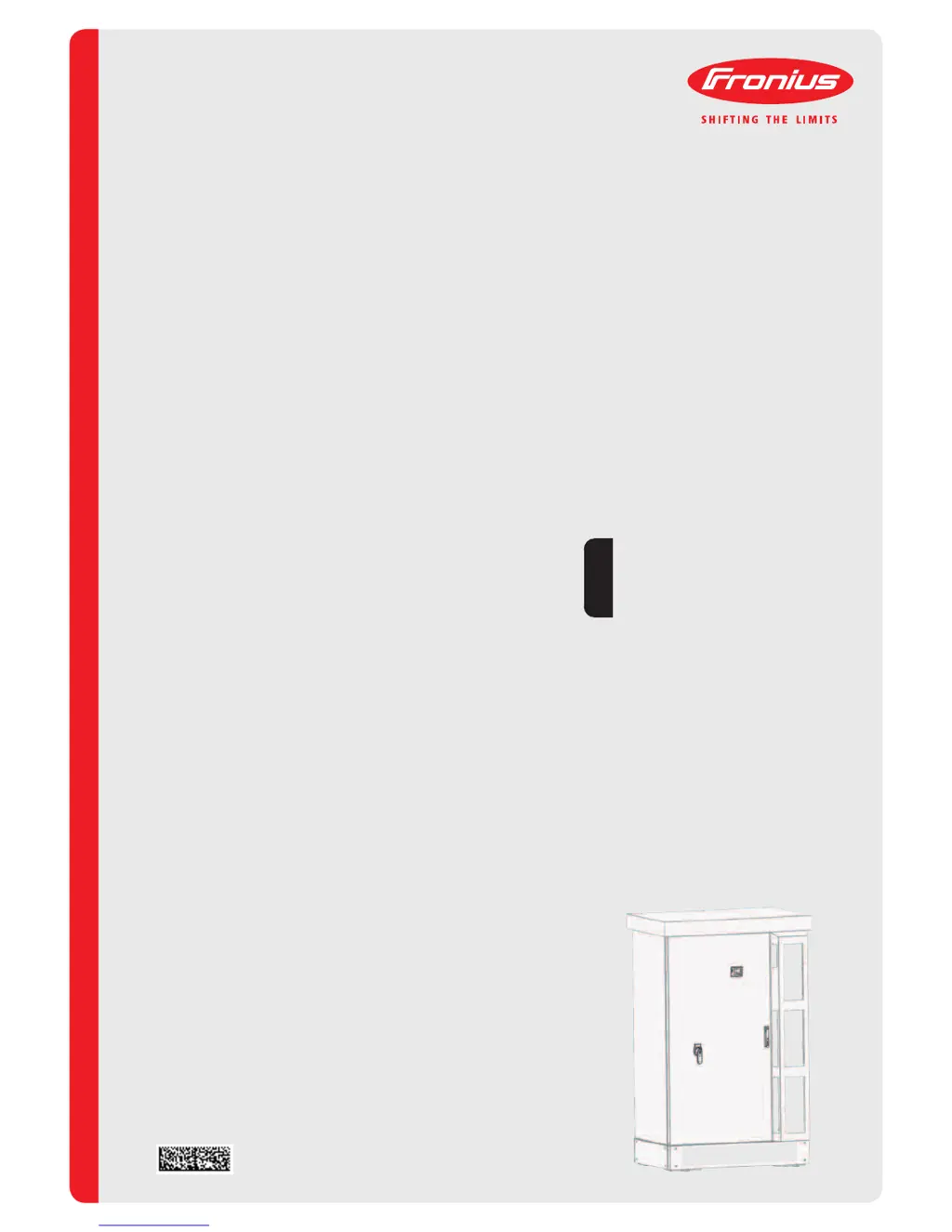
Fronius Agilo Outdoor
75.0-3 / 100.0-3
Operating Instructions
Grid-connected inverter
EN

Table of Contents

Questions and Answers

  • T
    Thomas TranAug 28, 2025
    What to do if Fronius Agilo 75.0-3 Inverter DC input voltage is too high?
    • C
      Crystal LewisAug 28, 2025
      If your Fronius Inverter displays that the DC input voltage is too high, the fault should be rectified automatically. If this status code keeps recurring, contact your system engineer.
  • M
    Mary PayneAug 29, 2025
    What should I do if my Fronius Agilo 75.0-3 shows 'Overtemperature on the air intake sensor'?
    • H
      Heather WhiteAug 29, 2025
      If your Fronius Inverter displays 'Overtemperature on the air intake sensor', reduce the ambient temperature and ensure that a suitable hot air extractor is installed if necessary. If this status code keeps recurring, contact your system engineer.
  • E
    Eduardo ReedAug 29, 2025
    What to do if Fronius Agilo 75.0-3 shows 'No communication with power stage set possible'?
    • A
      Alan BushAug 29, 2025
      If your Fronius Inverter displays 'No communication with power stage set possible', and the status code is displayed all the time, notify a Fronius-trained service engineer.
  • A
    austinjoelAug 30, 2025
    What to do if Fronius Agilo 75.0-3 Inverter displays 'Power module temperature sensor defective'?
    • D
      Darlene JonesAug 30, 2025
      If your Fronius Inverter displays 'Power module temperature sensor defective', and the status code is displayed all the time, notify a Fronius-trained service engineer.
  • M
    Mark HenryAug 30, 2025
    What to do if Fronius Agilo 75.0-3 Inverter displays 'Internal temperature sensor defective'?
    • T
      Tammy HernandezAug 30, 2025
      If your Fronius Inverter displays 'Internal temperature sensor defective', and the status code is displayed all the time, notify a Fronius-trained service engineer.
  • K
    Kimberly MclaughlinAug 31, 2025
    What to do if Fronius Inverter displays 'External Emergency Stop line is blocked'?
    • E
      Eric HillAug 31, 2025
      If your Fronius Inverter displays 'External Emergency Stop line is blocked', the fault should rectify automatically. If this status code keeps recurring, notify a Fronius-trained service engineer.
  • H
    Heather CastroAug 25, 2025
    What should I do if my Fronius Agilo 75.0-3 shows 'AC voltage too high'?
    • Y
      yfryAug 25, 2025
      If your Fronius Inverter displays an 'AC voltage too high' error, check the grid connections. If the issue persists, it's recommended to contact your system engineer.
  • T
    Thomas NewmanSep 1, 2025
    What to do if Fronius Agilo 75.0-3 displays 'No communication possible with the power module'?
    • W
      william23Sep 1, 2025
      If your Fronius Inverter displays 'No communication possible with the power module', and the status code is displayed all the time, notify a Fronius-trained service engineer.
  • A
    Andre BrownSep 1, 2025
    What to do if Fronius Agilo 75.0-3 displays 'Intermediate circuit charging takes too long'?
    • S
      Stephen JohnsonSep 1, 2025
      If your Fronius Inverter displays 'Intermediate circuit charging takes too long', the fault should rectify automatically. If this status code keeps recurring, contact your system engineer.
  • J
    Justin Owen Jr.Sep 1, 2025
    What to do if Fronius Agilo 75.0-3 Inverter displays 'Power stage set not ready for too long (timeout)'?
    • Y
      yallenSep 2, 2025
      If your Fronius Inverter displays 'Power stage set not ready for too long (timeout)', the fault should rectify automatically. If this status code keeps recurring, contact your system engineer.

Fronius Agilo 75.0-3 Specifications

General IconGeneral
BrandFronius
ModelAgilo 75.0-3
CategoryInverter
LanguageEnglish

Related product manuals