Page81
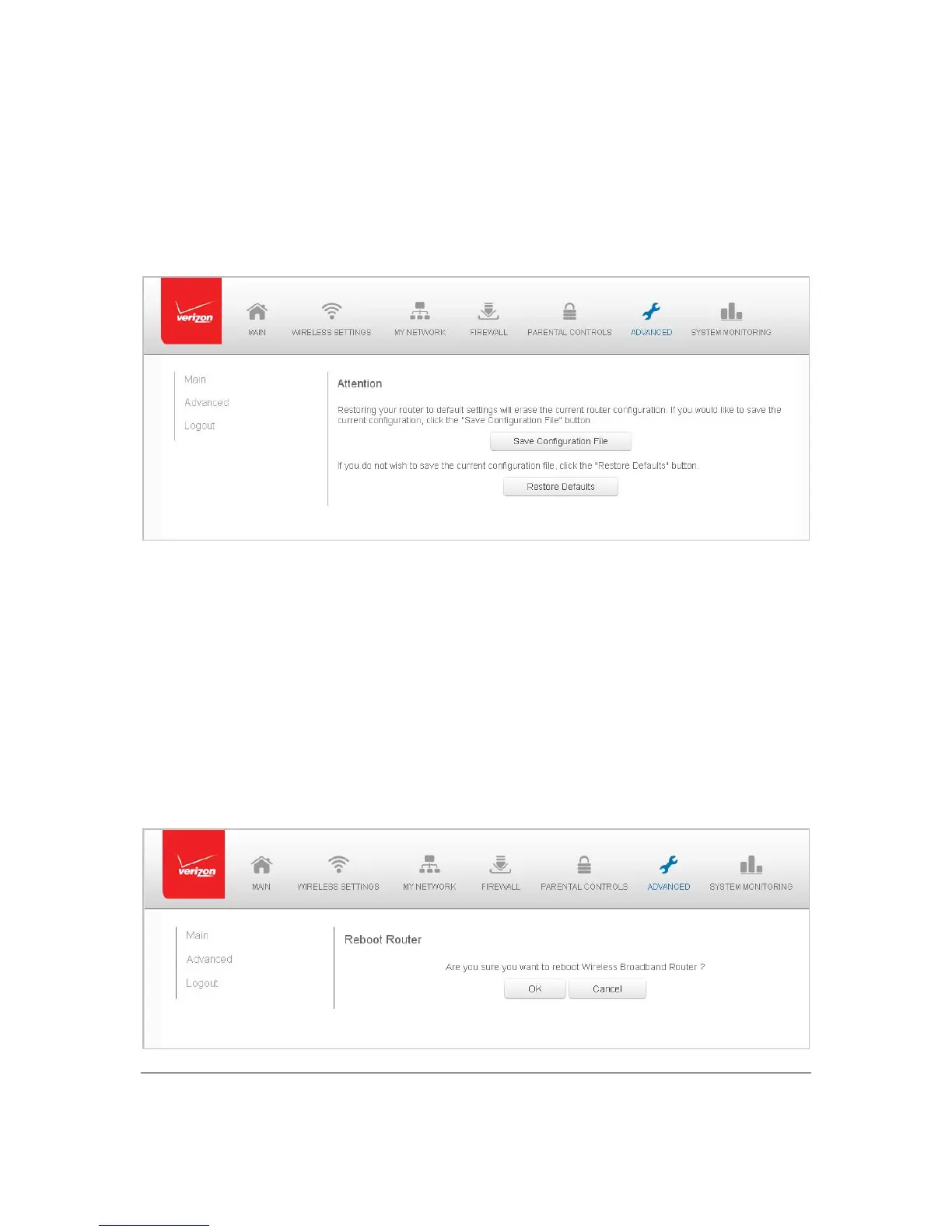
Note : Whenrestoringdefaults,thesettingand parametersofyourGatewayar erestoredto
theirdefault values.ThisincludestheAd ministrato rp assword.Auser‐sp ecifiedpassword
willnolongerbeva lid.
¾ Toresto reyourGateway’sfactorydefaultsettings:
1. Select RestoreDe fa u ltsintheAdvancedpage.
2. Tosaveyourcurrentconfigurationfi le,clickSaveConfigurationFile.
3. Torestorethefactorydefaultse ttings,clickOK.
Thefactorydefaultsettingsare app l i e d andyourGatewayrestarts.On ce
complete,th eLoginpageforth eFirstTimeEasySe tu pWizarddisplays.
RebootGateway
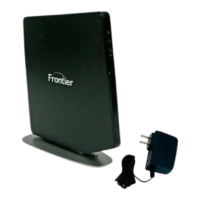
YoucanrebootyourGatewayusingtheRebootRouterfeatureaswellaspre ssingand
holdingtheWPS buttononthefrontoftheGatewayforatleast10seconds.
¾ Toreb ootyourGateway:
1. Select RebootRoute rintheAdvancedpage.



 To Next Page