Page95
2. Enable IPv6support.
3. Obtai nIPv6DNSSer ve raddressautomaticallyorspecifytheserverad d re s s .
4. Speci fy methodforassigningLANIPv6addres ses.
5. IntheInterf acessection,selecttheenabledinterf aces .
6. ClickApplytosavechang es.
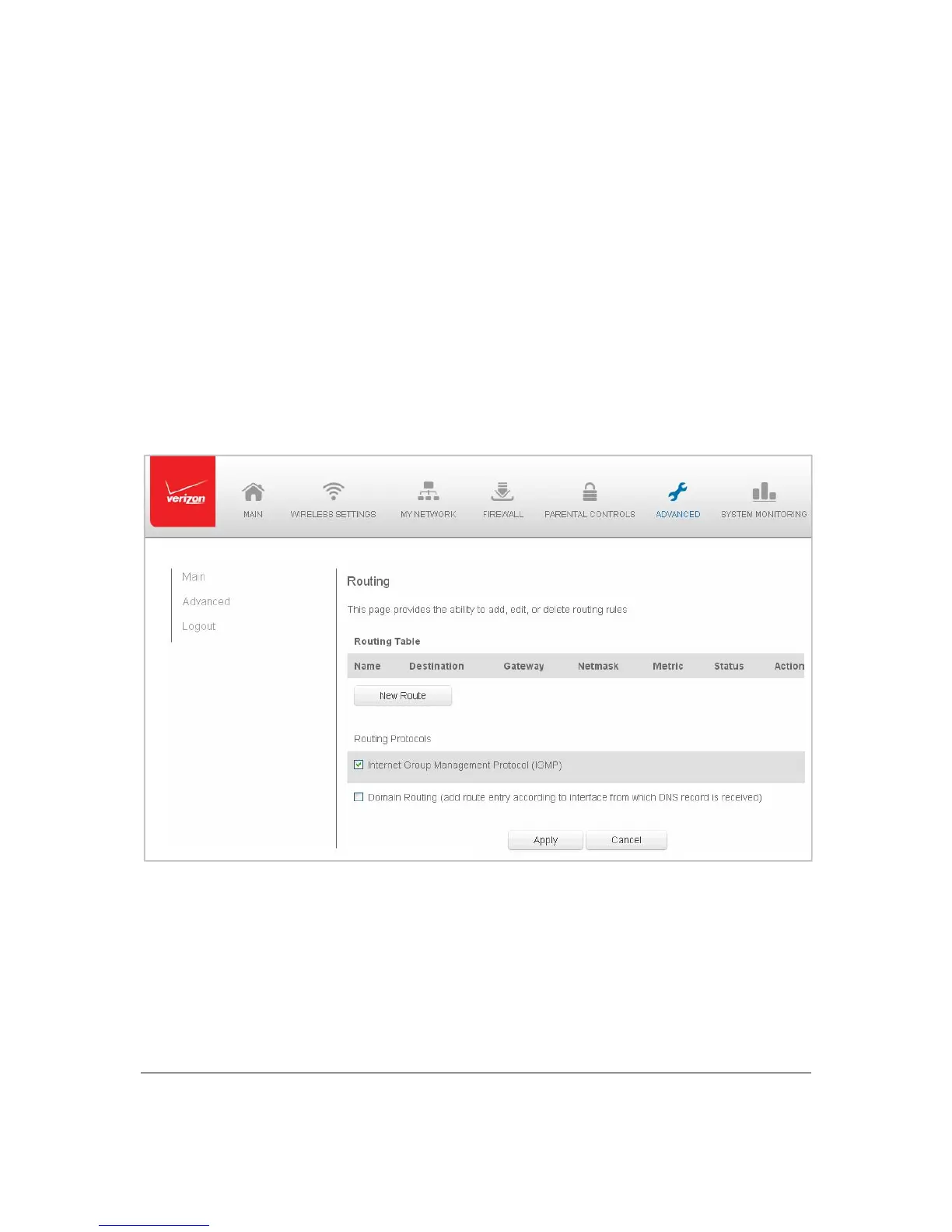
RoutingSettings
Youcanvi e wtheroutingandIPadd r es s distributionrulesaswellasadd,edit,ordeletethe
rules.
¾ Tovie wtherules:
1. Select Routingin theAdvan cedpage.



 To Next Page