Page88
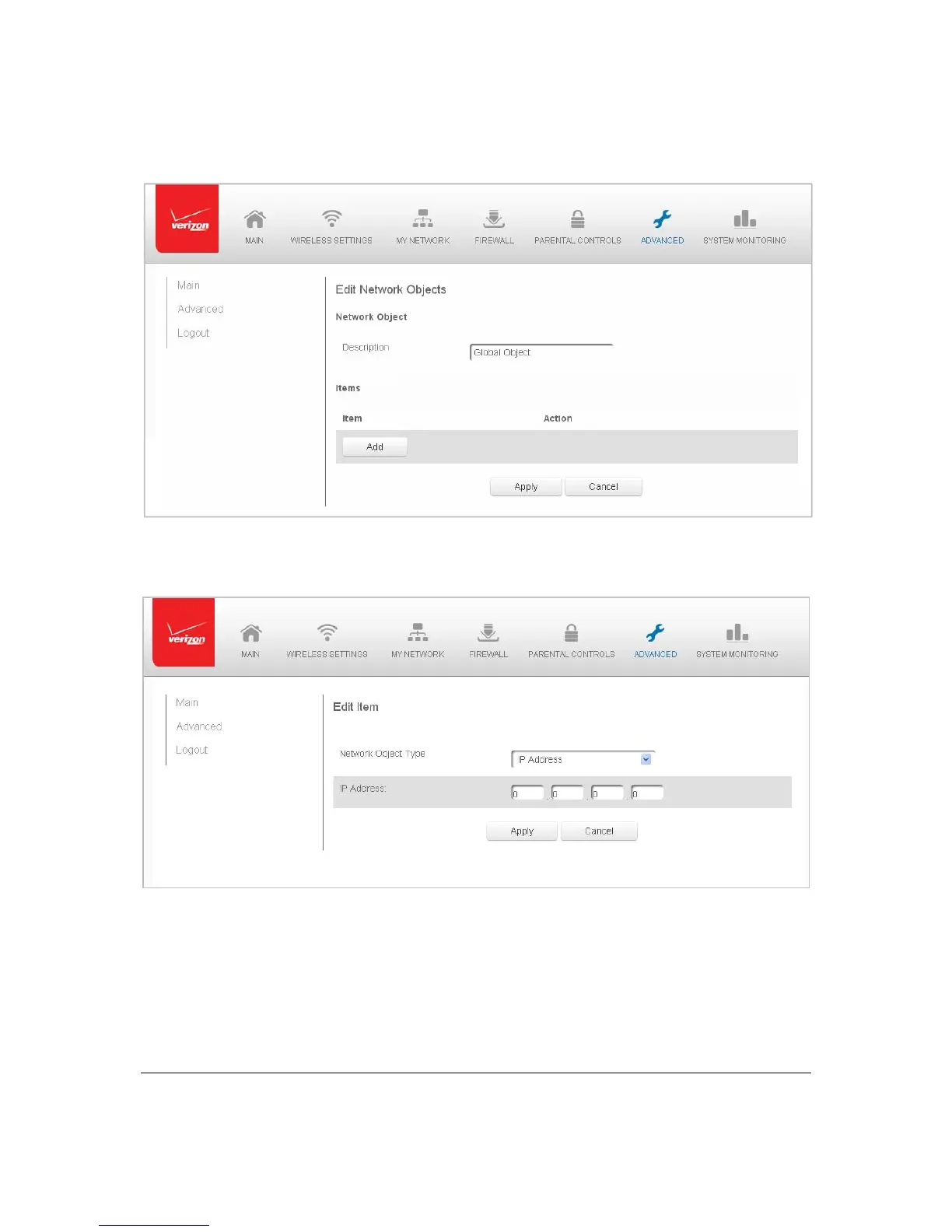
2. Tode fineanetworkobject,clickAdd.TheEdi tNetworkObj e ct s pagedisplays.
3. IntheDescriptionfield,enteranameforthenetworkobject.
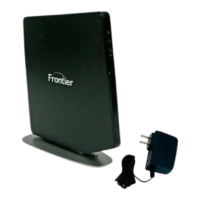
4. ClickAd d.Th eEdit Item pagedisplays.
5. Select thetype ofnetwor kobje ctasIPaddress,IPsubnet,IP range,
MACadd ress,
hostname,DHCPoption,orprotocol,andcli ckApplytosavechanges.
6. Repeattheabovestepstocre a t e add i t i on a l networkobjects.
7. Whe n complete ,click App lytosavechanges.



 To Next Page