Q2ec-FM004910
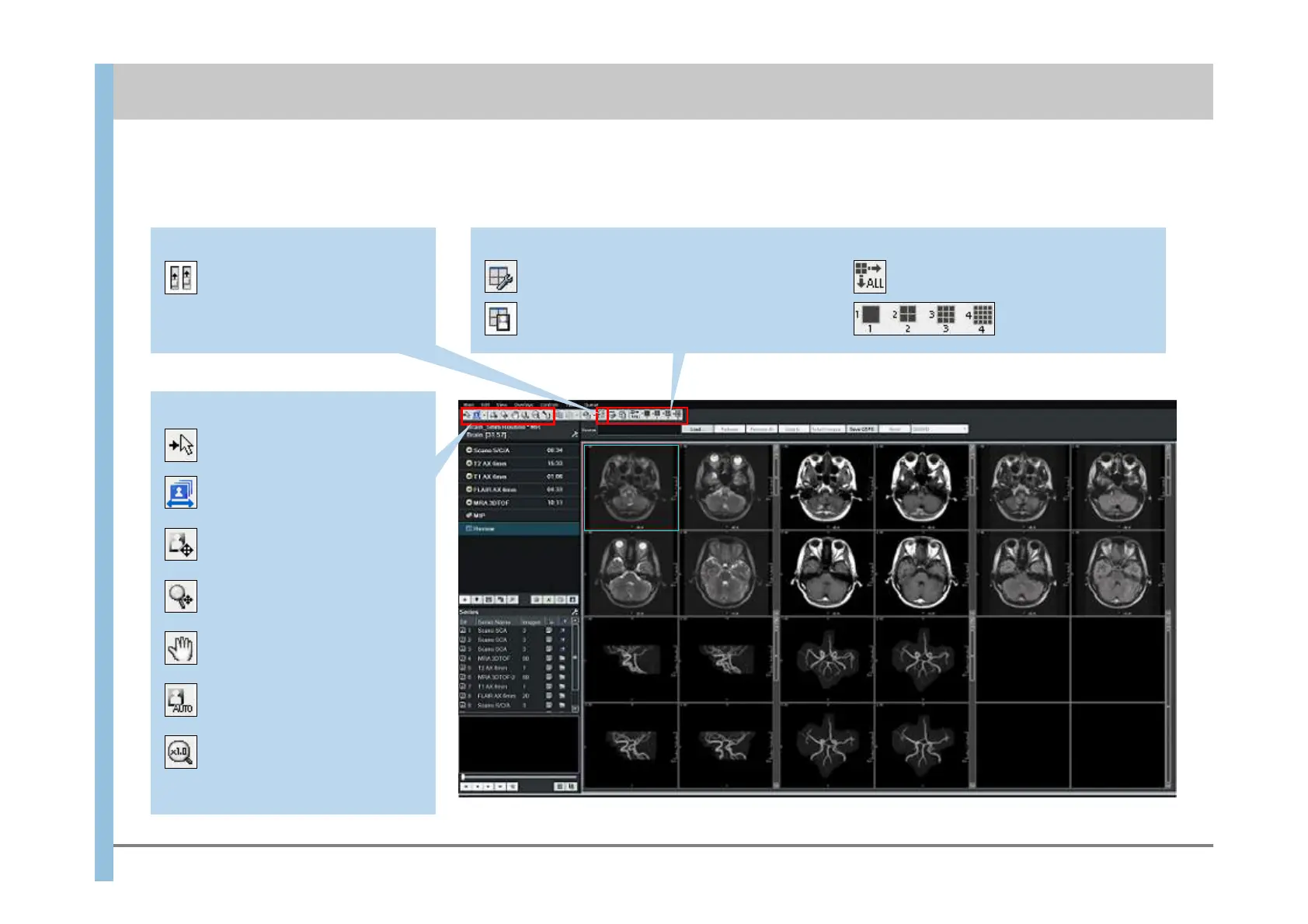
Image size and WW/WL settings
Sets the mouse to Select Mode.
Toggles between single-window
selection and series selection.
Allows the mouse to adjust
WW/WL.
Allows the mouse to adjust the
image size.
Allows the mouse to adjust the
image position.
Sets AUTO WW/WL.
Returns an enlarged or reduced
image to its original size.
Scroll method setting
Synchronizes the scrolling
of multiple series.
Layout settings
Optimizes the number of sections
(maximum of 16) making up a window so
that series fit into one window.
Sets up the Viewport layout. Applies the layout changes for one
series to all other series.
Changes the layouts of
series.
5.2 Exam window – Review
Chapter 5 Explanation of Window Items













 To Next Page