Q2ec-FM004914
1
2
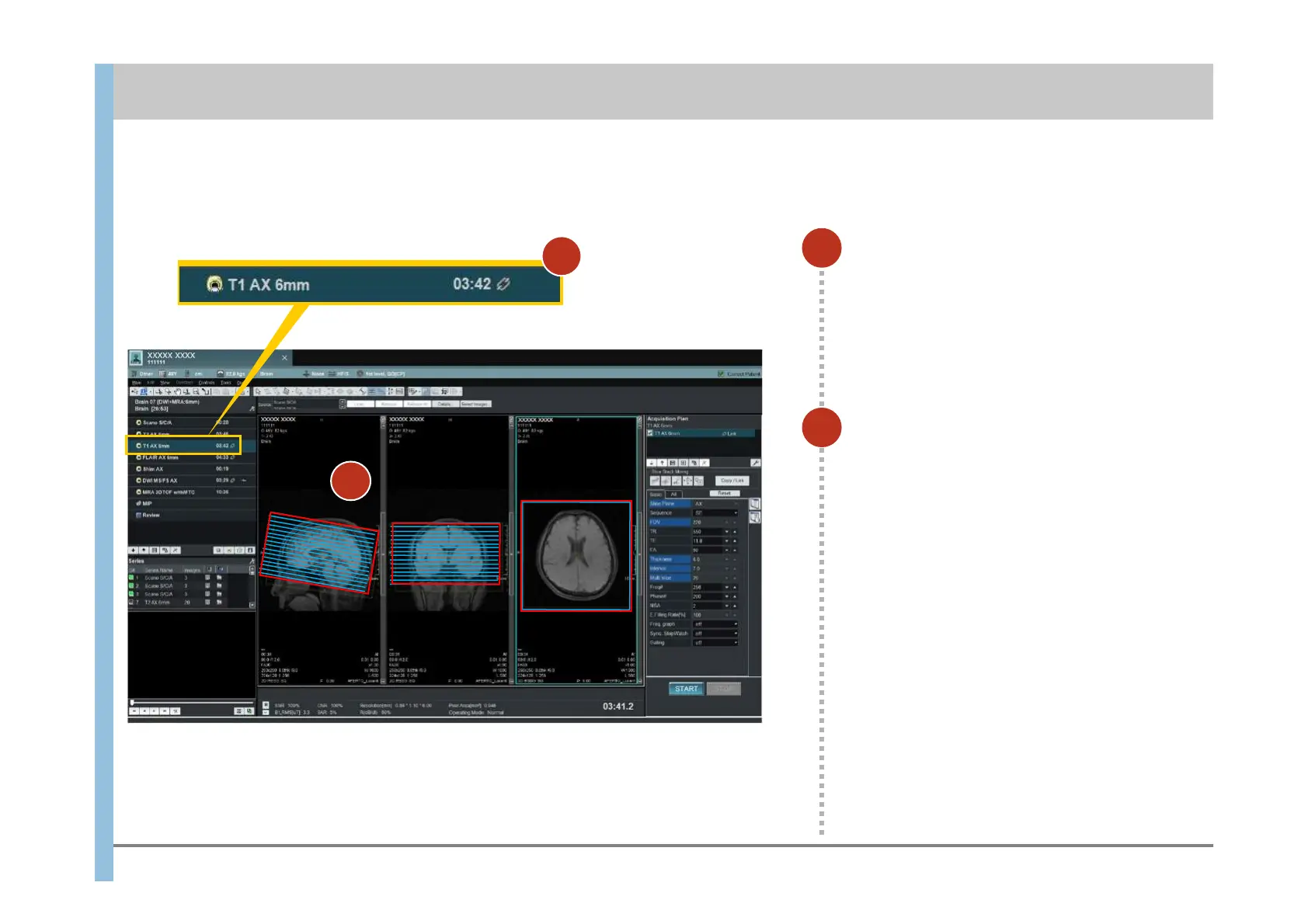
Select T1 AX 6mm or FLAIR AX 6mm.
Check the positions of the slice lines.
If the slice lines are blue, the same slice lines
as those of the link source have been set by
Position Link.
To reset the slice lines:
1) Remove the position link with the link source
(see 6.7).
2) Position the slice lines (see 6.2, step 2).
3) Set a position link from the slice lines to the
imaging that will be performed later
(see 6.7).
You can reserve the next imaging operation during the current imaging operation. The reserved imaging operation automatically starts when the
current imaging operation finishes.
6.3 Imaging of T1 weighted images or FLAIR images(reservation)
Chapter 6 Imaging
2
1













 To Next Page