Q2ec-FM00492
1.2 Switch unit
Chapter 1 Device Configuration
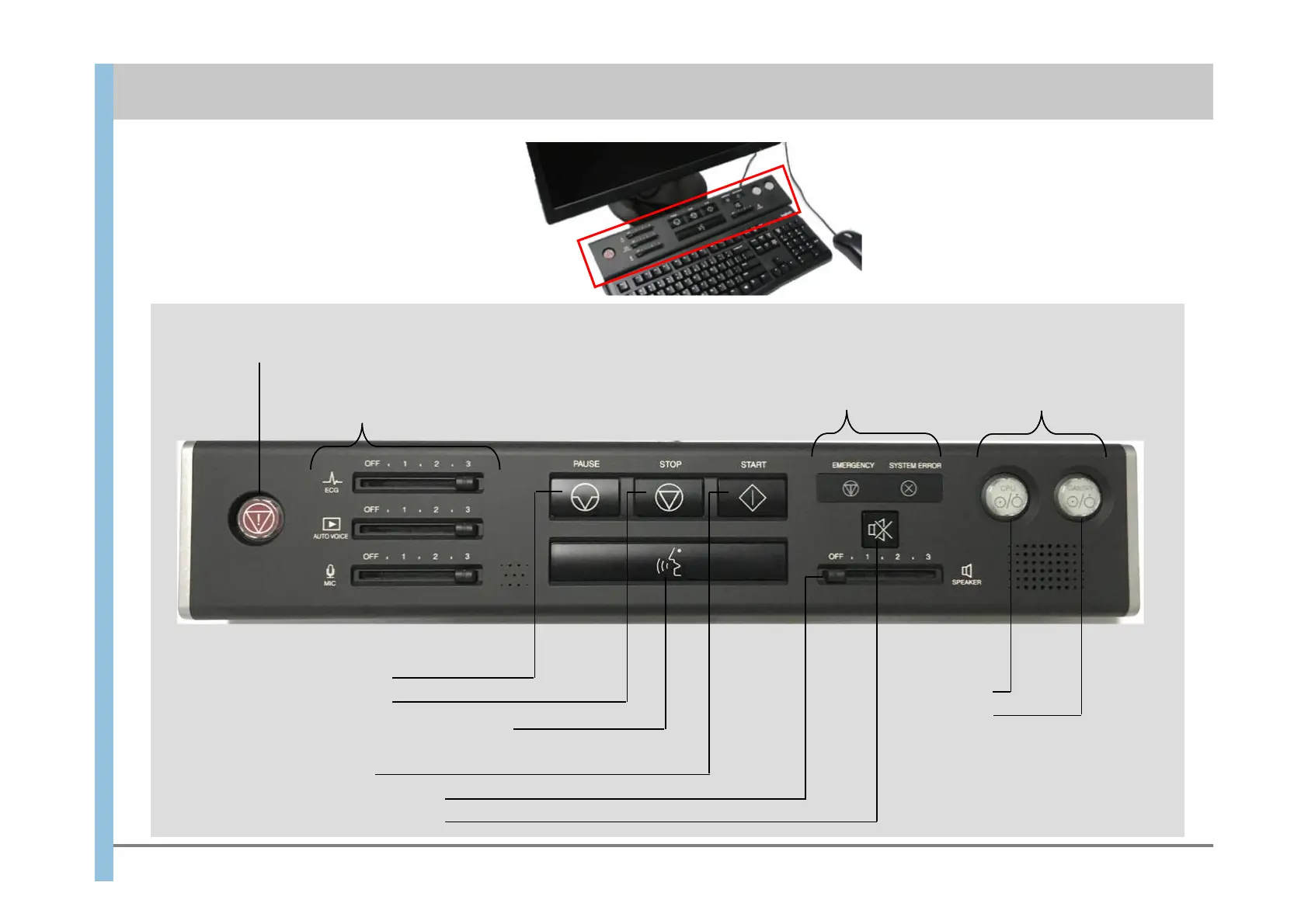
The switch unit is the red frame part.
Top view
[STOP] Stops imaging.
GANTRY
CPU
Imaging is impossible if
EMERGENCY or SYSTEM
ERROR is lit
[ECG] Electrocardiographic sound volume
[AUTO VOICE] Automatic voice volume
control
[MIC] Microphone volume control
● Imaging operation
[START] Starts imaging.
● System status display
[TALK] Enables conversation with a patient in
the shielded room.
Adjust the speaker volume.
[PAUSE] Pauses imaging.
Mute the speaker volume.
● Emergency
stop button
● Volume controls
Imaging is possible if both
CPU and GANTRY are lit.
● Power
supply













 To Next Page