Q2ec-FM004936
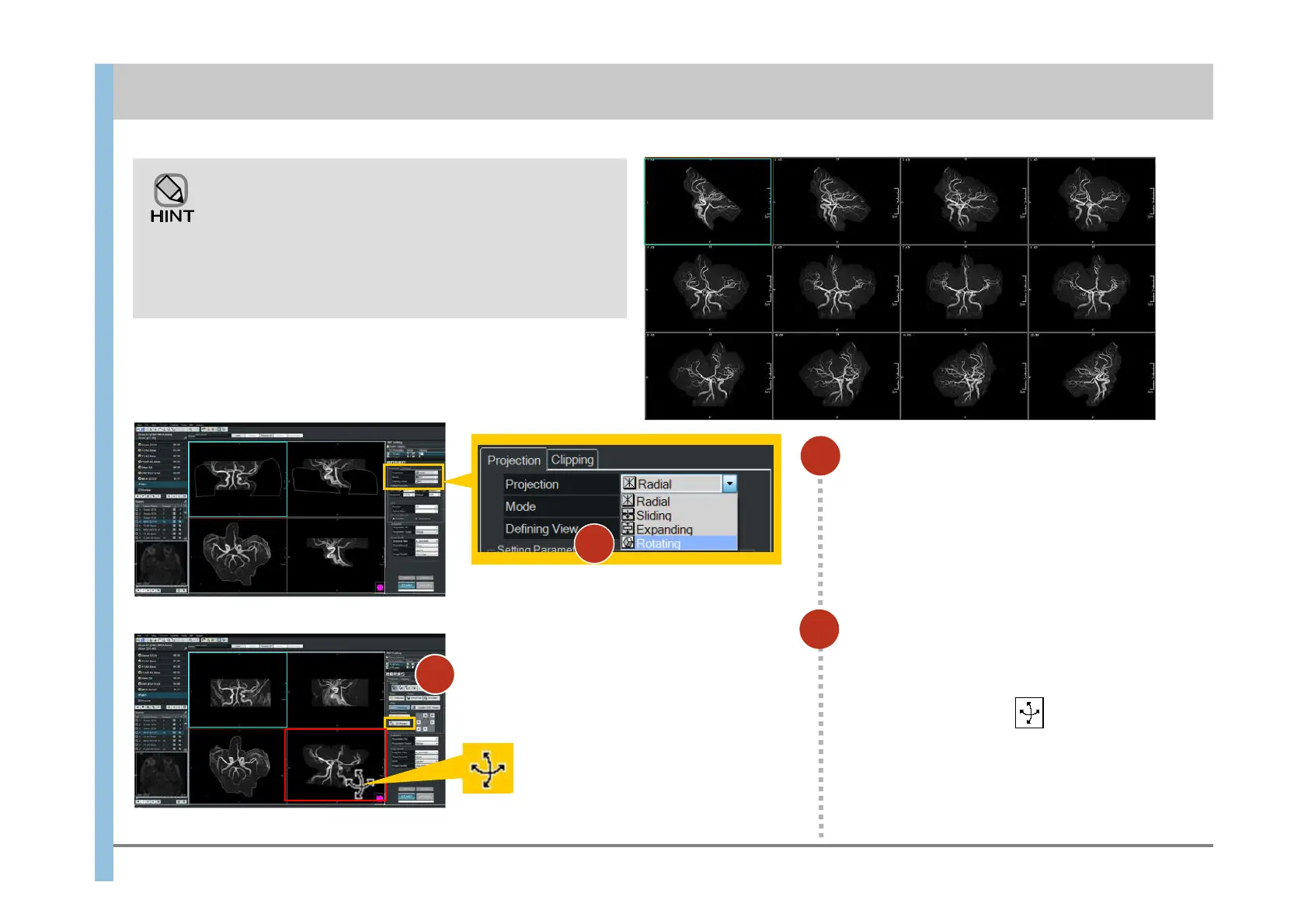
Select 【Rotating】 in the Mode
Projection.
2
8.2 MIP Rotating
1
When Rotating is selected in Mode Projection, you can
set a Tilt value to enable the rotation of images around
a tilted axis.
The images to the right are examples of rotation around
the HF axis when a Tilt value is specified in order to
make the Willis ring look larger.
Drag the mouse in the lower-right
image. Then images are rotated.
The cursor changes to .
2
Chapter 8 Image Processing
1













 To Next Page