Q2ec-FM0049
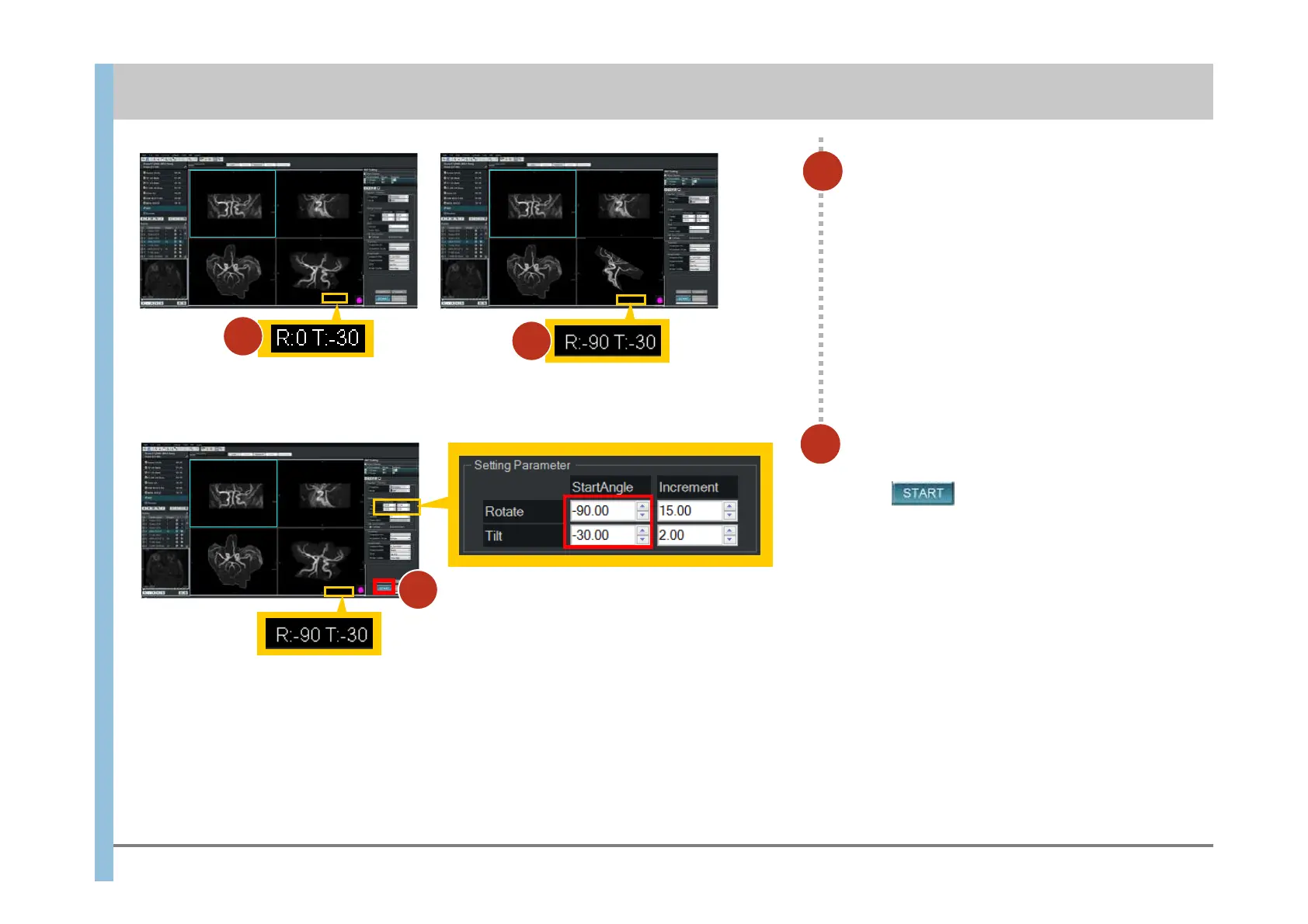
R:0T:-30
37
In the StartAngle column, specify the
Rotate and Tilt values, and then
click .
The rotated MIP image is created.
3
Check the Rotate and Tilt values.
These values are displayed underneath the
lower-right image.
3
4
Chapter 8 Image Processing
- 8.2 MIP Rotating -
R:-90T:-30
3
R:-90T:-30
4













 To Next Page