Q2ec-FM004938
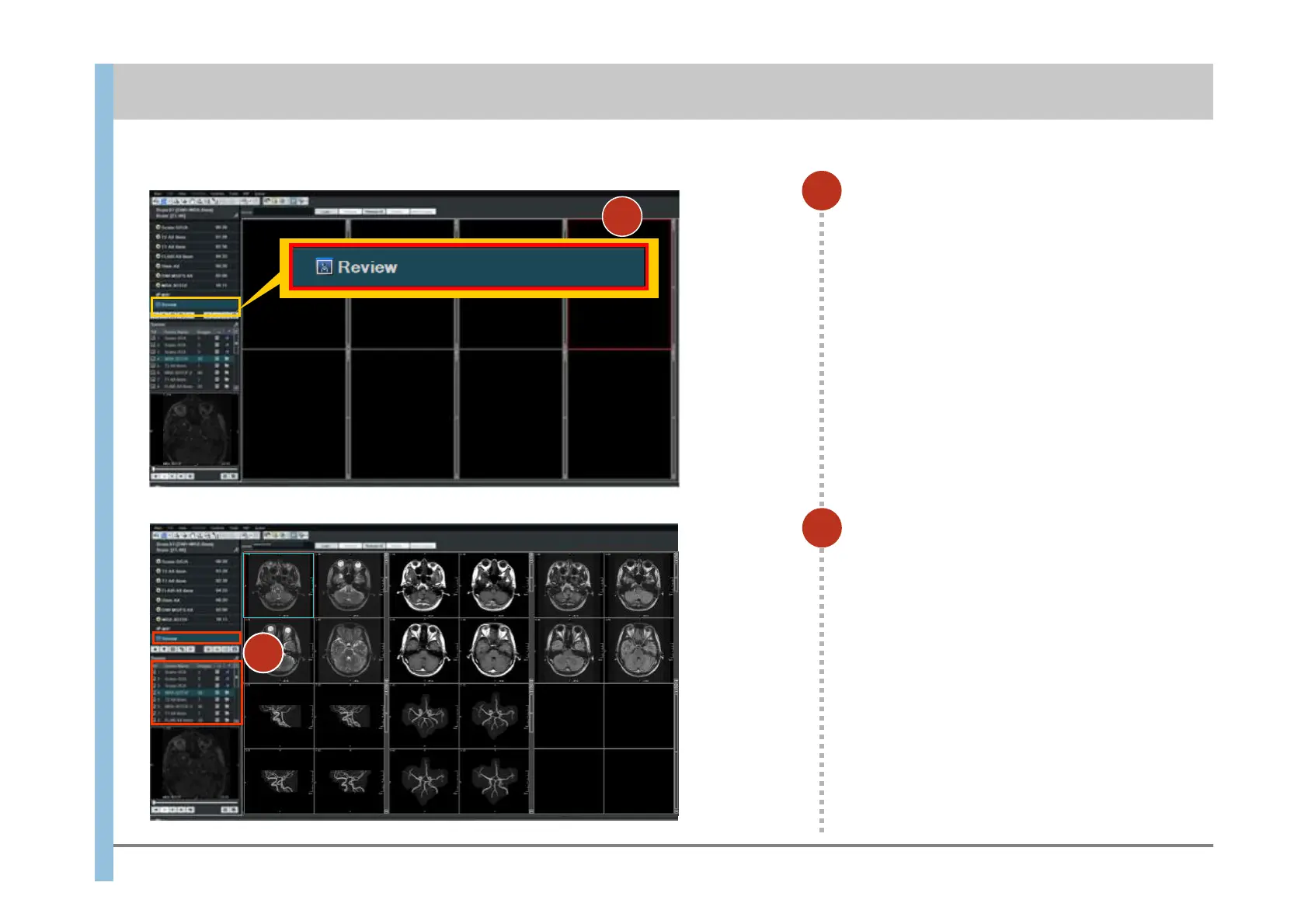
Select Review.
The display changes to the Review window.
1
Under Output Series, double-click a
series that you want to film.
The images in the series are displayed in
the Viewport.
2
You can film images in the Review window.
Chapter 9 Filming
(In the example at the left, five series are
displayed.)
Specify necessary settings such as WW/WL
and the magnification scale.
1
2













 To Next Page