Q2ec-FM004939
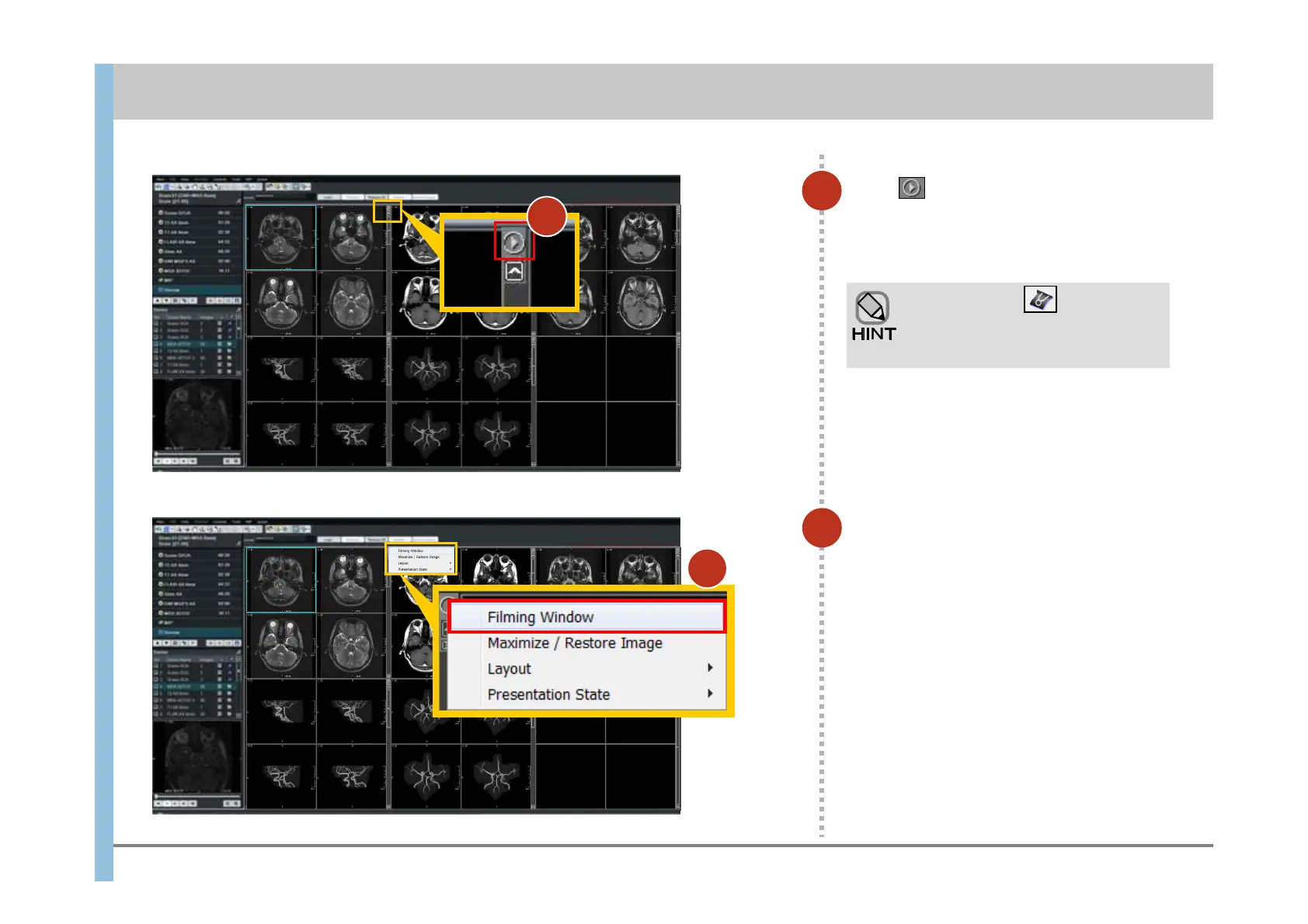
Click in the upper right corner of
the first series.
Selectable items are displayed.
3
In the displayed items, choose
Filming Window.
The Filming window appears.
The images of the selected series are
automatically inserted into the Filming window.
3
4
You can also set (Filming
Tool) in the Launcher and open the
Filming window from the Launcher.
Chapter 9 Filming
4













 To Next Page