Q2ec-FM004940
Click to display this window.
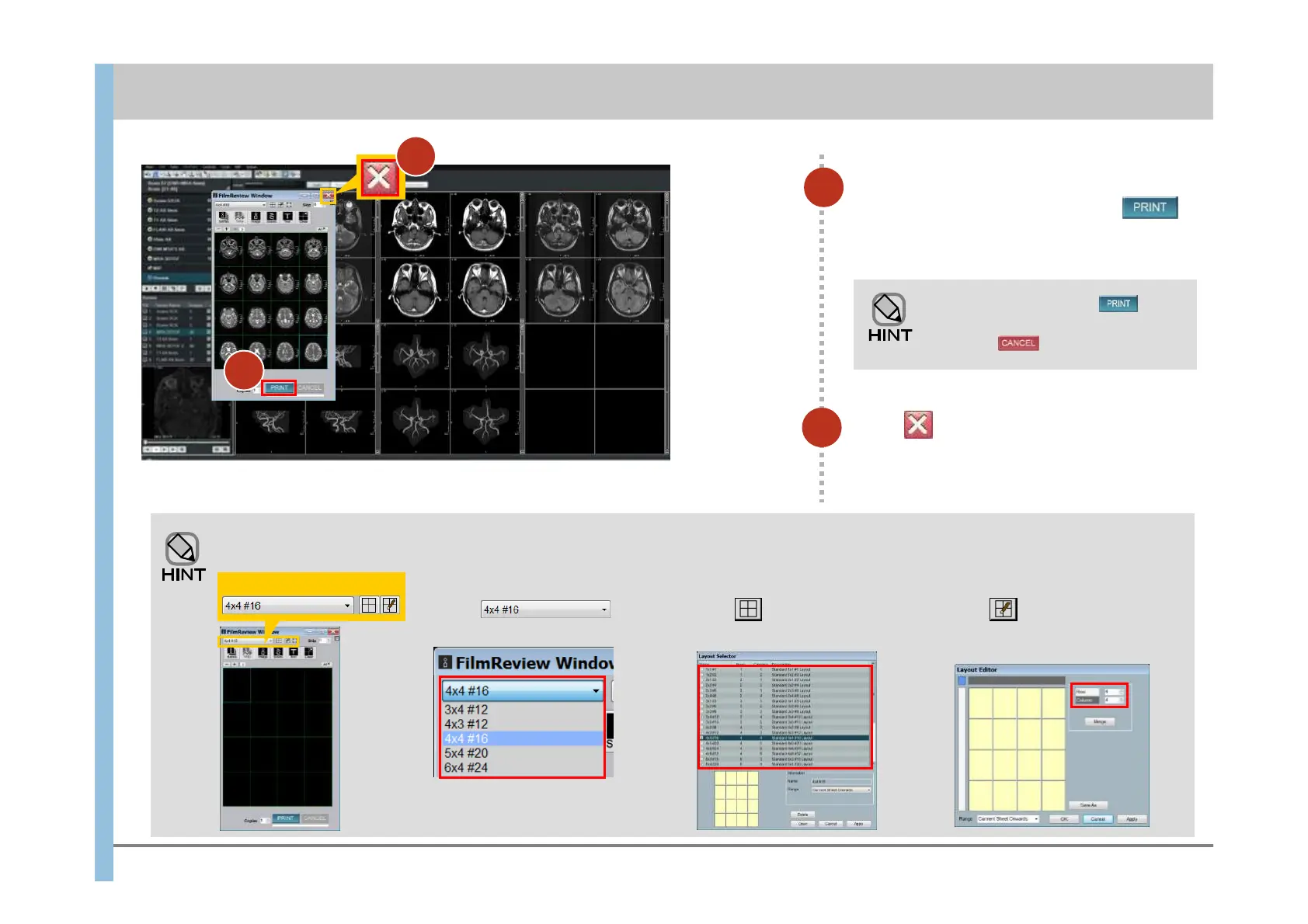
Select a layout from the list.
You can set up the Filming window layout as follows:
(a) (b)
Click to display this window.
Specify the number of rows and
columns.
(c) Layout Editor window
(b) Layout Selector window(a) Drop-down list
In the drop-
down list, select a layout.
(c)
5
5
When all images have been inserted
into the Filming window, click .
Filming is performed for all sheets.
While the indicator under is
moving, you can stop processing
by clicking .
6
Click to close the Filming window.
Chapter 9 Filming
6













 To Next Page