Q2ec-FM0049
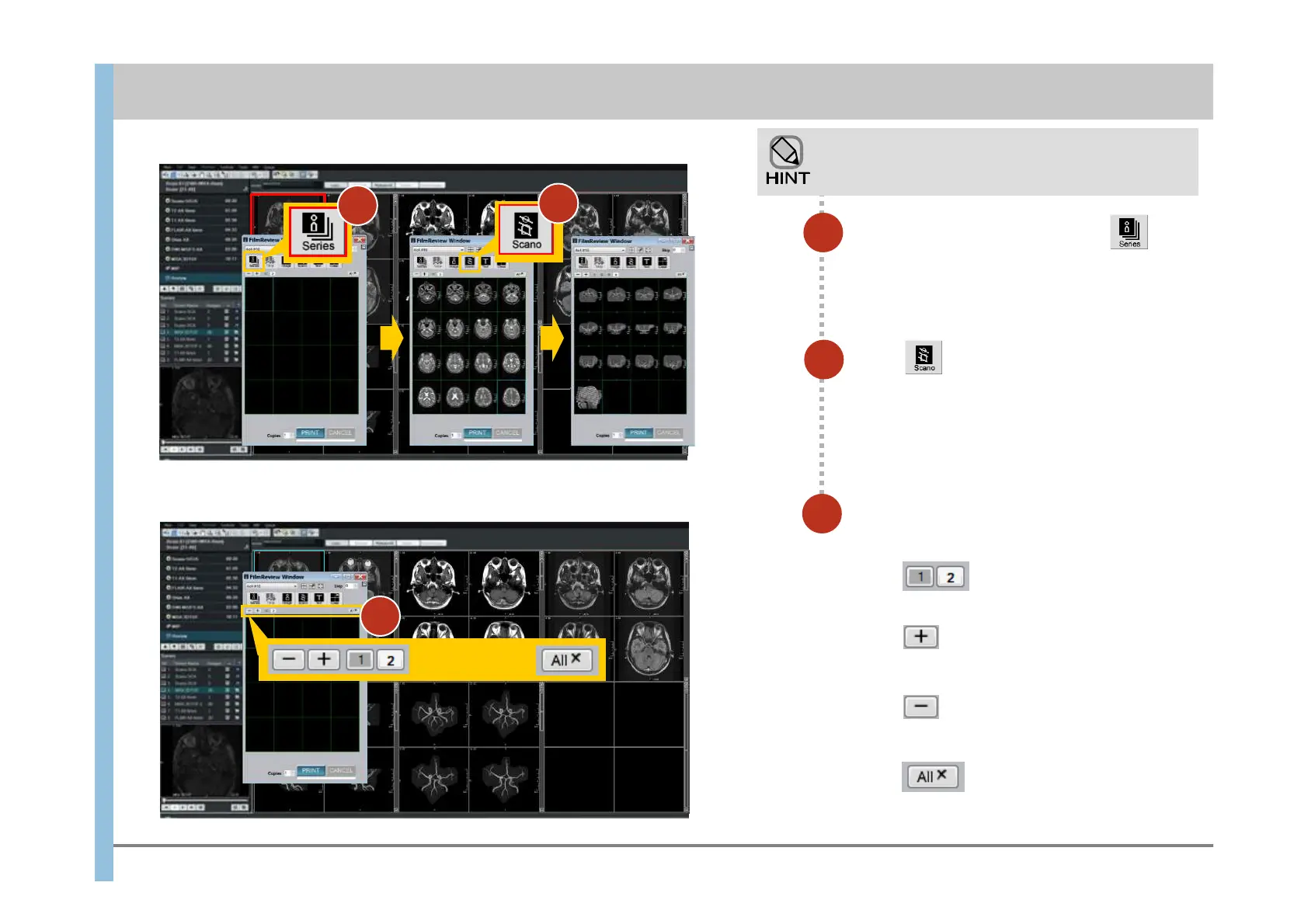
Click .
A new sheet is added at the end of the sheets.
Click .
The selected sheet is deleted.
Click .
All sheets are deleted.
Click .
The scanogram images of the series displayed
in the Filming Window are inserted into the free
frames.
41
7
9
In the Filming window , click
The images in the selected series are inserted
into the sheet.
Select, add, or delete a sheet as
described below.
There are some ways to manually insert images.
8
7
8
Click .
A sheet is selected.
9
Chapter 9 Filming













 To Next Page