Q2ec-FM0049
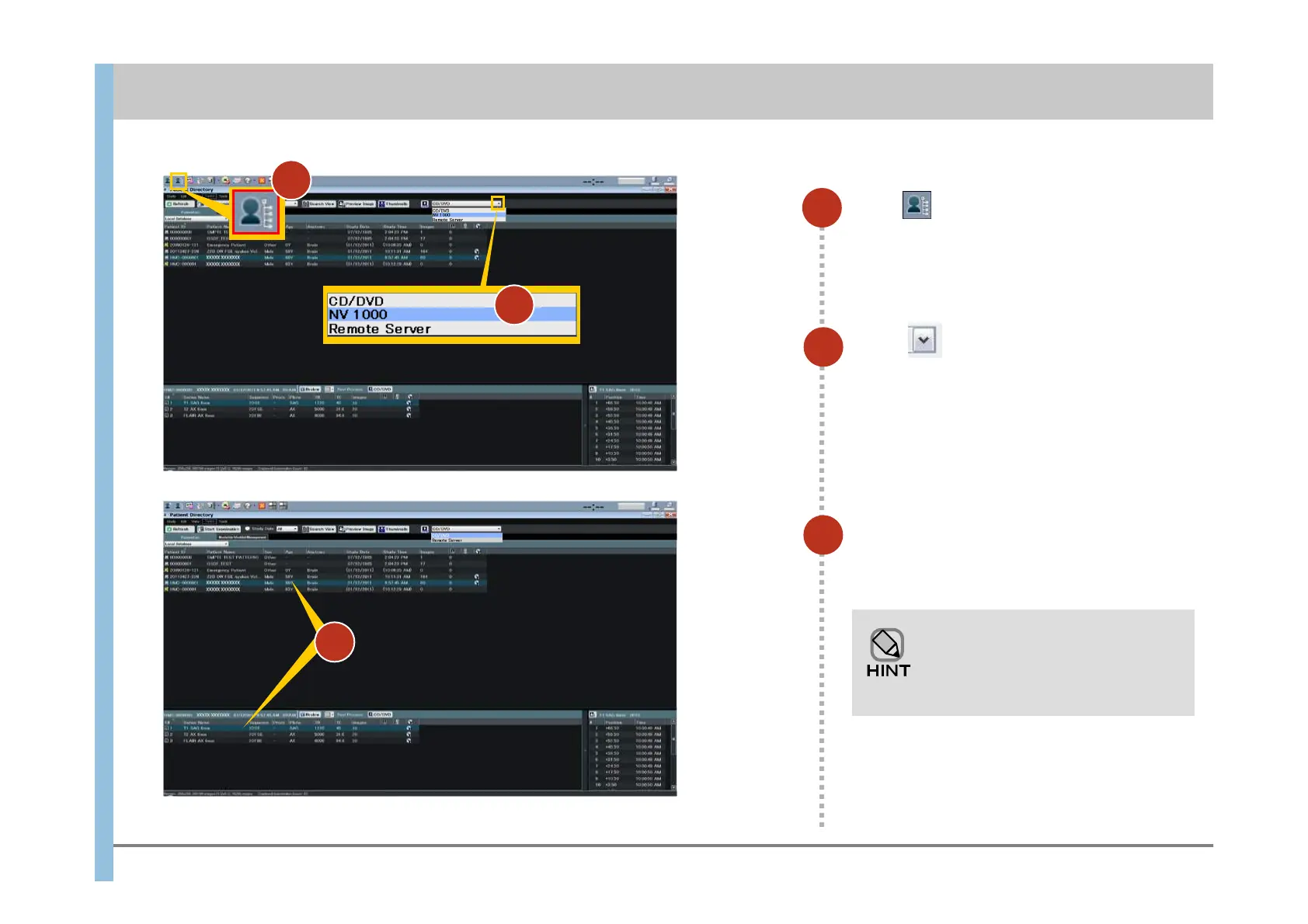
Click in the Launcher to display
the Patient Directory.
42
2
Click and select the DICOM
transfer destination or the location
where the images are to be saved.
The transfer destination name differs depending
on the settings of the facility.
3
3
Chapter 10 Saving Images and DICOM Transfer(CD-R/DVD±R)
1
Select patient name (or series name)
for which you want to save (or
DICOM transfer) images.
To select more than one patient (or
series), hold down the Ctrl key and
then click additional patients or
series.
2
1













 To Next Page