Q2ec-FM0049
Click
Position the cursor over an object, and then press the left mouse button.
Most system operations are performed by using a mouse. The following terminology is used to describe the basic mouse operations.
Double-click
Position the cursor over an object, and then press the left mouse button twice in rapid succession.
Drag
Click an object, and then move the mouse while continuing to hold down the left mouse button.
Drag & drop
Move an object to another location by dragging it, and then releasing the mouse button to leave it at the new location.
■ Terms describing mouse operations
Zooming in on and zooming out from an image
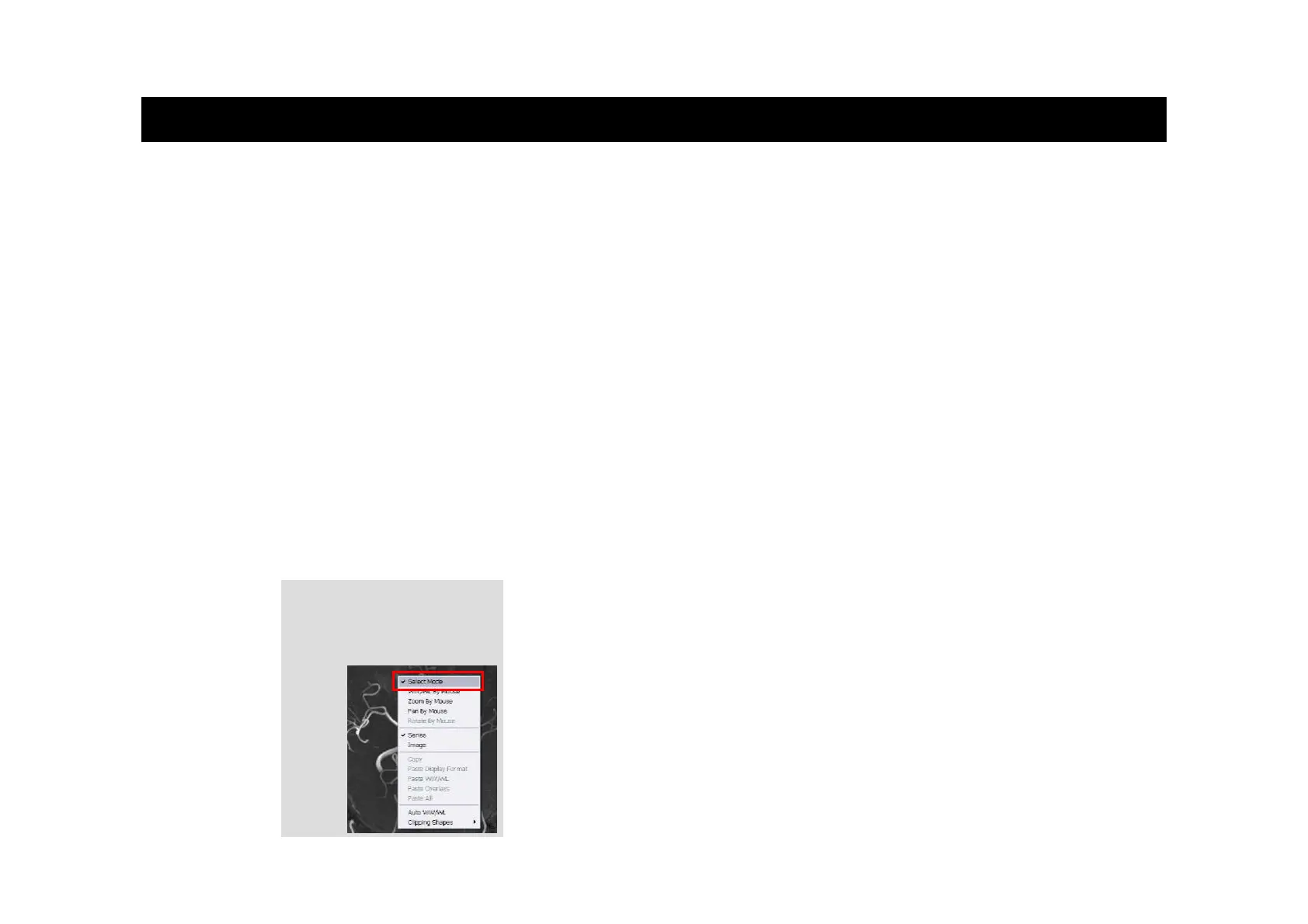
Specify Select Mode for the mouse.
Select an image. While holding down the Ctrl key, rotate the wheel between the left and
right mouse buttons away from you to zoom in on the selected image, or rotate the wheel
toward you to zoom out from the image.
■ Image operations
Moving an image
Specify Select Mode for the mouse.
Select an image. You can move the image by holding down either mouse button and
dragging.
When the mouse is in Select Mode, you can use the mouse to zoom in on, zoom out from, and move images.
Right-click
Position the cursor over an object, and then press the right mouse button.
Specifying Select Mode
Right-click an image. In the
menu that appears, choose
Select Mode.
Mouse Operations
( 4 )













 To Next Page