Q2ec-FM004925
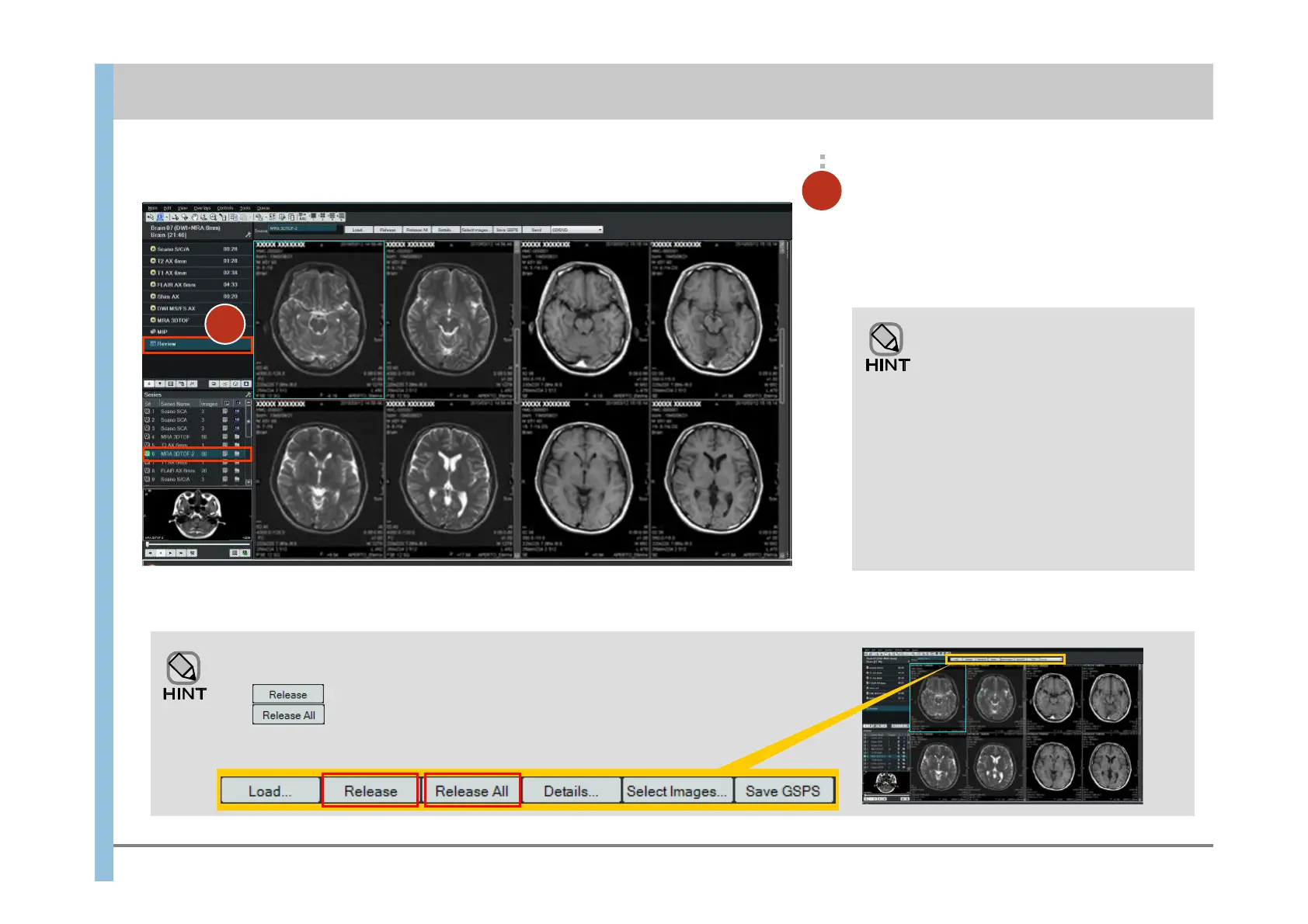
Click to delete selected series from the Viewport.
Click to delete all displayed series from the Viewport.
Under the task or under Output
Series, double-click the series you
want to review.
The images in the series are displayed in the
Viewport.
2
参考
You can also display images by
dragging and dropping the series into
the Viewport.
When a series is dragged and
dropped into a Viewport in which the
images of another series are being
displayed, the original images are
replaced with the new images.
To display the images of different
series at the same time, drag and
drop the second and subsequent
series into empty Viewports.
Deleting (releasing) images in the Review window
2
Chapter 7 Reviewing Images
- 7.1 Displaying images in the Review window -













 To Next Page