Q2ec-FM004932
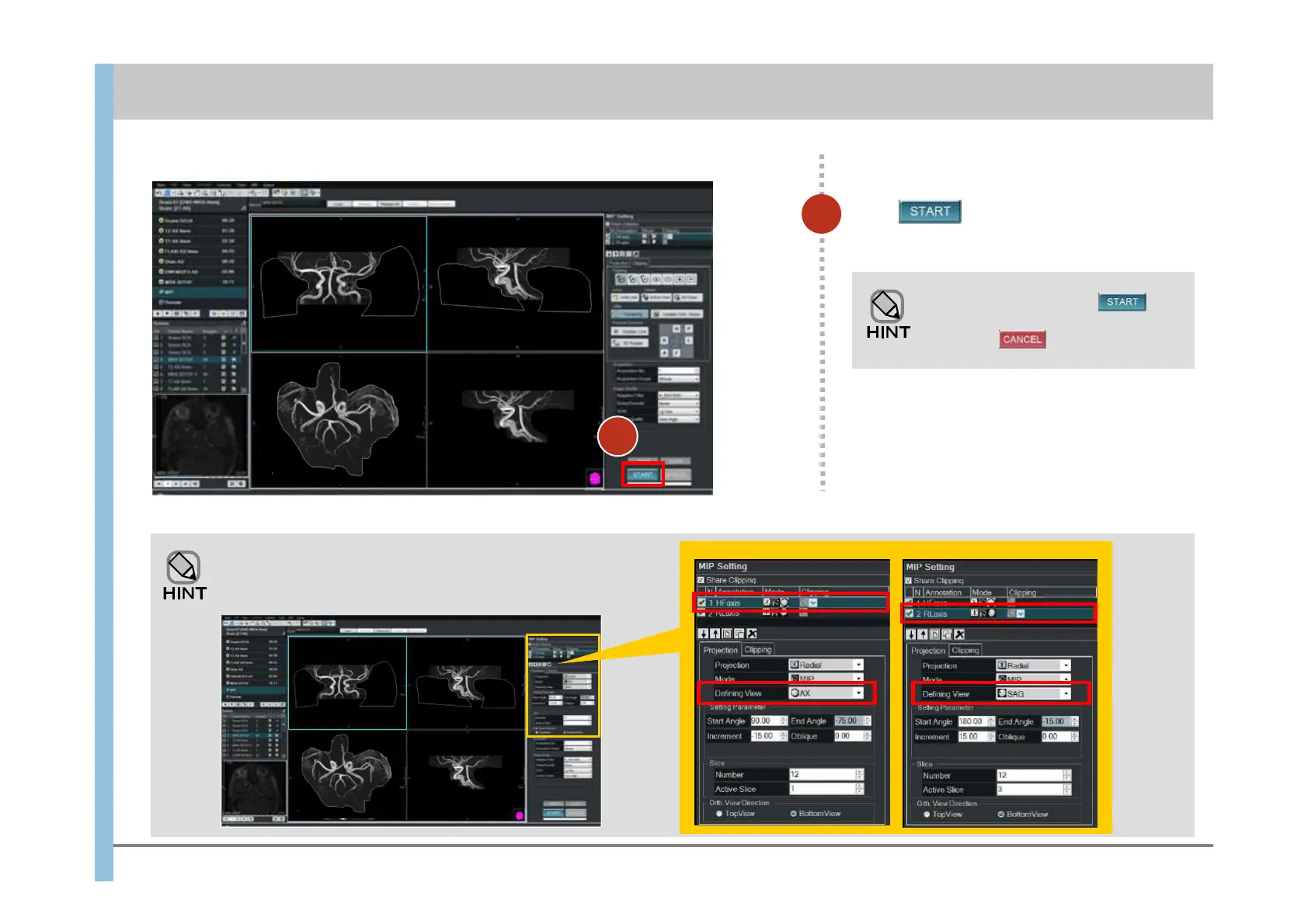
HF axis RL axis
9
9
Creation of rotated images by using the HF axis (showing the
AX plane) and RL axis (showing the SAG plane) is specified.
While the indicator under is
moving, you can stop processing
by clicking .
Click .
MIP rotated images are created.
Chapter 8 Image Processing
- 8.1 Clipping processing and MIP rotation -
HF axis
RL axis













 To Next Page