System expansions
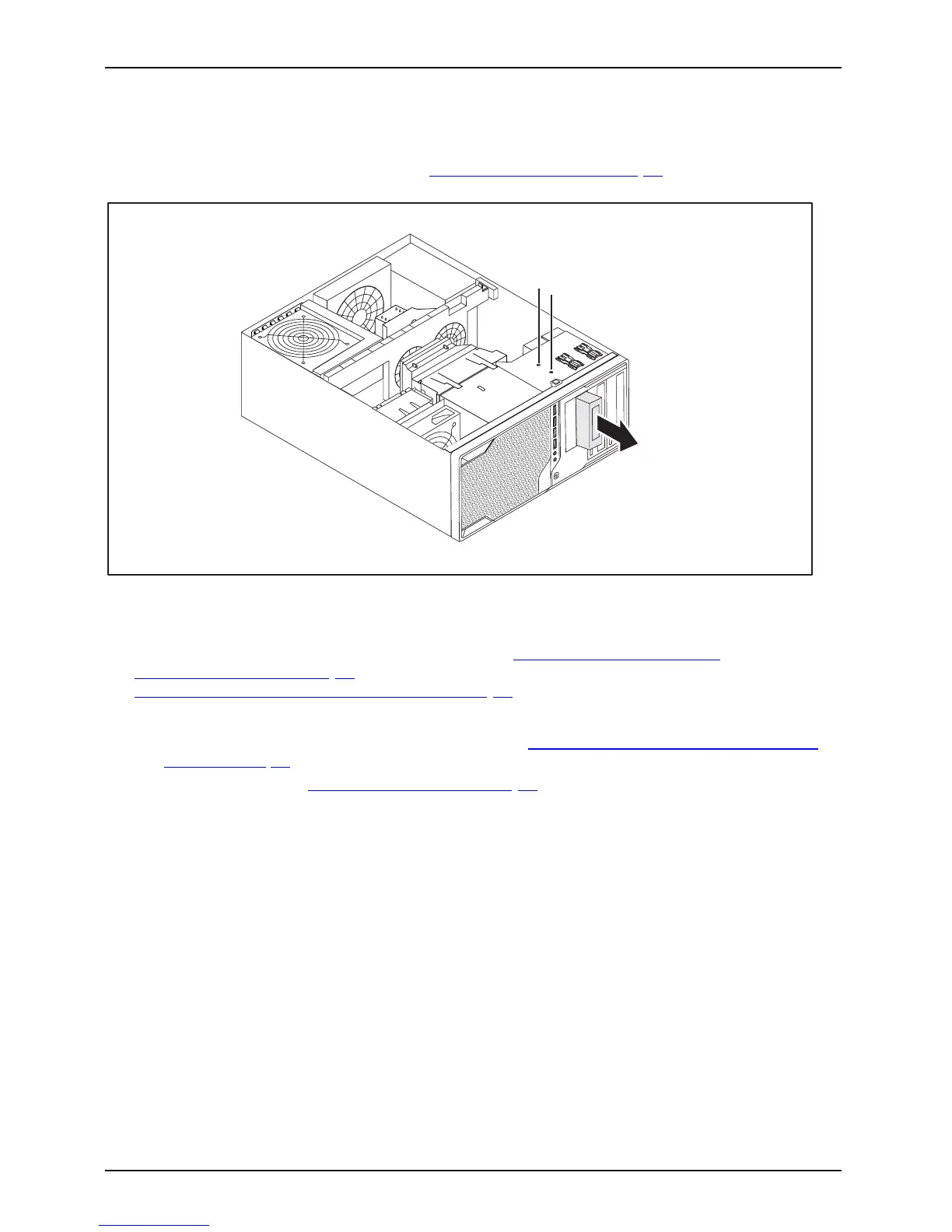
Removing a module holder w ith reader
• Requirement: The casing is open (see "Opening the casing", Page 33 ).
► D isconnect the ca bles conne cted to the modu le holder.
2
1
1
► Remove the screws (1).
► Slide the module holder out of the casing in the direction of the arrow (2).
► Remove the read er from the module holder (see "
Removing the reader from
the module holder" , Page 41) and reinstall the module holder (corresponds to
"
Install ing a module holder with reader", Page 3 9).
or
► Remove the re
ader from the module holder (see "
Removing the reader fro m the module
holder", Pa
ge 41) and install the metal and plastic cover in the drive bay.
► C lose the casing (see "
Closing the casing", Page 34).
40 Fujitsu Technology Solutions















 To Next Page