Chapter 3 Operation instructions
IP-9500e
45
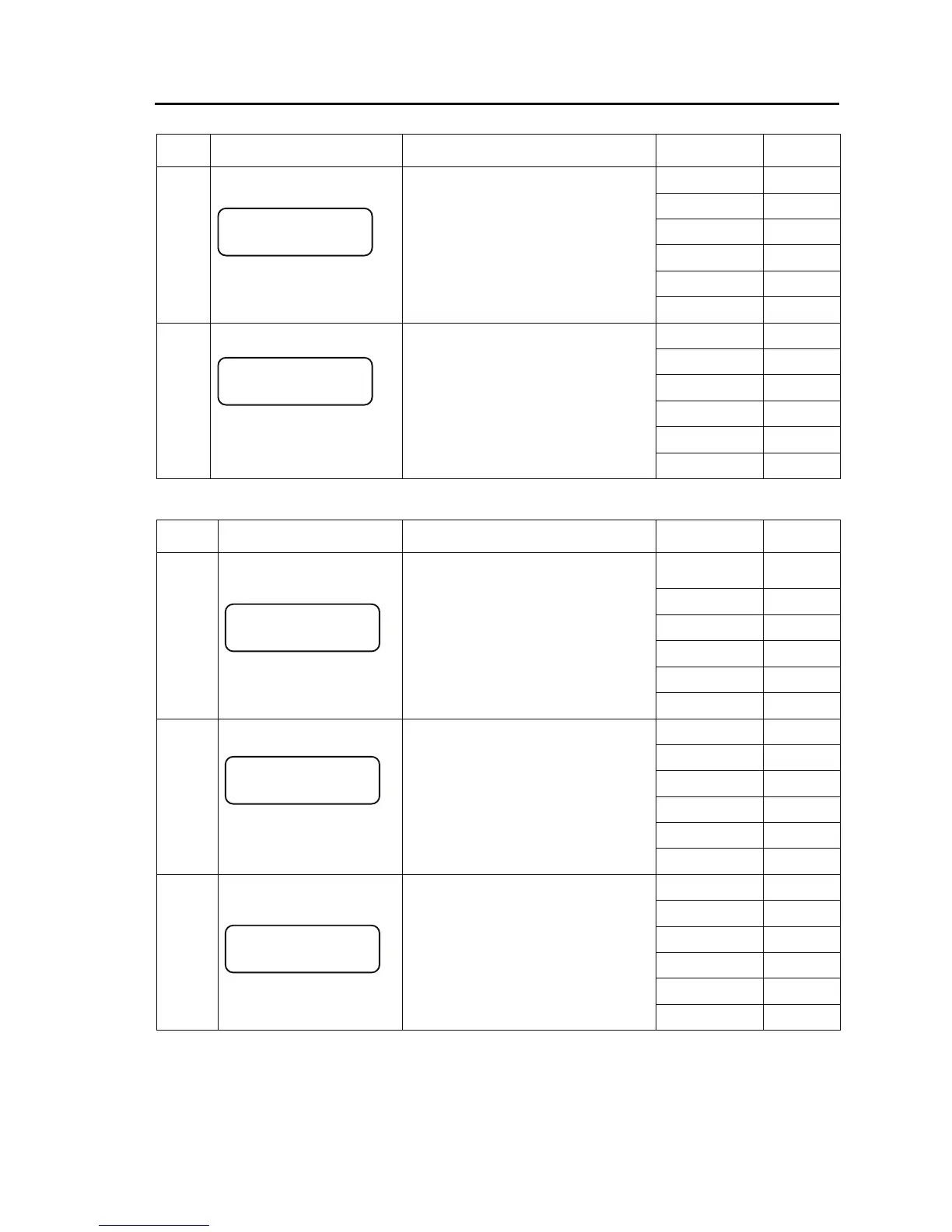
- Shutdown menu
Status
No.
Page status Description
Key operation
/Conditions
Transition
to
Press [Enter] 7-1
Press [Cancel] 2-2
Press [△] 6-2
Press [▽] 6-2
Press [Y] -----
6-1
●Shutdown menu page 1
Pressing the Enter key while the
Maintenance menu page 2 is displayed
proceeds to this page.
Pressing the Enter key at this page
displays the shutdown selection page.
Press [Z] -----
Press [Enter] 8-1
Press [Cancel] 2-2
Press [△] 6-1
Press [▽] 6-1
Press [Y] -----
6-2
●Shutdown menu, page 2
Pressing the Enter key proceeds to the
device reboot page.
Press [Z] -----
- Shutdown
Status
No.
Page status Description
Key operation
/Conditions
Transition
to
Press [Enter]
7-2A
or 7-2B
Press [Cancel] 6-1
Press [△] -----
Press [▽] -----
Press [Y] -----
7-1
● Shutdown selection page
Pressing the Enter key at this page starts
shutdown processing.
However, shutdown may be disabled
during access from the Web.
Press [Z] -----
Press [Enter] -----
Press [Cancel] -----
Press [△] -----
Press [▽] -----
Press [Y] -----
7-2A
●Shutdown page
After this page appears, you can turn off
the power to the IP-9500e.
The RDY lamp at the front of the
IP-9500e goes off and key operations
are no longer enabled.
Access to the Web is no longer enabled
either.
Press [Z] -----
Press [Enter] 6-1
Press [Cancel] -----
Press [△] -----
Press [▽] -----
Press [Y] -----
7-2B
●Shutdown page
If this page appears, power-off is
disabled because another command is
being executed.
Retry shutdown later.
Pressing the Enter key proceeds to the
shutdown menu page.
Press [Z] -----
Shutdown
2>Reboot
Shutdown
1>Shutdown
System Shutdown ?
Busy
Please turn off.



 To Next Page