Appendix
IP-9500e
79
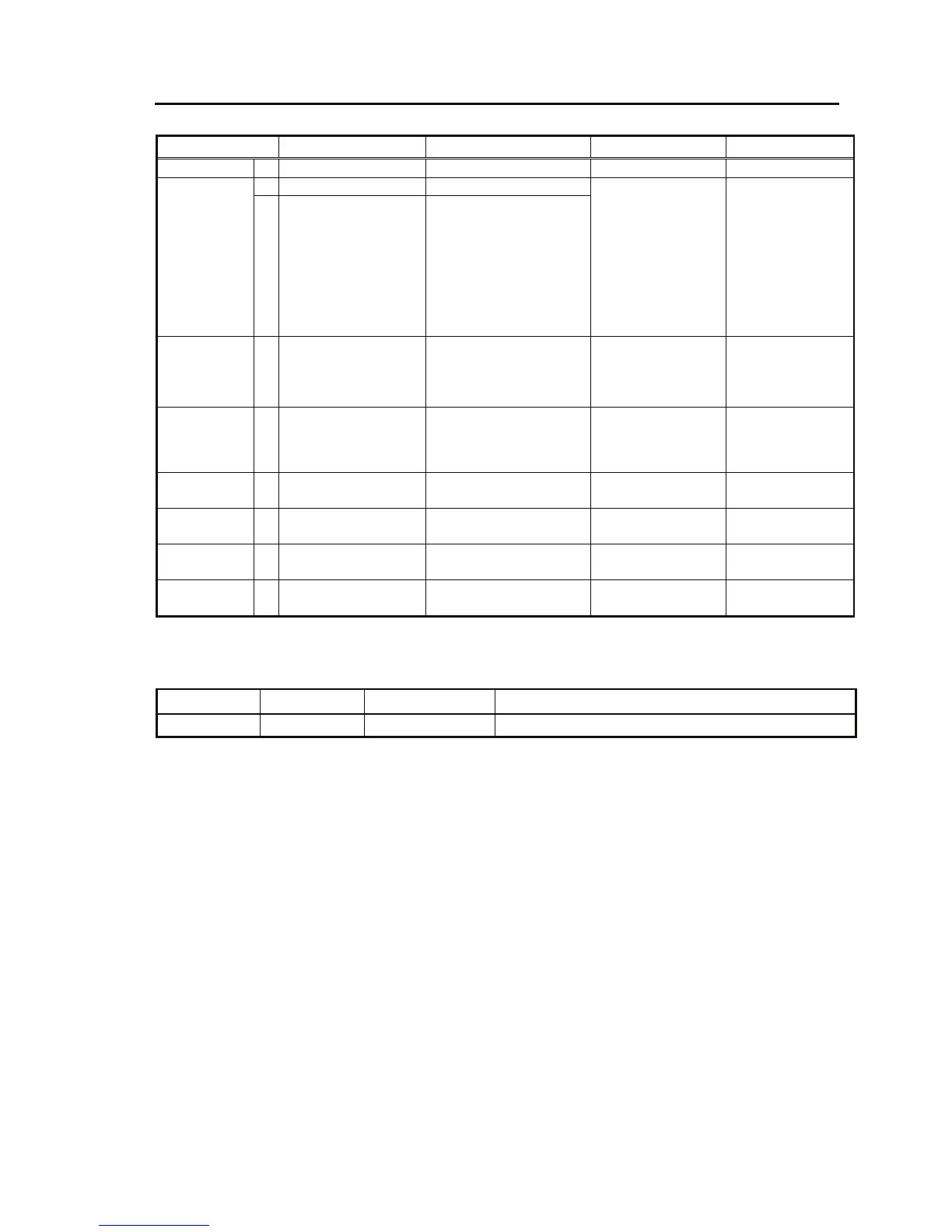
LED name ON Blinking OFF Remarks
PWR G Power ON --- Power OFF
G Normal operation Starting up RDY
O
Maintenance mode
LAN
(IP=10.0.0.1,
Subnet=255.0.0.0)
CONSOLE
(IP=192.168.255.253,
Subnet
=255.255.255.252)
Maintenance mode
starting up
Software inactive Blink interval: 0.5s
Maintenance mode
(Cancel button
startup):
LAN subnet mask
(255.0.0.0)
CONSOLE subnet
mask
(255.255.255.252)
ALM R Equipment alarm FAN alarm
Temperature alarm
CF card access error
Option card error
Normal operation
IN DWN O Video input
down/fault
Reference clock slipping
Reference clock input
down/fault
Normal operation HD-SDI video
input or reference
clock input
monitoring
LINK/ACT
[LAN]
G LINK established LAN packets detection Cable disconnection
or software inactive
100M/1000M
[LAN]
G 100BASE operation 1000BASE operation 10BASE operation
LINK/ACT
[CONSOLE]
G LINK established LAN packets detection Cable disconnection
or software inactive
100M/1000M
[CONSOLE]
G 100BASE operation 1000BASE operation 10BASE operation
G: Green, O: Orange, R: Red
Name Button type Specifications Behavior
POWER Locker button Power ON/OFF



 To Next Page