Accessories for your Tablet PC (opti
onal)
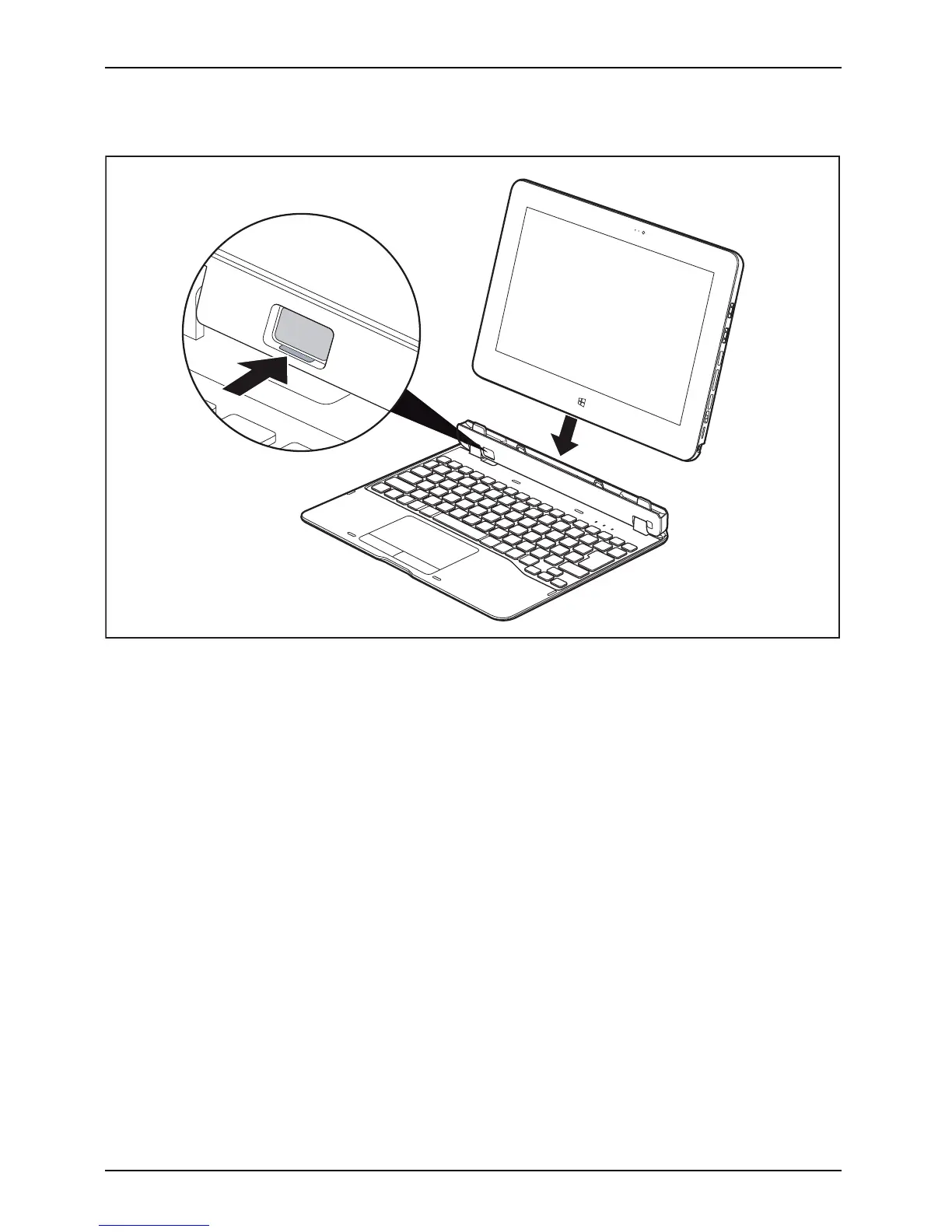
Connecting the Tablet PC to the keyboard cover
Keyboard cover
1
2
► Press the release button (1) until it remains in the pressed position (red marking becomes visible).
► Push the Tabl
et PC onto the keyboard cover in the direction of the arrow, until you feel it
engage on the
connector (2) and un til the release button returns to its original position.
46 Fujitsu



 To Next Page
 Loading...









