First-time setup of your device
Switching on the device for the first time
Switchingonforthefirst time
To make it easier to use your device for the first time, the operating system
is pre-installed on the hard disk.
1
2
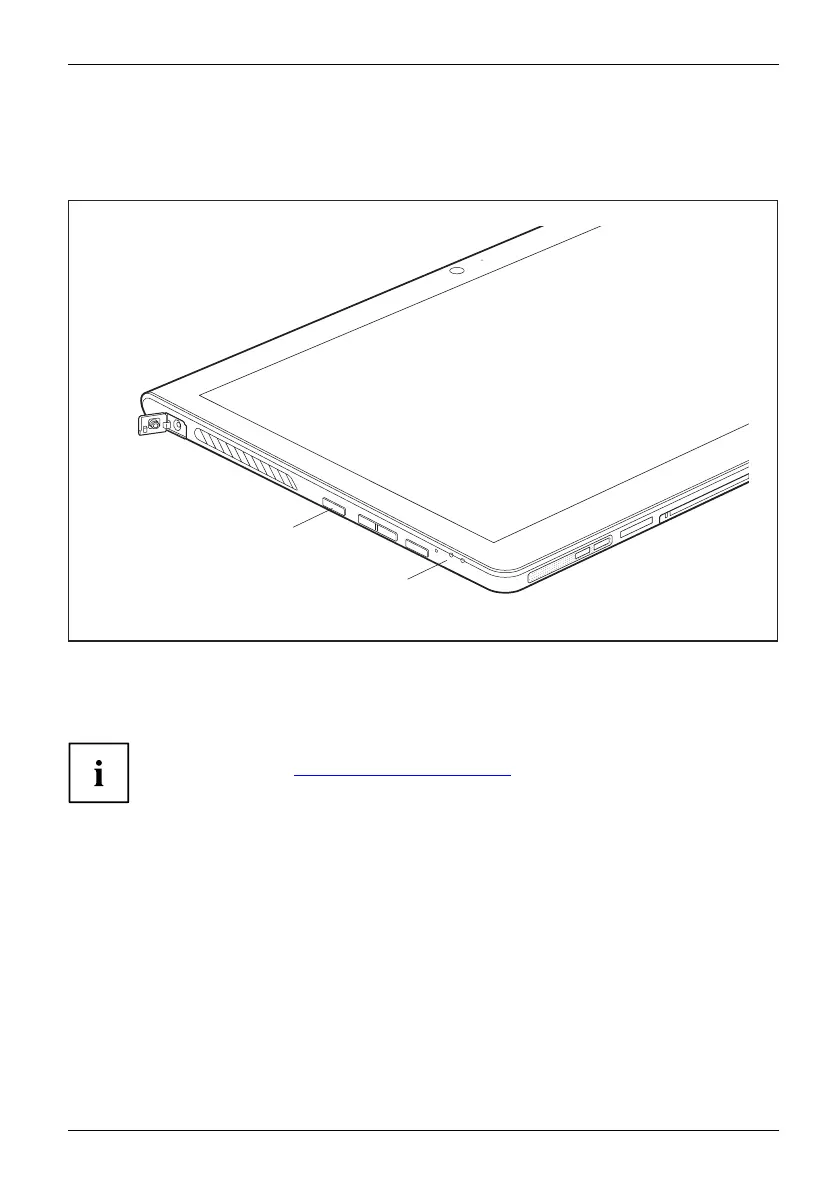
► Press the ON/OFF button (1) for about one second to switch the device on.
The power-on in dicator (2) lights up whenever the system is switched on.
► During the installation process, follow the on-screen instructions.
You can find info rmation and help on the Windows operating system
functions online at "
http://windows.microsoft.com".
If a Windows 8.1 operating system is installed on your Tablet PC, a tutorial
is automatically started when a new user logs on for the firsttimetoshow
you how to use the new functions of W i ndows 8.1.
Fujitsu 19



 To Next Page
 Loading...










