1. OPERATION
1-3
1.3 How to Adjust Display Brilliance and Key Back-
lighting
Adjust the display brilliance and key backlighting as follows. The display brilliance con-
trol is effective for these FURUNO monitors: MU-190, MU-190V, MU-150HD, MU-
190HD, MU-231.
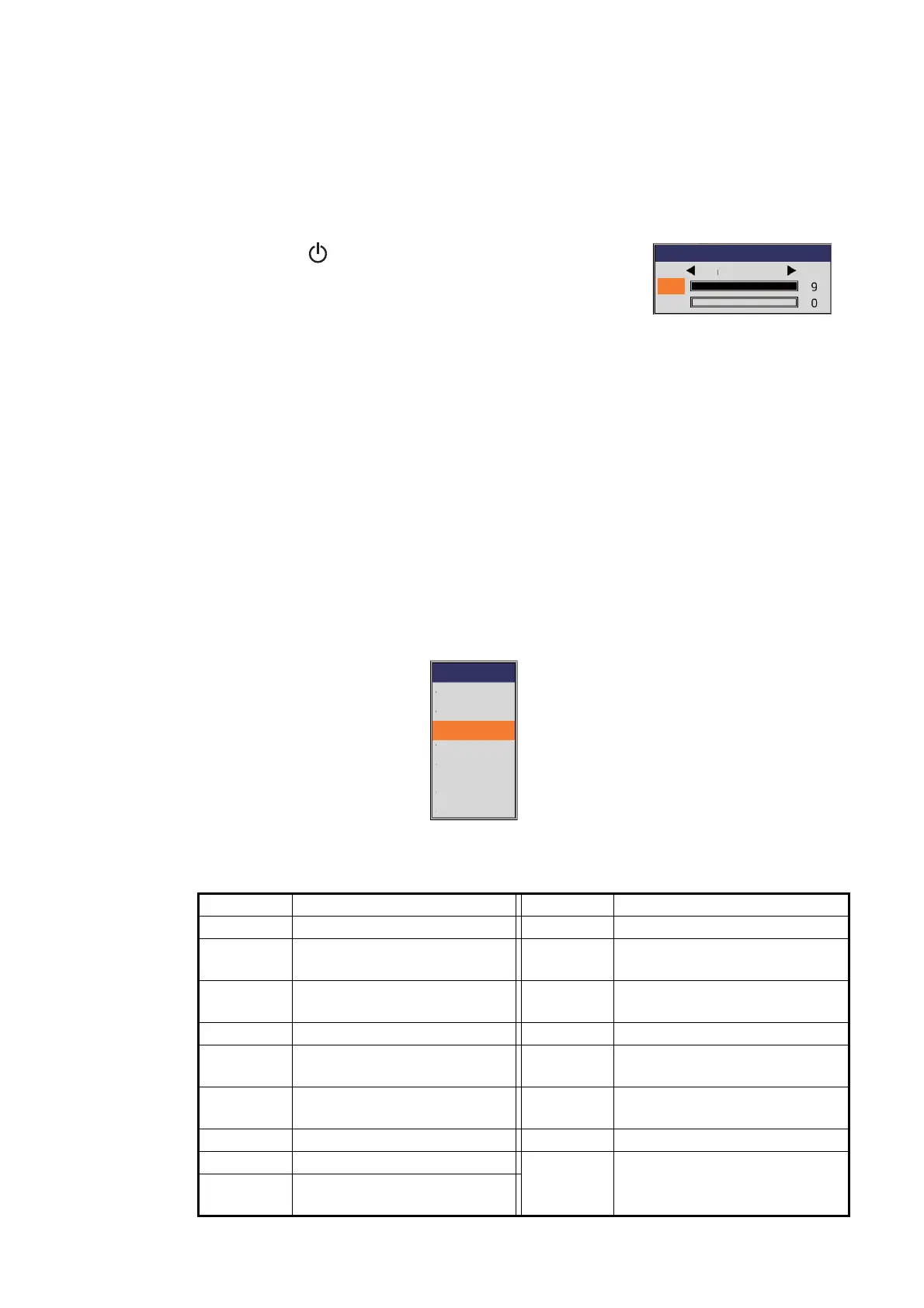
1. Press the key to show the brilliance adjustment
window.
2. Rotate the ENTER knob to select [LCD] or [KEY].
• [LCD]: Adjust the display brilliance (setting range: 0 to 9).
• [KEY]: Adjust the backlighting for the keys (setting range: 0 to 4).
3. Rotate the ENTER knob to change the setting value, then push the knob.
The brilliance adjustment window is automatically closed if there is no operation
for approx. six seconds.
1.4 How to Select Display Mode
This equipment has seven display modes. Select the display mode as shown in the
procedure below.
1. Press the MODE key to open the [Mode] window.
The [Mode] window is automatically closed if there is no operation for approx. six
seconds.
2. Rotate the ENTER knob to select the display mode, then push the knob.
The screen related to the mode you selected appears. The display mode in use
appears at the top left corner of the screen.
Indication Meaning Indication Meaning
HF High frequency LF_BD Low frequency bottom discrim
LF High frequency HF1 High frequency with gain set-
ting 1
HF_BL High frequency bottom lock HF2 High frequency with gain set-
ting 2
LF_BL Low frequency bottom lock Mix Mix display
HF_BZ High frequency bottom zoom HE High frequency external fish
finder
LF_BZ Low frequency bottom zoom LE Low frequency external fish
finder
HF_MZ High frequency marker zoom HT High frequency telesounder
LF_MZ Low frequency marker zoom LT Low frequency telesounder
HF_BD High frequency bottom dis-
crim
Mode
LF-ZOOM
LF
HF
HF-ZOOM
USER-1
USER-2
DUAL



 To Next Page