1. OPERATION
1-20
How to delete all screenshot files
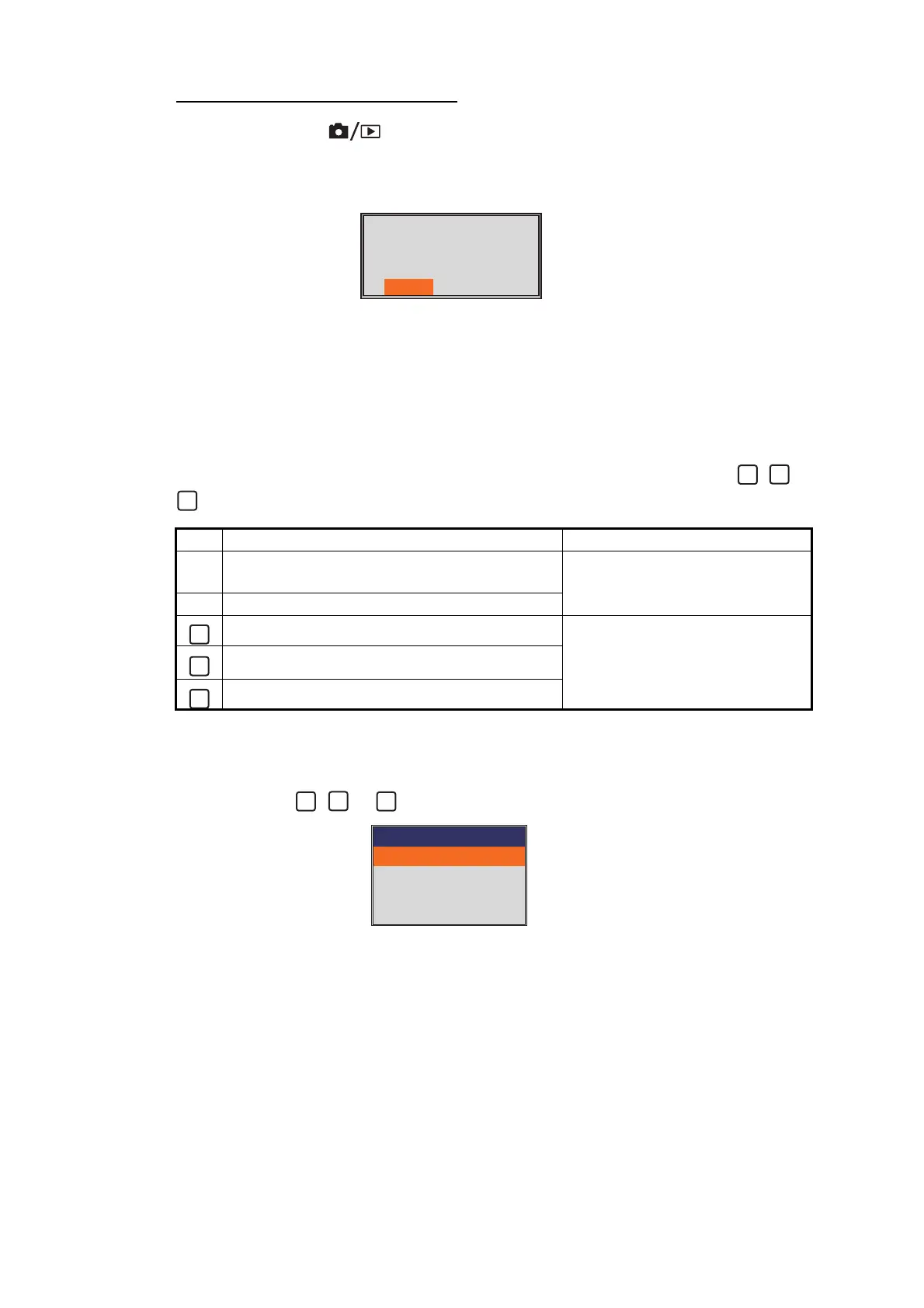
1. Long press the key to open the replay window.
2. Push the ENTER knob to show the menu window.
3. Select [All Delete], then push the ENTER knob.
4. Select [Yes], then push the ENTER knob.
5. Press the MENU/ESC key to close the replay window.
1.15 Function Keys
The function keys (F1 and F2 key) provide one-touch display of a user-defined options
window. For FCV-1900 and FCV-1900B, you can assign the function to the , or
key. The table below shows the functions available with each function key.
1.15.1 How to execute a program
1. For FCV-1900G, press the F1 or F2 key. For FCV-1900 and FCV-1900B, press
the F1, F2, , or key.
Default setting for F2 key
2. Change setting as appropriate.
Key Default setting Function
F1 For FCV-1900G: Graph Location
For FCV-1900B and FCV-1900: Interference
Menu items on the [Setting] tab
F2 TVG
Pic. Advance
No function, TVG, Pic. Advance,
Color Erase, A-Scope, Interfer-
ence, Clutter, White Edge, STC,
Bottom Zone, Freq Control
A-Scope
Color Erase
All capture files in the
internal memory will be
deleted. Are you sure?
Yes No
2
TVG
HF TVG Level
HF TVG Distance
LF TVF Level
LF TVG Distance
3
600ft
3
600ft



 To Next Page