1. OPERATION
1-26
6. Select [HF TVG Level] or [LF TVG Level] as applicable, then push the ENTER
knob.
7. Select the TVG level, then push the ENTER knob.
The higher the level the less the gain at near distance.
8. Press the MENU/ESC key several times to close the menu.
1.21 A-scope Display
This display shows echoes at each transmission with amplitudes and tone proportion-
al to their intensities, on the right side of the screen. It is useful for estimating the spe-
cies of a school of fish and bottom composition.
Note: In the horizontal split dual frequency display the A-scope display appears on
both high and low frequency displays. In the vertical split dual frequency display the
A-scope display only appears on the high frequency display.
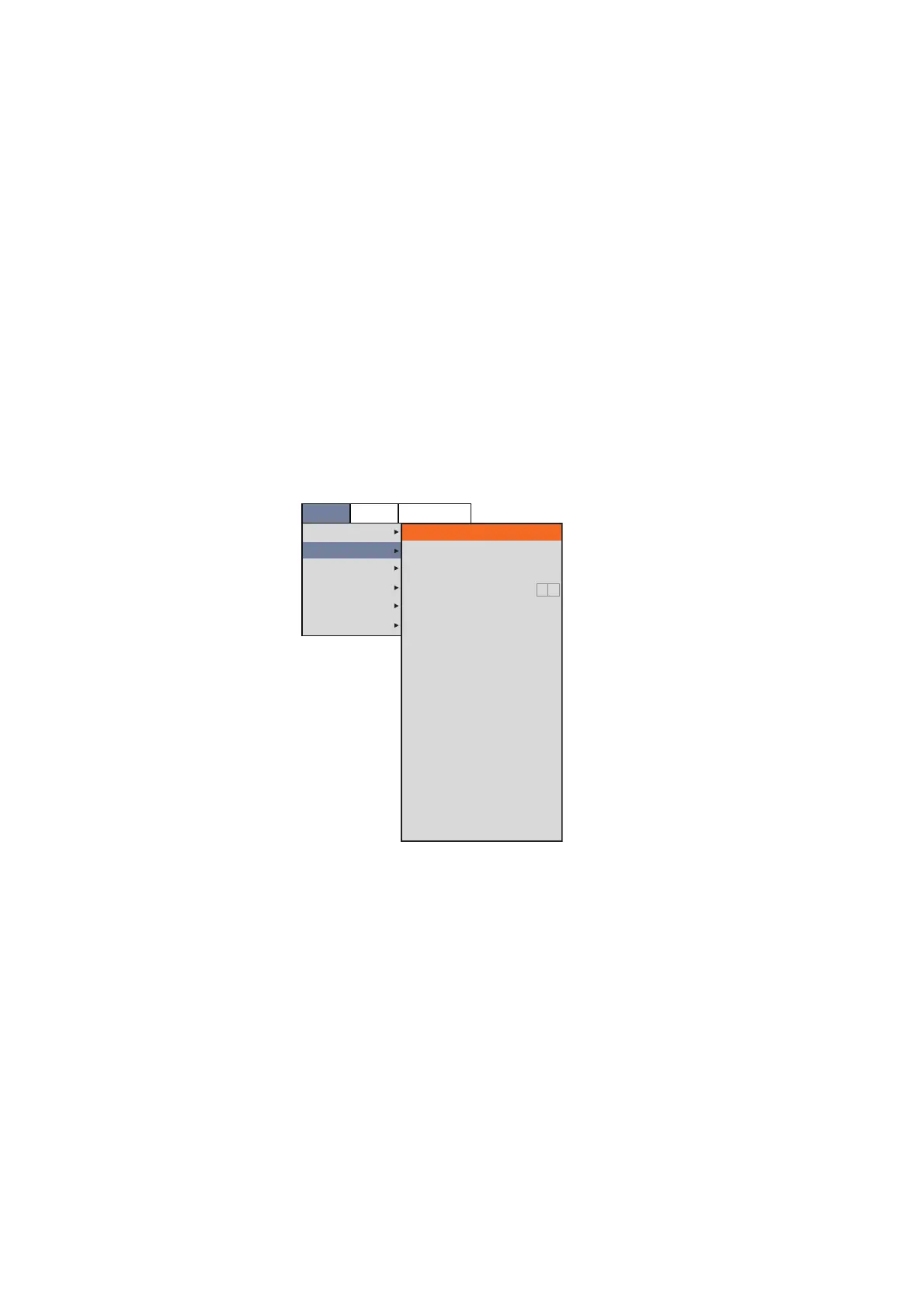
1. Press the MENU/ESC key, then open the [Setting] tab.
2. Select [Display], then push the ENTER knob.
3. Select [A-Scope], then push the ENTER knob.
4. Select the A-scope presentation desired, then push the ENTER knob.
• [Off]: The A-scope is not shown.
• [Normal]: Display shows echoes at each transmission with amplitudes and tone
proportional to their intensities.
• [Peak]: “Normal” A-scope display plus peak-hold amplitude echo in dots for last
five seconds.
5. Press the MENU/ESC key several times to close the menu.
Setting
Sounder
Display
Measurement
Alarm
Data
System
A-Scope
Temp Graph
Temp Color
Display Division
Window Size
Zoom Mode
Zoom Marker
Colors
Hue
Back Ground
Window Color
Depth Size
Depth Scale
Distance Scale
Color Bar
Function Display
Mode&Gain Setting
Off
Off
Std
1:1
Bottom Lock
On
64
Std
Dark Blue
Day
Normal
Right
Top
On
Key(F1/F2)
On
BBDS1
Telesounder



 To Next Page