1. OPERATION
1-18
1.13.4 Measuring fish in a specific area
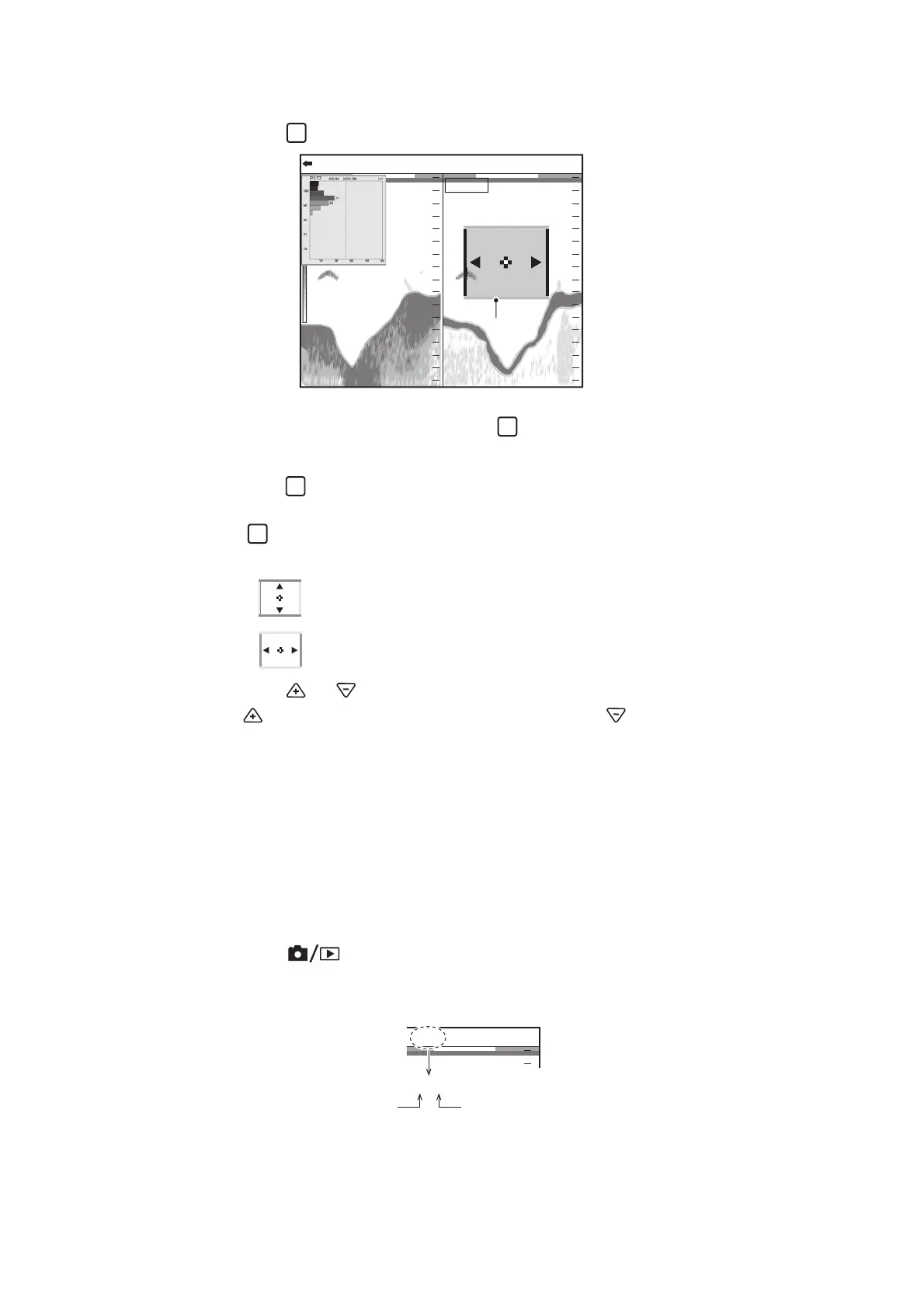
1. Press the key several times to the [Specific Area] measuring mode.
2. Confirm that the frame color of the fish size histogram is gray.
If the frame color is orange, press the key.
3. Move your finger across the touchpad to move the measuring marker.
4. Press the key to select the setting direction (lengthwise direction (depth) or
cross direction (time)).
The key switches the setting direction between lengthwise direction (depth)
and cross direction (time).
5. Press the or key to adjust the measuring range.
The key increases the measuring range, and the key decreases the mea-
suring range.
1.14 Save and Replay a Screenshot
A maximum of 99 screenshots can be saved in the internal memory. You can replay
a screenshot at any time.
1.14.1 How to save a screenshot
1. Press the key to save the screenshot.
The picture at the moment the key is pressed is saved in the internal memory
(PNG file). The count of the screenshots appears at the top of the display.
Note: When you try to save more than 99 screenshots, the message "Not enough
memory to save screen. Delete unnecessary files." appears. In this situation, do as
follows;
47.6
m
0.0
20
40
60
80
0
20
40
60
80
0
0/99
x
1
x
1
x
1
VRM 0.0
HF: 2.0LF: 2.0
Measuring
area
Measurement marker
(yellow/orange frame)
Measurement marker
(yellow/orange frame)
: Lengthwise direction
(Orange: top and bottom, Yellow: left and right)
: Cross direction
(Orange: top and bottom, Yellow: left and right)
0.0
0
1/99 VRM 0.0
1/99
Count of the
screenshots
Maximum number



 To Next Page